shadcn.io is an independent project built on shadcn/ui
One switch is on screen and it starts on. There is no visible label. Its accessible name is Wi-Fi.
Use it when the setting should begin enabled, such as a connection that is already on. A later form submit fits a Checkbox. In Svelte, Ark UI toggles it with Space and with Enter.
Installation
Anatomy
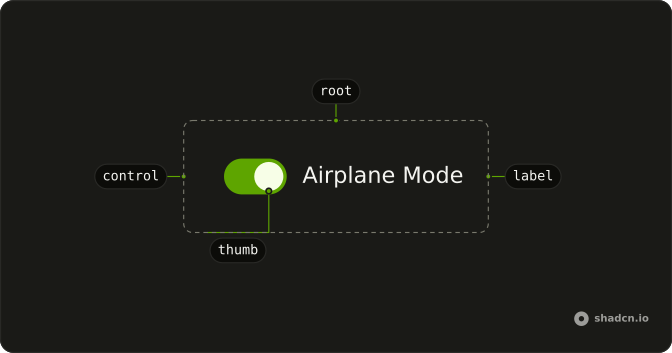
Usage
<Switch aria-label="Wi-Fi" defaultChecked />FAQ
How do I control this switch in Svelte?
The switch starts on through its default prop, which only sets the starting state; after that it keeps its own state. To control it, keep the on or off state in your own state and pass it back.
The prop is defaultChecked.
Pass checked; onCheckedChange receives details.checked.
What do screen readers call this switch?
It has no visible label, so the demo passes aria-label (Wi-Fi). Change it to the setting the switch controls, or use a visible FieldLabel instead.
How do I stop people from toggling it?
Disable it. The switch then matches data-disabled, which fades it to half opacity and sets cursor-not-allowed.
Pass disabled.
How do I make this switch smaller?
Set size="sm". The default size is default. For a different track or thumb, edit those classes in the Switch file in your ui folder.
API Reference
Switch
Sets aria-label="Wi-Fi" and defaultChecked. The rest is on the Switch page.