shadcn.io is an independent project built on shadcn/ui
One small switch is on screen and it starts off. There is no visible label. Its accessible name is Compact mode.
Use the small size in a dense row or a table. The default size is the one to start from. A form field that submits later fits a Checkbox. In Svelte, Ark UI keeps this switch's own on or off state.
Installation
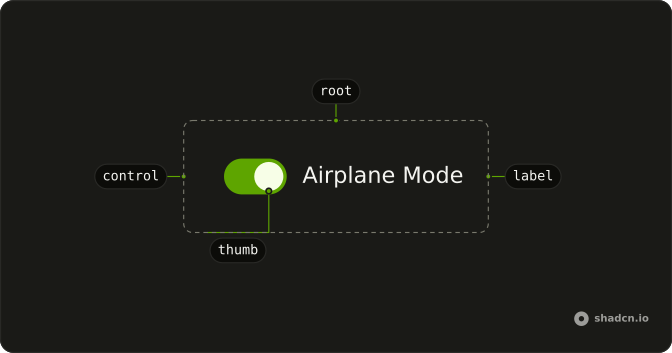
Anatomy
Usage
<Switch aria-label="Compact mode" size="sm" />FAQ
How is this switch made smaller?
It sets size="sm", the built-in small size. The default size is default. Both sizes keep the thumb in proportion with the track.
Can I pick my own track size?
size sets data-size on the Switch, and the track and thumb sizes for each value are classes in the Switch file in your ui folder. Edit them there, or add another size, rather than overriding the height and width on one switch.
Is the small switch big enough to tap?
The track is small, but the Switch adds an invisible hit area around it with an after: pseudo-element, so the target is larger than what you see. Prefer the default size on touch-first screens.
How do I control this switch in Svelte?
Nothing in this file sets the on state, so the switch starts off and keeps its own state. To control it, keep the on or off state in your own state and pass it back. To start it on, use the default prop.
The prop is defaultChecked.
Pass checked; onCheckedChange receives details.checked.
API Reference
Switch
Sets aria-label="Compact mode" and size="sm". The rest is on the Switch page.