shadcn.io is an independent project built on shadcn/ui
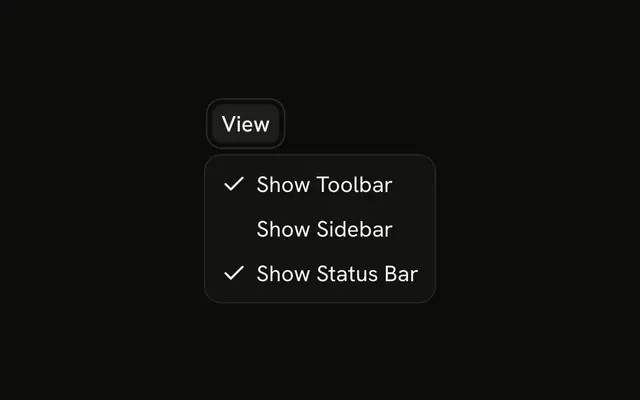
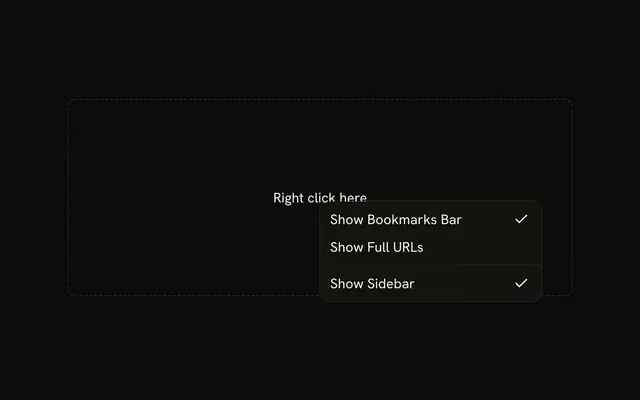
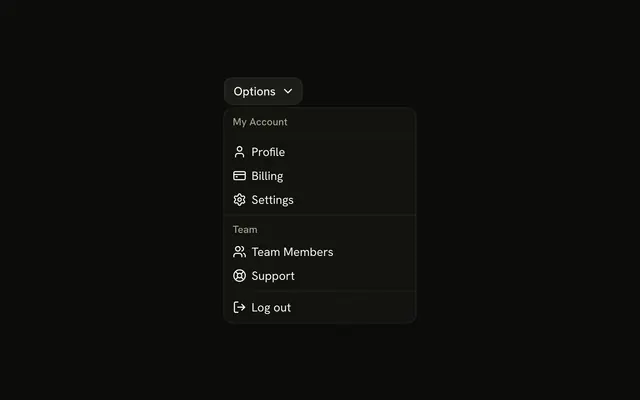
View opens Status Bar, Activity Bar, and Panel as separate checkbox rows under Appearance. The button always reads View. The checks are only inside the menu.
Use it when several panels can be on together and should stay out of the toolbar. A choice that stays on the page can be a Switch. In Svelte, Ark UI does not hide a real panel for you.
Installation
Anatomy

Usage
<DropdownMenu><DropdownMenuTrigger>{#snippet asChild(props)}<Button {...props()} variant="outline"><SlidersHorizontalIcon aria-hidden="true" data-icon="inline-start" />View</Button>{/snippet}</DropdownMenuTrigger><DropdownMenuContent class="w-56"><DropdownMenuGroup><DropdownMenuLabel>Appearance</DropdownMenuLabel><DropdownMenuSeparator /><DropdownMenuCheckboxItem checked={statusBar} onCheckedChange={setStatusBar} value="status-bar">Status Bar</DropdownMenuCheckboxItem><DropdownMenuCheckboxItem checked={activityBar} onCheckedChange={setActivityBar} value="activity-bar">Activity Bar</DropdownMenuCheckboxItem><DropdownMenuCheckboxItem checked={panel} onCheckedChange={setPanel} value="panel">Panel</DropdownMenuCheckboxItem></DropdownMenuGroup></DropdownMenuContent></DropdownMenu>FAQ
Which rows start checked?
Status Bar starts checked; Activity Bar and Panel start off. Each row toggles on its own.
Each DropdownMenuCheckboxItem takes checked, onCheckedChange, which receives a boolean, and a value.
API Reference
Dropdown Menu
Sets checked={statusBar}, onCheckedChange={setStatusBar}, value="status-bar", checked={activityBar}, onCheckedChange={setActivityBar} and value="activity-bar". The rest is on the Dropdown Menu page.
Button
Sets props and variant="outline". The rest is on the Button page.