shadcn.io is an independent project built on shadcn/ui
One checkbox labeled Indeterminate state. It opens on the dash, not a check and not an empty box.
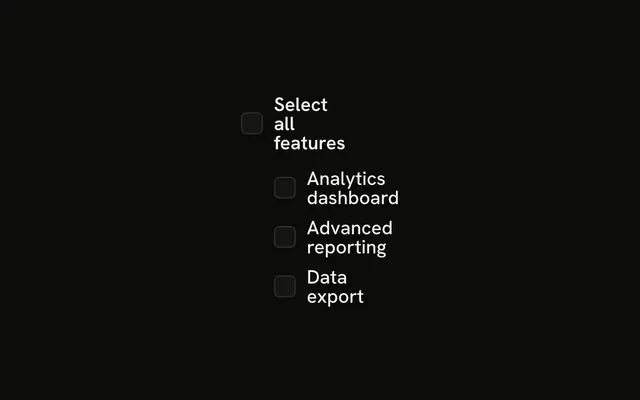
Use the dash for a select-all that covers only some rows. A Table of selectable rows is the usual place for it. On Svelte, Ark UI does not decide what the dash means.
Installation
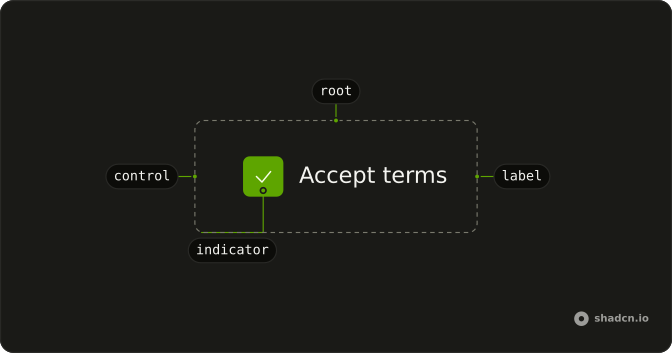
Anatomy
Usage
<Field class="w-fit" orientation="horizontal"><Checkbox checked={checked} name="indeterminate" onCheckedChange={handleCheckedChange} /><FieldLabel>Indeterminate state</FieldLabel></Field>FAQ
When should I use indeterminate state?
On a parent checkbox when only some of its children are checked: a select-all over a list, a permission group partly granted, a table with a few rows selected. A plain yes-or-no never needs it.
How do I manage indeterminate state in Svelte?
This demo holds the state and starts it at indeterminate. The first change stores the next checked value.
Pass checked as "indeterminate". onCheckedChange receives { checked }.
What does indeterminate look like visually?
The box shows a dash (MinusIcon) instead of a check, distinct from both an empty and a ticked box.
What happens when users click an indeterminate checkbox?
The first click stores the next boolean, so the dash becomes a check. The click after that clears it. The box is controlled, so both moves go through the same handler.
API Reference
Field
Sets orientation="horizontal". The rest is on the Field page.
Checkbox
Sets checked={checked}, name="indeterminate" and onCheckedChange={handleCheckedChange}. The rest is on the Checkbox page.