shadcn.io is an independent project built on shadcn/ui
Quantity starts at 1, between a minus button and a plus button. Minus stops at 1. Plus keeps going. People can also type in the field.
Use it for a small count, such as items in a cart. Stepping and a minimum kept for you already exist on Number Input. In Svelte, Ark UI does not clamp what you type here.
Installation
Anatomy
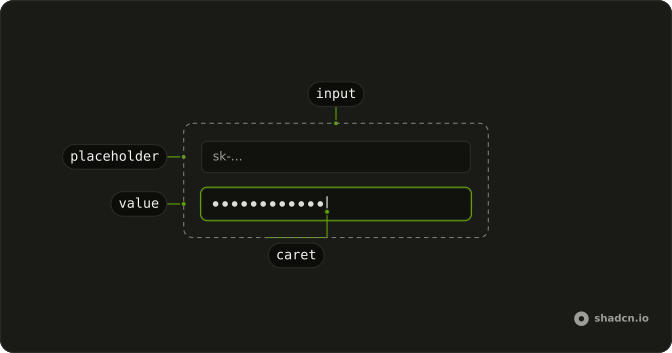
Usage
<Field class="w-full max-w-sm"><FieldLabel>Quantity</FieldLabel><div class="flex gap-2"><Button aria-label="Decrease quantity" onclick={handleDecrement} size="icon-md" type="button" variant="outline"><MinusIcon aria-hidden="true" /></Button><Input class="bg-background text-center" min="1" oninput={handleChange} type="number" value={value} /><Button aria-label="Increase quantity" onclick={handleIncrement} size="icon-md" type="button" variant="outline"><PlusIcon aria-hidden="true" /></Button></div></Field>FAQ
Can people type the quantity?
Yes. The input is type number with min 1, and what's typed is converted to a number and stored. text-center centers the digits between the buttons.
How do screen readers know what the buttons do?
They show only an icon, MinusIcon or PlusIcon with aria-hidden, so each has an aria-label: Decrease quantity and Increase quantity.
Is there a ready-made number field?
Yes. Number Input has increment and decrement controls, clamping, step and formatting built in. This example builds the pattern from an Input and two Buttons.
API Reference
Field
No extra props in this demo. The rest is on the Field page.
Button
Sets aria-label="Decrease quantity", onclick={handleDecrement}, size="icon-md", type="button", variant="outline" and aria-label="Increase quantity". The rest is on the Button page.
Input
Sets min="1", oninput={handleChange}, type="number" and value={value}. The rest is on the Input page.