shadcn.io is an independent project built on shadcn/ui
One trigger, File, opens three plain rows: New File, Open and Save. There is no icon, shortcut or separator.
Start here for a single menu of text commands. If it stays one menu, a Dropdown Menu is enough. In Svelte, Ark UI does not open a file.
Installation
Anatomy
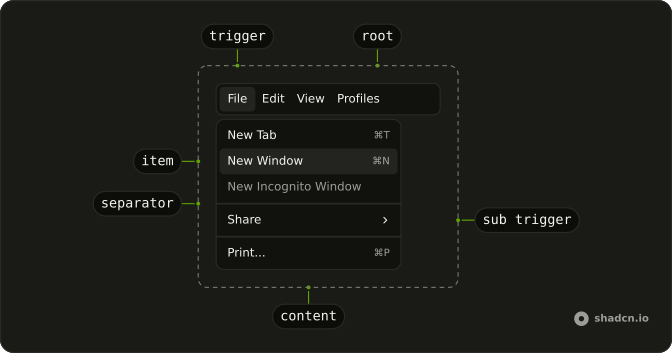
Usage
<Menubar><MenubarMenu><MenubarTrigger>File</MenubarTrigger><MenubarContent><MenubarItem value="new-file">New File</MenubarItem><MenubarItem value="open">Open</MenubarItem><MenubarItem value="save">Save</MenubarItem></MenubarContent></MenubarMenu></Menubar>FAQ
Which parts make up this menubar?
Menubar holds one MenubarMenu, which holds a MenubarTrigger that reads File and a MenubarContent with three MenubarItems.
How do I add Edit beside File?
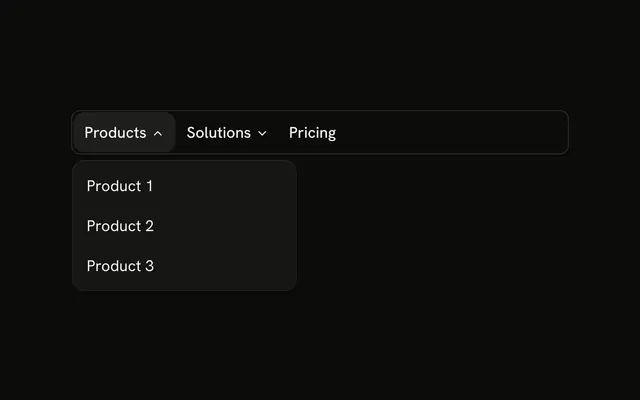
Add a second MenubarMenu after the first, with its own MenubarTrigger and MenubarContent.
How do I show a keyboard hint on Save?
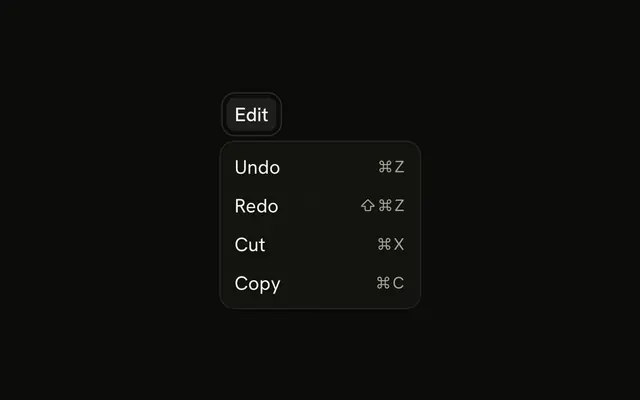
Add a MenubarShortcut after the label, such as ⌘S. It only prints the hint; bind the key yourself.
Can I operate this menubar from the keyboard?
Yes. Focus File and press Enter, Space or Arrow Down to open it, move with the arrow keys, Enter to choose, and Escape to close.
Should a single File menu be a dropdown?
If it will stay a single menu, a Dropdown Menu on a button is simpler. Use the menubar when more menus will join it.
API Reference
Menubar
Sets value="new-file", value="open" and value="save". The rest is on the Menubar page.