shadcn.io is an independent project built on shadcn/ui
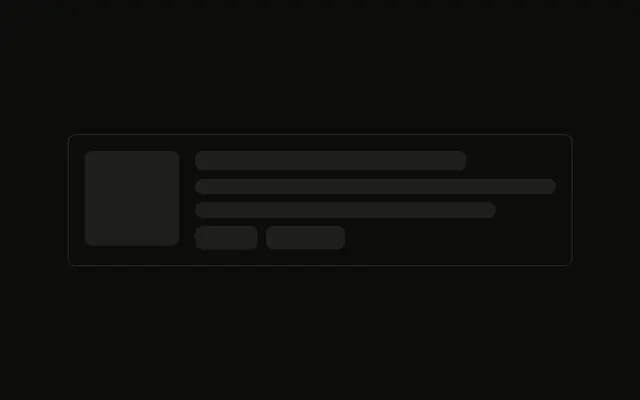
An image runs to the card edges, then a title and three lines, then a price and a button on one row. The image bar drops its rounding so the card can clip it.
Use it for a store card whose picture is the top of the card. A known upload is clearer as Progress. In Svelte, Ark UI does not price the product.
Installation
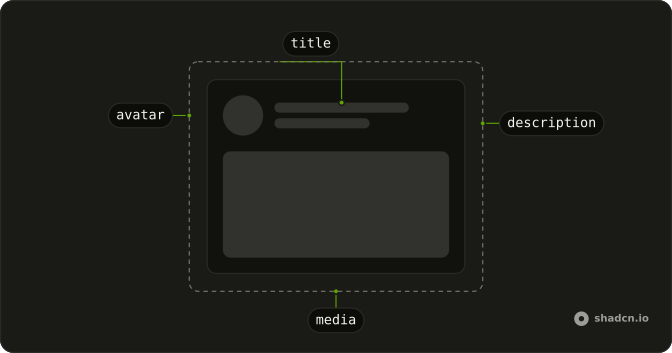
Anatomy
Usage
<div class="flex w-full max-w-sm flex-col gap-3 overflow-hidden rounded-md border"><Skeleton class="h-40 w-full rounded-none" /><div class="flex flex-col gap-3 p-4"><Skeleton class="h-5 w-2/3" /><Skeleton class="h-4 w-full" /><Skeleton class="h-4 w-5/6" /><Skeleton class="h-4 w-4/6" /><div class="mt-2 flex items-center justify-between"><Skeleton class="h-6 w-20" /><Skeleton class="h-9 w-24" /></div></div></div>FAQ
How is the card clipped?
flex w-full max-w-sm flex-col gap-3 overflow-hidden rounded-md border. overflow-hidden clips the image to the card's corners.
Why does the image use rounded-none?
h-40 w-full rounded-none clears the style's default radius so the bar runs edge to edge. The card's rounded-md and overflow-hidden clip it.
What is in the text block?
flex flex-col gap-3 p-4. The title is h-5 w-2/3. Three h-4 lines follow at w-full, w-5/6 and w-4/6.
API Reference
Skeleton
No extra props in this demo. The rest is on the Skeleton page.