shadcn.io is an independent project built on shadcn/ui
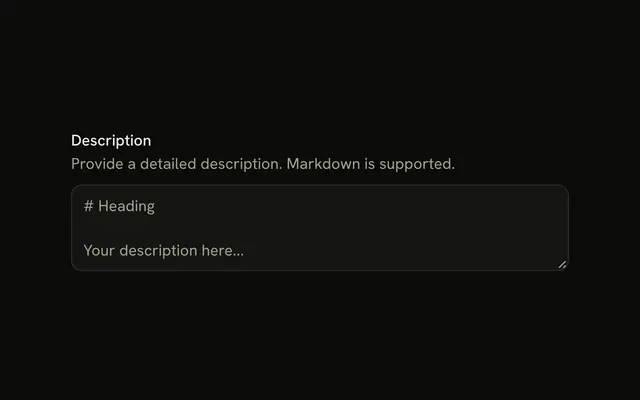
The label Notes comes first. The line Add any additional notes here sits between that label and the textarea. The placeholder is Type here.
Use it when people need an instruction before they type. A note about where the text ends up can sit under the field instead. One line belongs in an Input. In React, Base UI does not turn that line into an error.
Installation
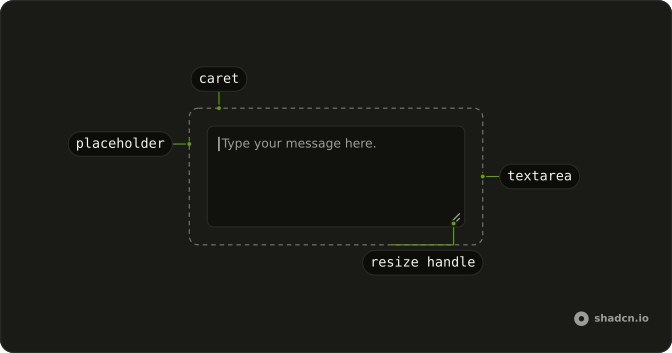
Anatomy
Usage
<Field className="max-w-md">
  <FieldLabel htmlFor="textarea-description">Notes</FieldLabel>
  <FieldDescription>Add any additional notes here</FieldDescription>
  <Textarea
    className="bg-background"
    id="textarea-description"
    placeholder="Type here..."
  />
</Field>
FAQ
When should I add description text below the label?
When the label alone doesn't say enough: a format to follow, a limit, who will read it. If the description only repeats the label, such as Notes and Enter notes, drop it.
Why use text-muted-foreground for description text?
FieldDescription uses the muted color and a smaller size so the label stays the first thing people read and the description reads as supporting text. The muted token keeps enough contrast in both themes.
How much spacing should be between label and description?
Field spaces its children evenly, and a FieldDescription followed by one more child pulls itself up a little, so the label and description read as a pair with the field a step below. Change the gap on the Field if your form needs another rhythm.
How long should description text be?
One short sentence. For several rules, link to a help page or use a list, rather than a paragraph people will skip.
API Reference
Field
Sets htmlFor="textarea-description". The rest is on the Field page.
Textarea
Sets id="textarea-description" and placeholder="Type here...". The rest is on the Textarea page.