shadcn.io is an independent project built on shadcn/ui
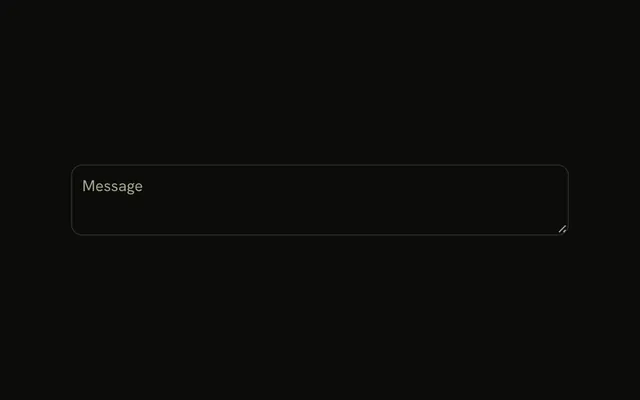
The label Message sits beside a textarea, on one row. The field is three rows tall, with the placeholder Type here.
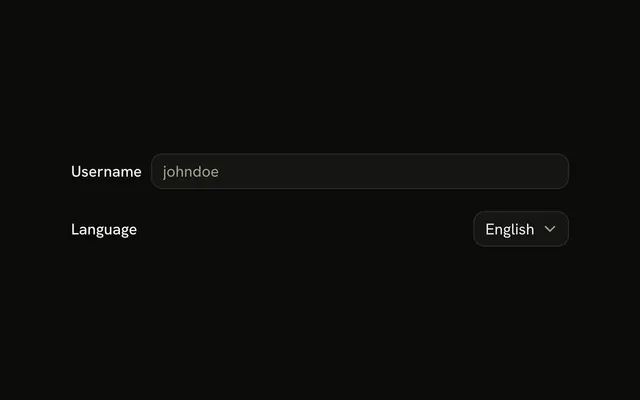
Use it in a settings panel where rows scan faster than a stack. On a narrow screen, put the label above. One line belongs in an Input. In React, Base UI does not switch the layout for you.
Installation
Anatomy
Usage
<Field className="max-w-md" orientation="horizontal">
  <FieldLabel className="w-20" htmlFor="textarea-inline-label">
    Message
  </FieldLabel>
  <Textarea
    className="field-sizing-fixed min-h-0 bg-background"
    id="textarea-inline-label"
    placeholder="Type here..."
    rows={3}
  />
</Field>
FAQ
How do I align the label with a multi-line textarea?
The horizontal Field centers its children, which suits a three-row Textarea. For a taller one, add items-start to the Field so the label lines up with the first line of text.
Why use fixed width w-20 for the inline label?
w-20 gives the label the same width on every row, so a stack of inline fields starts its controls at one edge. Widen it to fit your longest label.
What gap spacing works best for inline label layouts?
The Field's own gap, as here, keeps the label and field visibly apart but paired. Change it with a gap-* class on the Field and use the same value on every row.
When should I use inline labels instead of labels above?
In settings panels and admin forms with many short fields, where rows scan faster than stacks. On narrow screens and for long labels, put the label above; orientation set to responsive switches between the two with the container's width.
API Reference
Field
Sets orientation="horizontal" and htmlFor="textarea-inline-label". The rest is on the Field page.
Textarea
Sets id="textarea-inline-label", placeholder="Type here..." and rows={3}. The rest is on the Textarea page.