shadcn.io is an independent project built on shadcn/ui
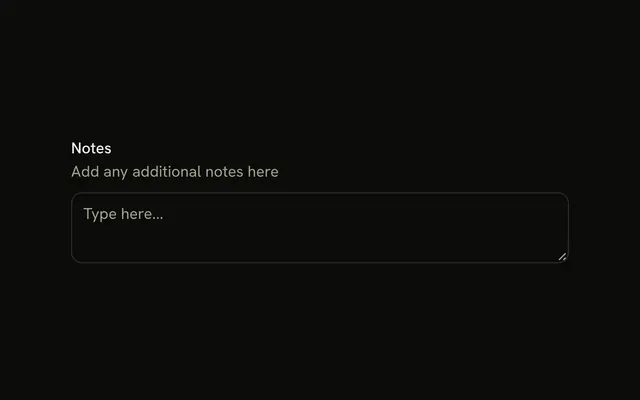
The label Comment sits above the textarea. The placeholder is Add your comment. Clicking the label focuses the field.
Use it as the usual form field, with the label above. Put the label beside the field only in a dense settings row. One line of text belongs in an Input. In React, Base UI does not write the label.
Installation
Anatomy
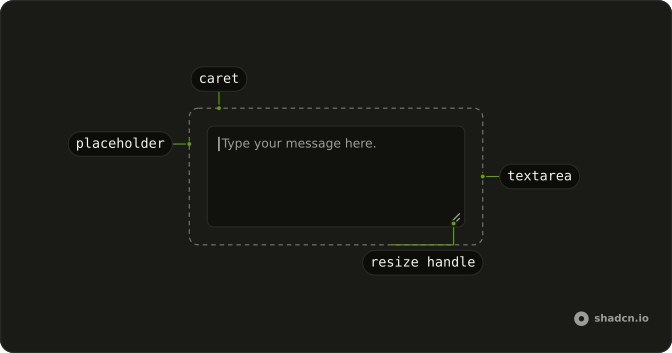
Usage
<Field className="max-w-md">
  <FieldLabel htmlFor="textarea-label">Comment</FieldLabel>
  <Textarea
    className="bg-background"
    id="textarea-label"
    placeholder="Add your comment..."
  />
</Field>
FAQ
How does the FieldLabel link to the Textarea?
The label's for attribute points at the Textarea's id, which gives the field its accessible name and makes clicking the label focus it.
Give the Textarea an id and point the FieldLabel at it with htmlFor, as the demo does.
Should the label go above or beside the textarea?
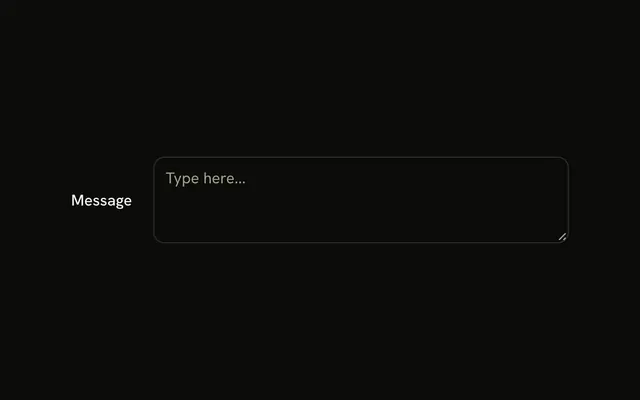
Above, as here, for most forms: a textarea is tall, and a label above reads naturally and fits any width. Put it beside only in dense settings layouts, as the Textarea with Inline Label example does.
What spacing should I use between label and textarea?
The Field sets it, the same gap as every other field, so forms stay consistent. Change it with a gap-* class on the Field if your form needs more or less.
How do I indicate a required textarea field?
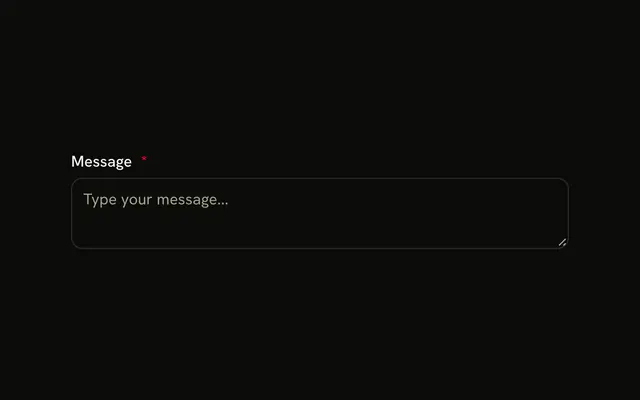
Set required so the browser and screen readers know, and add an asterisk to the label for sighted users. The Required Textarea example shows both.
API Reference
Field
Sets htmlFor="textarea-label". The rest is on the Field page.
Textarea
Sets id="textarea-label" and placeholder="Add your comment...". The rest is on the Textarea page.