shadcn.io is an independent project built on shadcn/ui
The dashed area reads Right click here. Bold, Italic, Underline, and Strikethrough each show shortcut text. Clear Formatting follows.
Use it for formatting next to the selected text. A toolbar Toggle Group is better when people need to see which styles are on. In Vue, Ark UI does not bold the text.
Installation
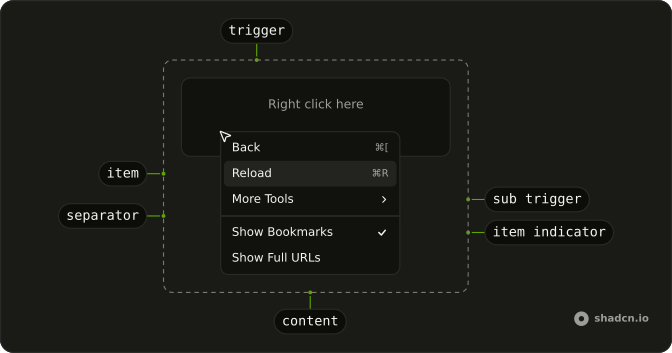
Anatomy
Usage
<ContextMenu>
  <ContextMenuTrigger class="flex h-[200px] w-full max-w-lg items-center justify-center rounded-md border border-dashed text-sm">
    <span class="pointer-fine:inline-block hidden">Right click here</span>
    <span class="pointer-coarse:inline-block hidden">Long press here</span>
  </ContextMenuTrigger>
  <ContextMenuContent class="w-56">
    <ContextMenuGroup>
      <ContextMenuItem value="bold">
        <BoldIcon aria-hidden="true" />Bold<ContextMenuShortcut>⌘B</ContextMenuShortcut>
      </ContextMenuItem>
      <ContextMenuItem value="italic">
        <ItalicIcon aria-hidden="true" />Italic<ContextMenuShortcut>⌘I</ContextMenuShortcut>
      </ContextMenuItem>
      <ContextMenuItem value="underline">
        <UnderlineIcon aria-hidden="true" />Underline<ContextMenuShortcut>⌘U</ContextMenuShortcut>
      </ContextMenuItem>
      <ContextMenuItem value="strikethrough">
        <StrikethroughIcon aria-hidden="true" />Strikethrough<ContextMenuShortcut>⌘⇧X</ContextMenuShortcut>
      </ContextMenuItem>
    </ContextMenuGroup>
    <ContextMenuSeparator />
    <ContextMenuGroup>
      <ContextMenuItem value="clear-formatting">Clear Formatting</ContextMenuItem>
    </ContextMenuGroup>
  </ContextMenuContent>
</ContextMenu>
FAQ
Do the shortcuts work?
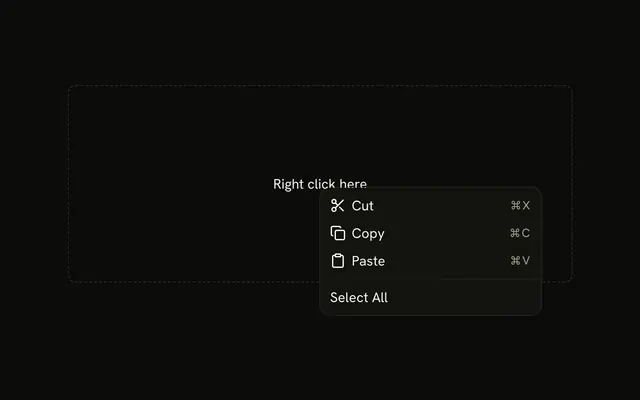
Not by themselves: ContextMenuShortcut is only a label at the end of the item. Listen for those keys in your app so they work without opening the menu.
How are the icons added?
A Lucide icon as the first child of each item, hidden from assistive tech since the label names the action. The menu styles size and space it.
What opens the menu?
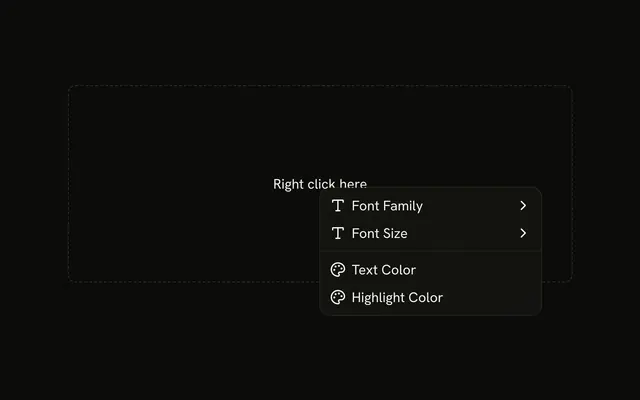
A right-click inside the dashed area, which reads Right click here on a mouse and Long press here on a touch screen.
The area is ContextMenuTrigger; a long press on it opens the menu too.
Wrap your own row, file or canvas in the trigger instead.
How do I run an action when an item is chosen?
Each item has a value; listen to @select on ContextMenu, which receives { value }.
The menu closes after the action runs.
How do keyboard and touch users find these actions?
The arrow keys move through an open menu, Enter runs an item and Escape closes it. A right-click is easy to miss, so also offer the same actions from a visible button, such as a Dropdown Menu.
How do I show which styles are on?
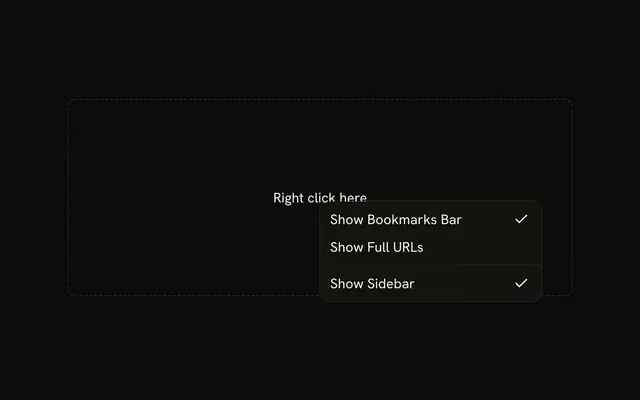
Make them checkbox items, as the checkboxes example does, so the styles already applied are checked.
API Reference
Context Menu
Sets value="bold", value="italic", value="underline", value="strikethrough" and value="clear-formatting". The rest is on the Context Menu page.