shadcn.io is an independent project built on shadcn/ui
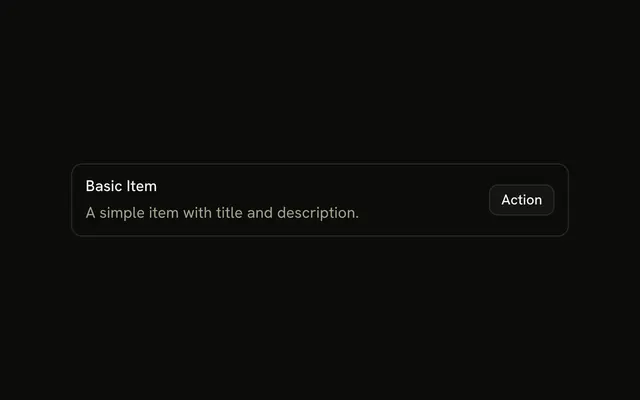
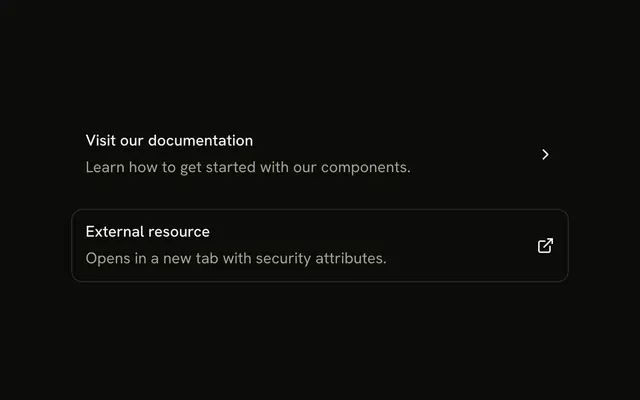
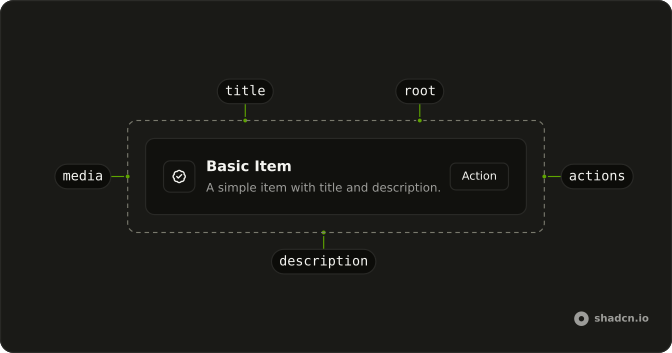
Two outline rows. Default Size Item has a description and an Action button. Small Size Item is shorter, with a verified icon, the title and a chevron, and the row is a link.
Use the smaller row in dense lists and menus. Use the default when the row needs a description and a button. A Card is roomier still. On Vue, Ark UI does not scale the button with the row.
Installation
Anatomy
Usage
<div class="flex w-full max-w-md flex-col gap-6">
  <Item class="bg-background" variant="outline">
    <ItemContent>
      <ItemTitle>Default Size Item</ItemTitle>
      <ItemDescription>A simple item with title and description.</ItemDescription>
    </ItemContent>
    <ItemActions><Button size="sm" variant="outline">Action</Button></ItemActions>
  </Item>
  <Item :asChild="true" class="bg-background" size="sm" variant="outline">
    <a href="#">
      <ItemMedia><BadgeCheckIcon aria-hidden="true" class="size-5" /></ItemMedia>
      <ItemContent><ItemTitle>Small Size Item</ItemTitle></ItemContent>
      <ItemActions>
        <ChevronRightIcon aria-hidden="true" class="size-4" />
      </ItemActions>
    </a>
  </Item>
</div>
FAQ
When should I use size sm instead of the default?
Use the default for primary lists where each row has a title and a description. Use sm for denser places: sidebars, menus, settings with many rows, or one-line rows like the second one here. xs goes further for very compact menus.
How does size affect ItemMedia?
The image variant of ItemMedia steps down with the Item's size, to size-8 at sm and size-6 at xs. Icons and avatars keep their own size, so the example sets size-5 on the badge icon itself.
Should the actions scale with the Item's size?
Pick a matching size yourself; Item doesn't resize what you put in ItemActions. The default row uses a sm button so it doesn't make the row taller, and the small row only has a decorative chevron.
Can an Item change size between mobile and desktop?
size is a prop, not a responsive class, so pick one per list. If you need different spacing on small screens, override the padding with responsive classes on the Item, or render the list with a different size depending on the layout.
API Reference
Item
Sets variant="outline", asChild and size="sm". The rest is on the Item page.
Button
Sets size="sm" and variant="outline". The rest is on the Button page.