Line Chart Examples
41 line charts, from a plain two-series card to brushes, forecast bands and charts that share one cursor. Each on React, Vue, Svelte and Solid, drawn with TanStack Charts in your theme. Line chart docs and API.
Every line chart example
41 examples.
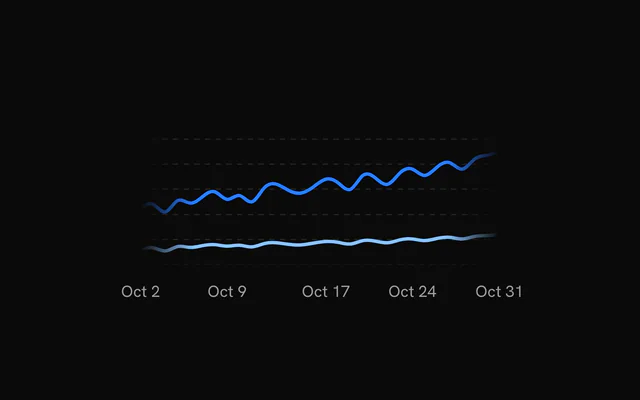
- Line ChartLine chartTwo series over thirty days, drawn in from the left, with a crosshair and a date pill.
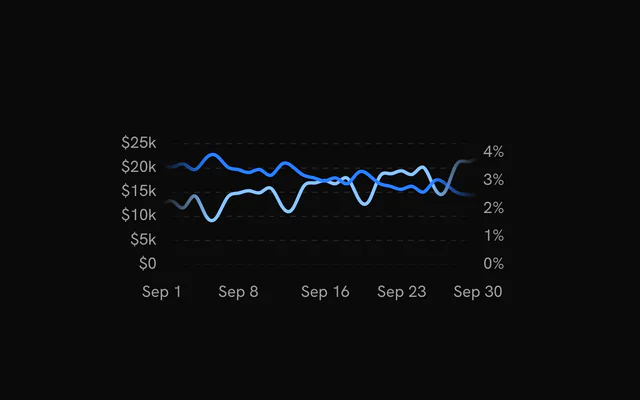
- Line Chart with Dual AxisLine chartRevenue and conversion rate on their own scales, dollars on the left axis and percent on the right.
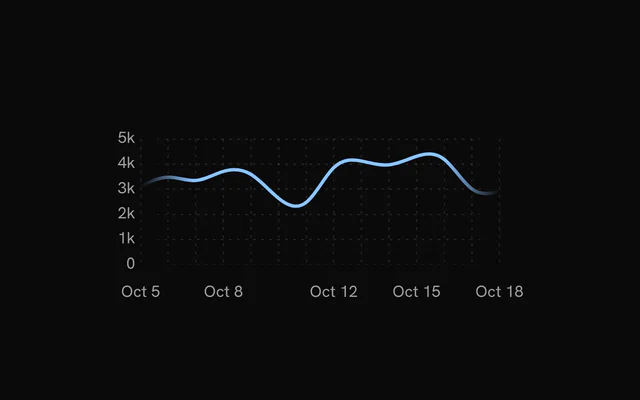
- Line Chart with GridLine chartOne series over a dotted grid of rows and columns, with value labels on the left.
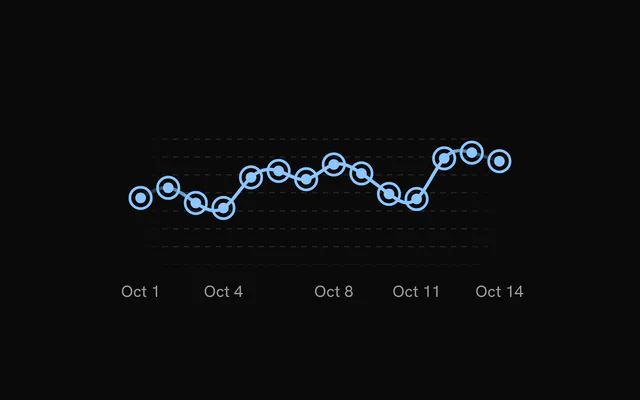
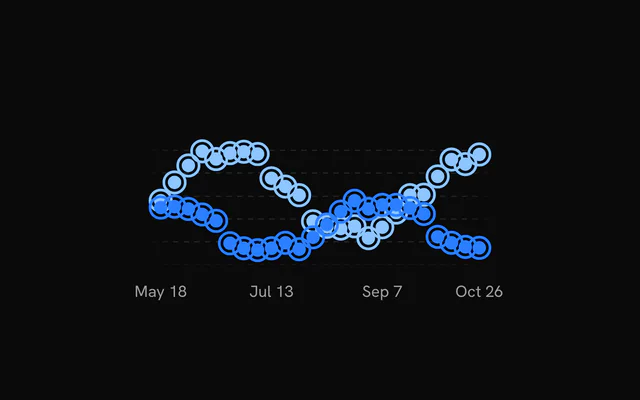
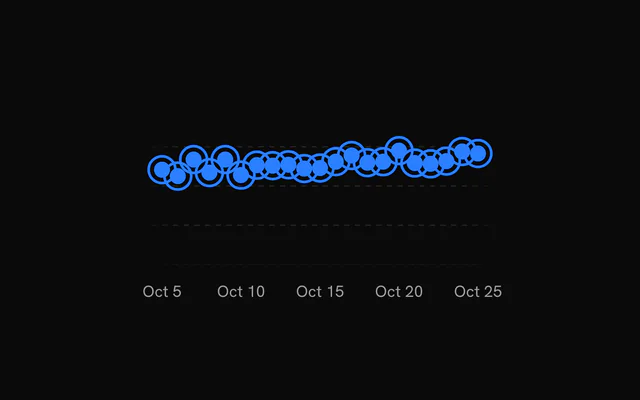
- Line Chart with PointsLine chartA ringed point on every day that grows on hover while the others dim.
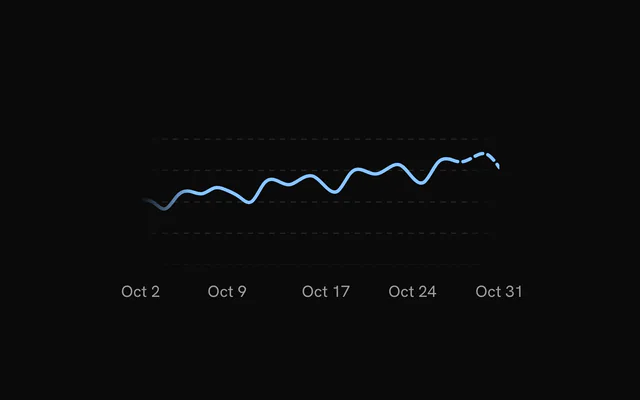
- Dashed Line ChartLine chartThe last five days turn dashed, since that period hasn't settled yet.
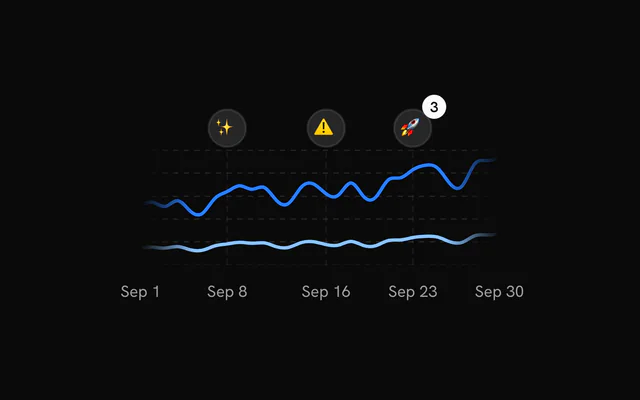
- Line Chart with MarkersLine chartRelease events pinned to their dates, same-day events stacked into a cluster that fans out on hover.
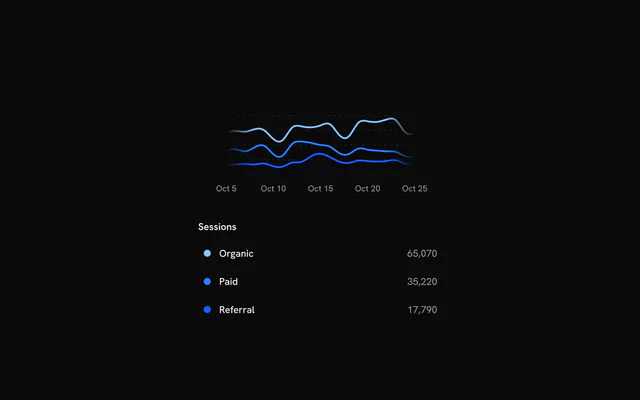
- Line Chart with LegendLine chartThree channels with a legend whose rows dim the other lines on hover.
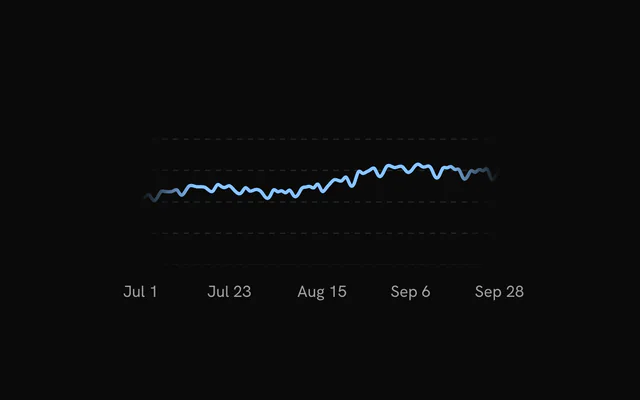
- Line Chart with Time RangeLine chartA 7, 30 or 90 day switch that redraws the line in place and glides the scale.
- Line Chart with Segment SelectionLine chartDrag across the plot to select a stretch, shaded between two guide lines.
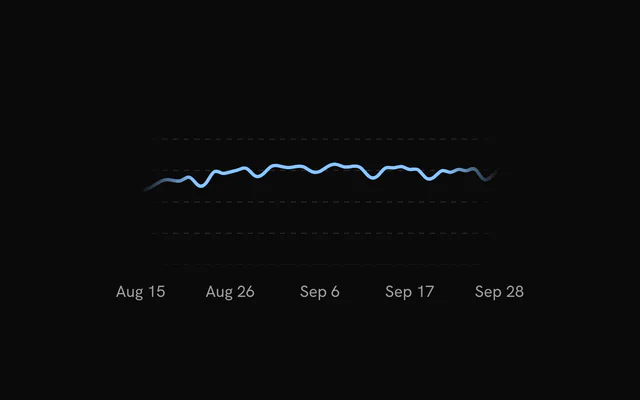
- Line Chart with BrushLine chartAn overview strip underneath whose window, dragged or resized, sets the range above.
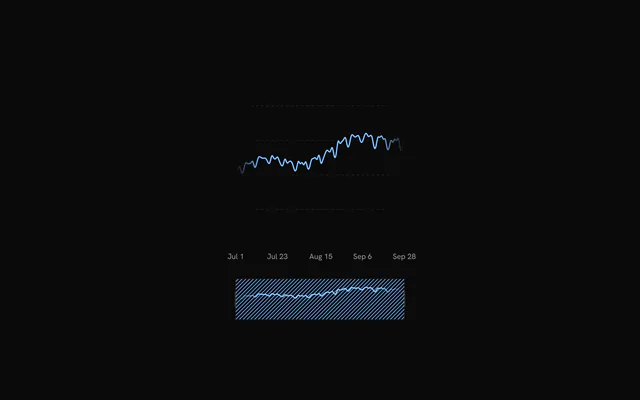
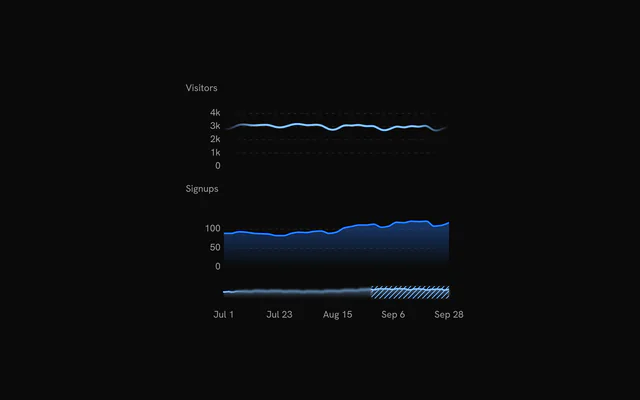
- Line Chart with Linked BrushLine chartOne brush strip zooms two detail charts, and hovering either shows the crosshair on both.
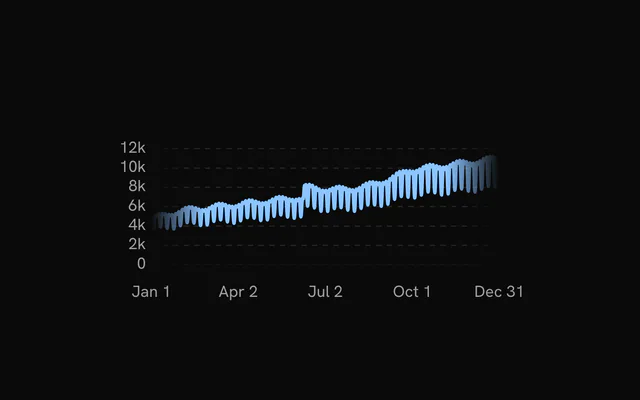
- Line Chart with Zoom and PanLine chartA year of daily users to zoom with Ctrl or Cmd and the wheel, then pan by dragging.
Or describe it. With Pro, your AI agent installs the line chart example you describe, on your framework.
Get ProGalleries
More chart examples
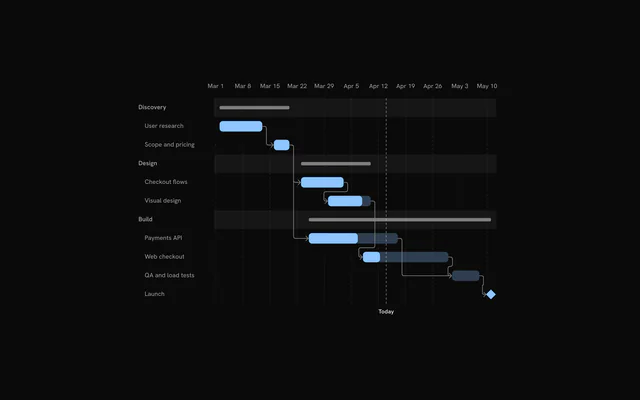
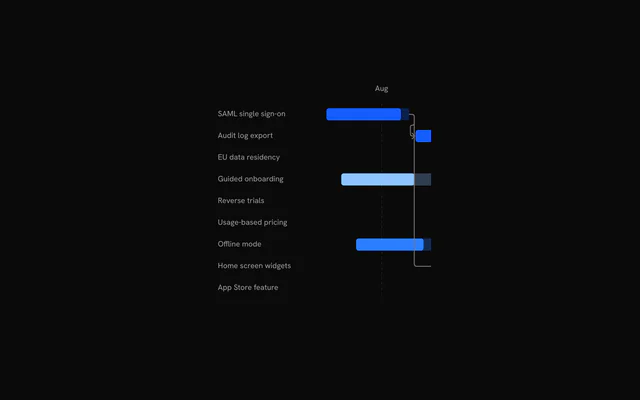
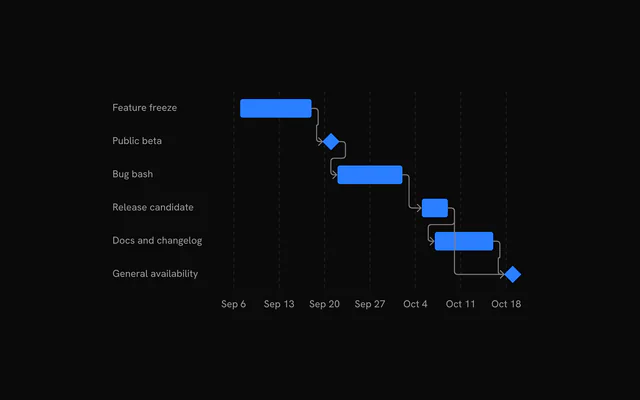
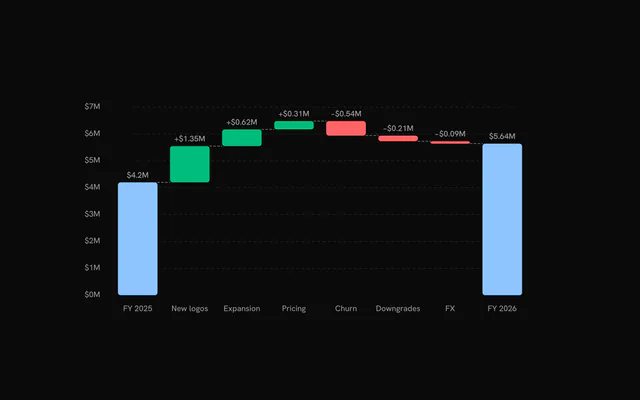
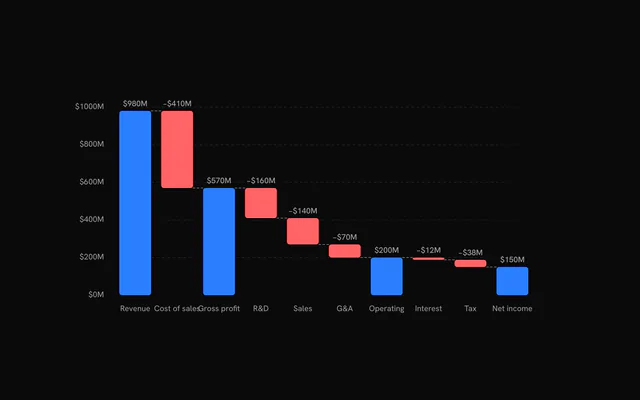
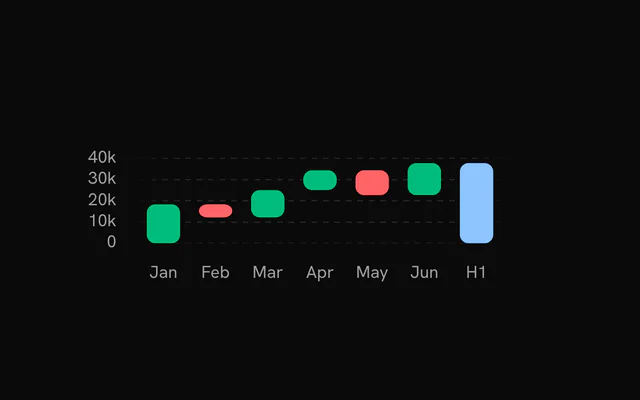
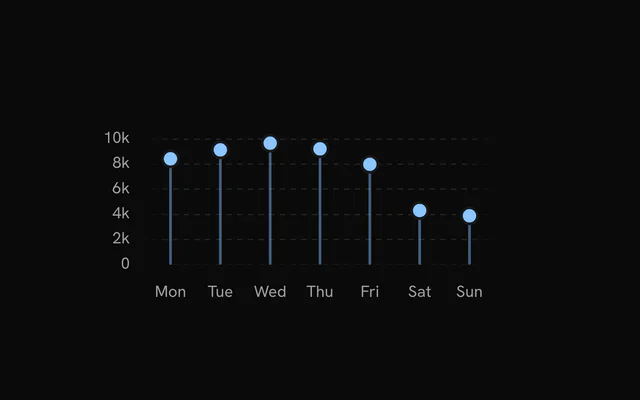
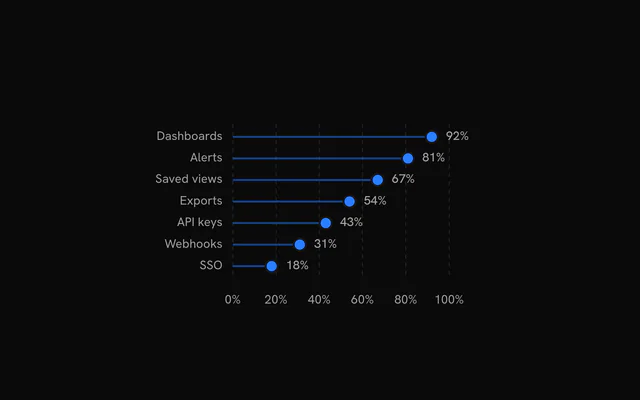
8 more chart types, free: open one for its examples and their code.
Pricing
Line Chart examples MCP, with Pro
Your AI agent installs any of the 1434 examples, and every component, block and icon, with every Pro plan.
4.9/5 out of 5 · 150+ reviewsfrom 150+ founders and developers.
- Secure checkout via Stripe
- Code lives in your repo
- Keep what you've shipped if you cancel
- License terms
FAQ
Frequently asked questions
41: Line Chart, Line Chart with Dual Axis, Line Chart with Grid, Line Chart with Points, Dashed Line Chart, Line Chart with Markers, Line Chart with Legend, Line Chart with Time Range, Line Chart with Segment Selection, Line Chart with Brush, Line Chart with Linked Brush, Line Chart with Zoom and Pan, Line Chart with Synced Cursors, Line Chart with Linked Table, Line Chart with Projection, Line Chart with Manual Projection, Line Chart with Threshold, Profit and Loss Line Chart, Profit and Loss Line Chart with Legend, Line Chart with Band, Line Chart with Range Area, Line Chart with Band Ranges, Line Chart with Bollinger Bands, Line Chart with Band Fill Types, Line Chart with Faded Band, Line Chart with Band Edges, Line Chart with Weekends, Line Chart with Deadline, Line Chart with Deadline Fills, Line Chart with Date Highlights and Brush, Line Chart with Glow, Line Chart with Trend Line, Line Chart with Bollinger Bands on a Floating Axis, Line Chart with Point Crosshair, Line Chart with Fixed Scale, Straight Line Chart, Line Chart with Export, Line Chart with Large Data, Line Chart Loading State, Chart Data Table and Line Chart Loading Placeholder. Each page has the live chart, its code and a one-line install.
Signed in, copy the chart's command: `npx shadcn@latest add` with its URL. It adds the chart to `components/charts`, the `chart-kit` kit every chart imports, and `@tanstack/charts`. Import the chart and render it.
Yes. Every chart is free to use in personal and commercial projects. Seeing the code and installing it takes a free account, one tap with Google or GitHub. Pro is the site's paid plan for blocks, the Pro collections and the MCP, and the charts don't need it.
4.9 out of 5 from 150+ developers


Every line chart example. One prompt away.
Every line chart example is free with an account. With Pro, your AI agent installs them from a prompt.
Get Pro