AVIF texture effect.
Drop an AVIF and give it a surface: paper, canvas or print texture from a light noise over the pixels. Enough to feel, not enough to see.
AVIF texture effect.
Need the UI around it? With Pro, your AI agent builds the form, the result card and the rest of the page from a prompt.
Get ProHow it works
4 steps, no account. It runs in your browser and nothing is uploaded.
Drop the image
Drop an AVIF (or any image) onto the pane, or choose one; the preview shows it at once.
Set the grain
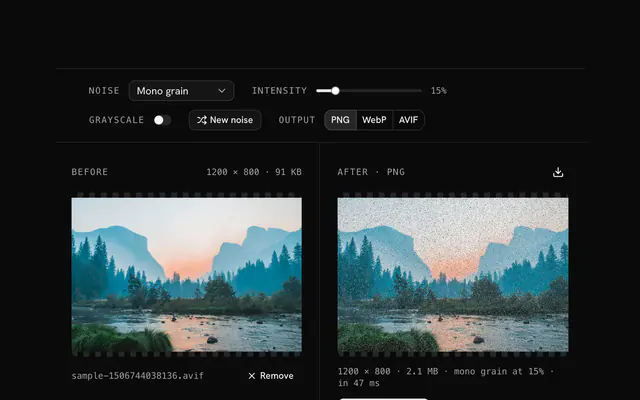
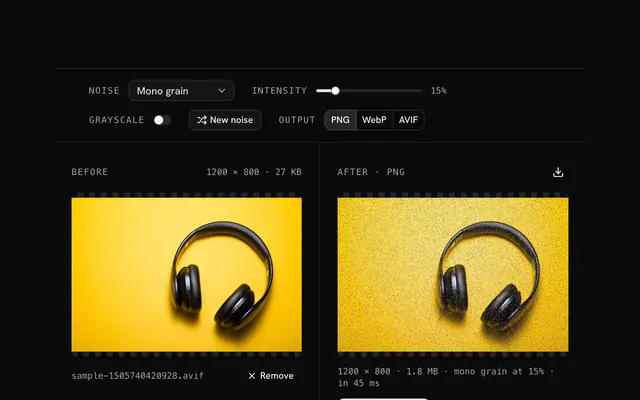
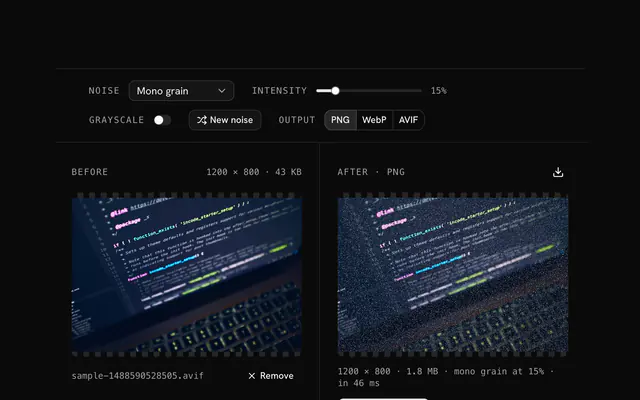
Pick a noise mode and move the intensity slider; turn on grayscale to go monochrome first.
Reroll it
Press New noise for another pattern with the same settings, as many times as you like.
Pick the format and download
Choose PNG, WebP or AVIF and download; AVIF needs a browser that encodes it.
Related tools
More AVIF tools. Every one free, in the browser.
Pricing
Build it with Pro
The tool is free. Pro adds 6,000+ blocks, premium templates and the MCP server, so your AI editor builds the product around it.
4.9/5 out of 5 · 150+ reviewsfrom 150+ founders and developers.
- Secure checkout via Stripe
- Code lives in your repo
- Keep what you've shipped if you cancel
- License terms
Questions and answers
Before you trust the result: what to know about the format, the limits, your data and the tools next to it.
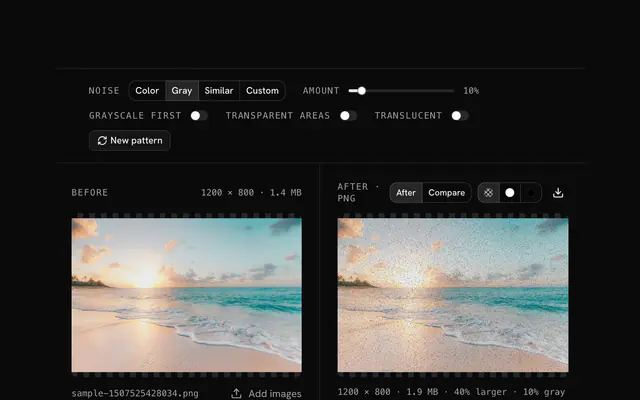
Color variation at 8 to 15 percent. It moves each pixel a little from its own color, like the fibres of a sheet, without sprinkling foreign colors into the image.
Mono grain at 15 to 25 percent. Canvas has a coarser surface than paper, and the stronger grey grain reads as a weave while the colors stay yours.
Palette noise. It samples colors from the image itself, so the roughness looks like part of the surface rather than something laid over it.
5 to 10 percent of color variation: a good print has a faint texture that you sense more than see. Higher values suggest a cheaper print.
Texture under 10 percent can be smoothed away by a low-quality AVIF encode. Use a little more intensity, or a higher quality, when the result is re-encoded.
Intensity is the share of opaque pixels that get a new value, from 0 to 100 percent. At 5 to 15 percent the grain reads as texture; at 40 percent and up it reads as static. Fully transparent pixels are never touched, so a cut-out keeps its edges.
Random pixels writes any color. Mono grain writes a grey. Color variation nudges each channel by up to 28 steps, so the image keeps its colors. Palette noise reuses colors sampled from the image. Custom colors draws from the list you type, as hex or names.
The grain is drawn from a seed, so the same settings give the same picture until you press New noise, which draws a fresh pattern. Export several and you have frames for an animation.
PNG and WebP are written by every browser. AVIF is written only where the browser's canvas encodes it, which is Chrome and Edge today; elsewhere the AVIF choice falls back to PNG and the status line says so.
No. The file is decoded by your browser and every pixel is handled by JavaScript on your device. The page makes no request with your image, and you can load it, go offline and keep working.
No. The "AVIF texture effect" tool is free and opens without a sign-in, an account or an install.
Nothing. The "AVIF texture effect" tool holds your input in the page's memory, so closing or reloading the tab clears it, and it saves nothing in this browser.
Up to 100 MB per file, the limit the tool states under its drop area. A larger file is refused with a plain message instead of being decoded.
No, it takes one file at a time. If you drop or choose several, only the first is used; run the tool again for the next one.
You choose PNG, WebP or AVIF, and PNG is the default so the grain isn't compressed away. AVIF is written only in a browser that can encode it; otherwise the tool writes a PNG and says so.
No. The browser decodes the image and the tool writes a new file from its pixels, so camera EXIF, GPS position and text chunks in the original are not copied into the result. Keep the original file if you need them.
No. The result has the same width and height in pixels as the source.
Closest to the "AVIF texture effect" tool: AVIF noise generator, Add grain to an AVIF, AVIF static noise generator, Texture overlay generator. Each opens on its own page, free and in the browser.
The "AVIF texture effect" tool is one of 37 in its group. The group's page, /tools/avif, lists them all.
The tool is free. Its interface is built from shadcn.io's own components (Button, Input, Slider and the rest of the registry under /ui), which come in React, Vue, Svelte and Solid. Pro adds the blocks and templates for the product around it.
4.9 out of 5 from 150+ developers


Build the product around it
Every block, template and icon, installed by your AI agent in your theme. The tools stay free.
Get Pro