AVIF tools.
Convert and edit AVIF, the next-generation image format, in the browser. 37 tools, free, each running in your browser with nothing uploaded.
Every one of the AVIF tools
37 tools.
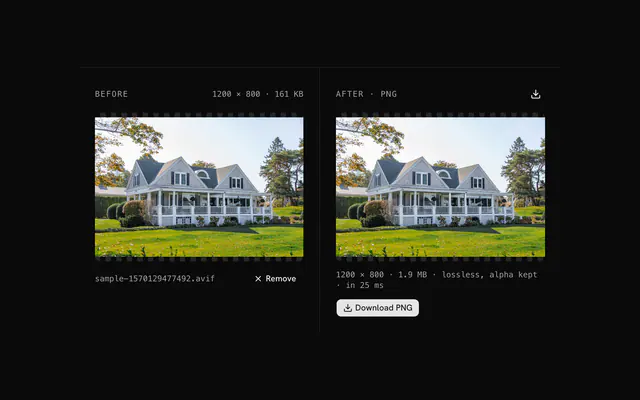 AVIF to PNG converterConvertDrop an AVIF and get a lossless PNG with its transparency intact.
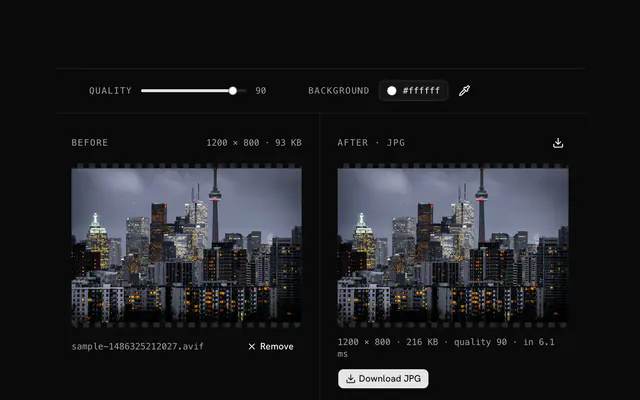 AVIF to JPG converterConvertDrop an AVIF, set the quality and the background color, and download a JPG that opens anywhere.
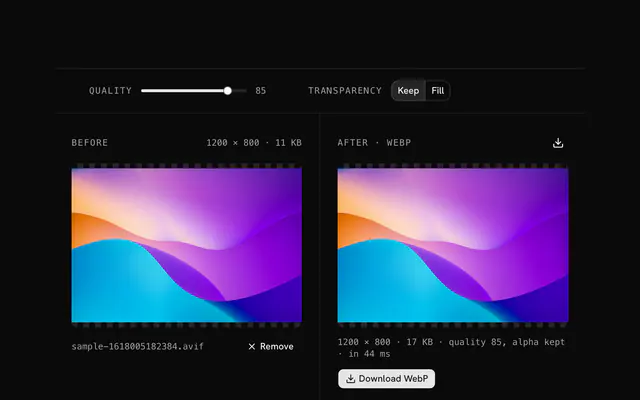 AVIF to WebP converterConvertDrop an AVIF and get a WebP with its transparency kept or filled, at the quality you choose.
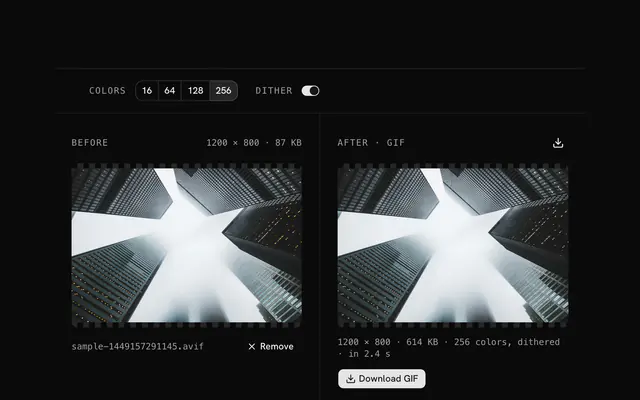 AVIF to GIF converterConvertDrop an AVIF and get a GIF89a with a palette of up to 256 colors, dithered or not.
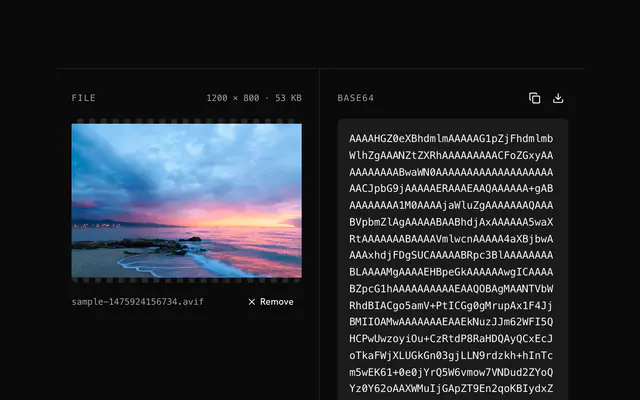 AVIF to Base64 encoderBase64 and data URIsDrop an AVIF and get its bytes as one Base64 string, ready to copy into a config or an API body.
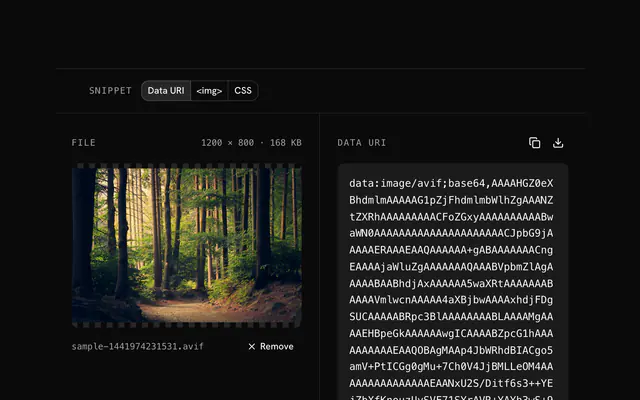 AVIF to data URI converterBase64 and data URIsDrop an AVIF and get a data:image/avif;base64 URI, bare or wrapped in an <img> tag or a CSS url().
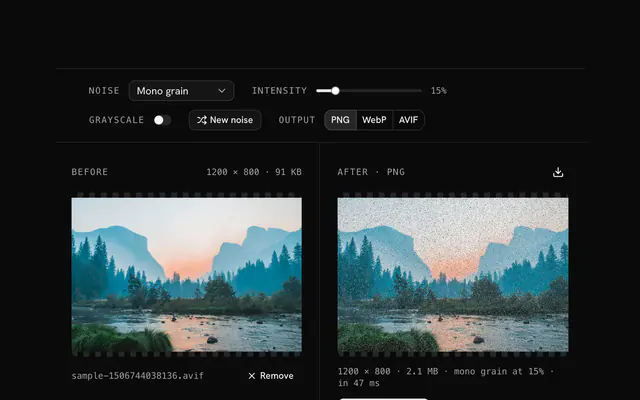 AVIF noise generatorGrain and textureDrop an AVIF and add grain, texture or static in five noise modes, from a whisper to a storm.
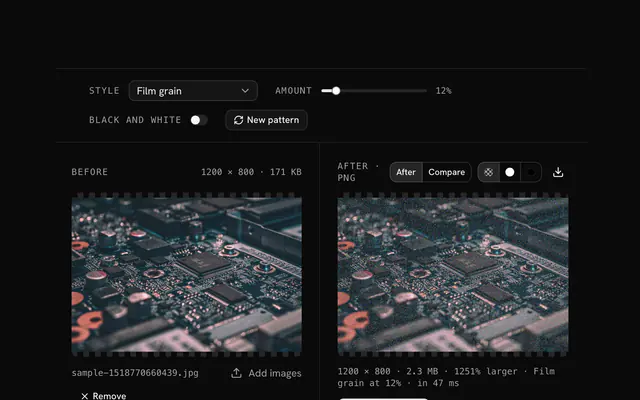
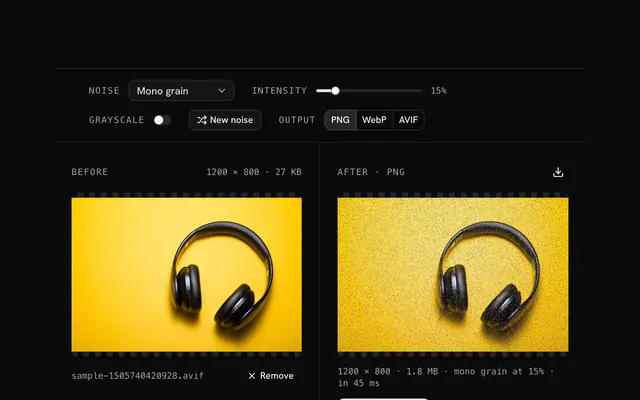 Add grain to an AVIFGrain and textureDrop an AVIF and lay film grain over it: mono or colored, light or heavy, the same pattern or a new one each time.
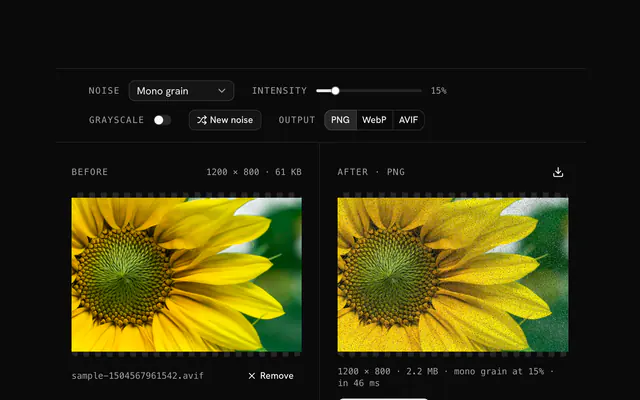 AVIF dithering toolGrain and textureDrop a banded AVIF and add a few percent of noise to break the steps in its gradients.
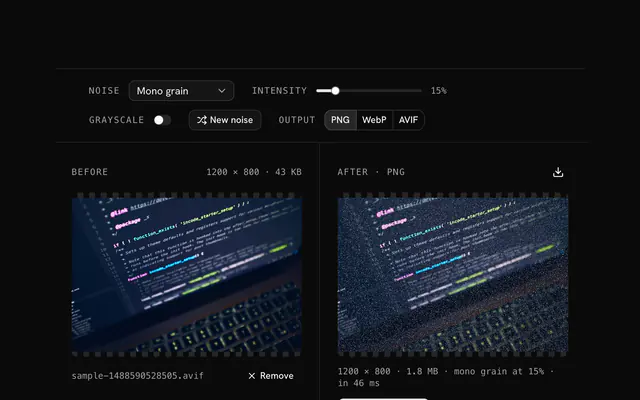 AVIF static noise generatorGrain and textureDrop an AVIF and bury it in static: random or mono noise at full strength, or a custom glitch palette.
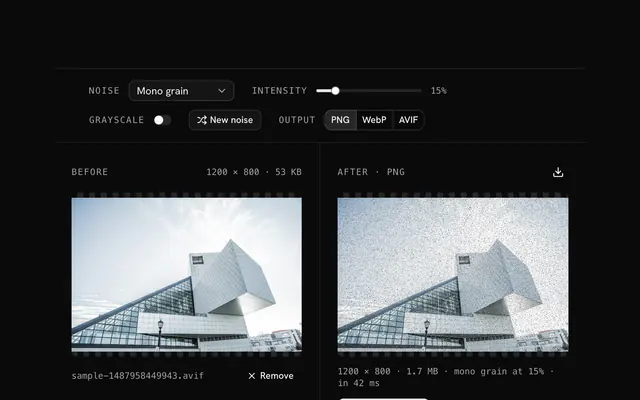 AVIF texture effectGrain and textureDrop an AVIF and give it a surface: paper, canvas or print texture from a light noise over the pixels.
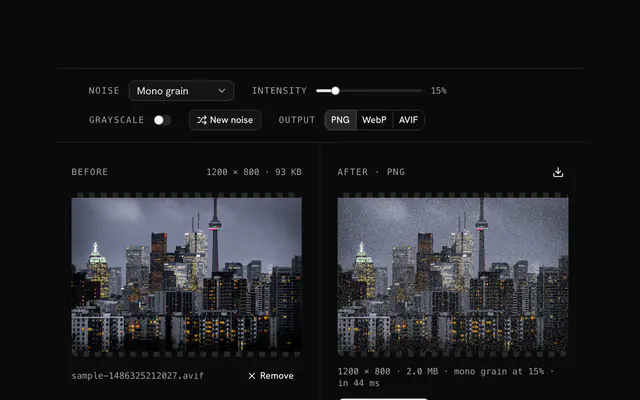 Next-gen image grain toolGrain and textureDrop an AVIF and add grain tuned for the web: subtle, consistent across a project and strong enough to survive the next encode.
Need the product around them? With Pro, your AI agent builds the form, the result card and the rest of the page from a prompt, in your theme.
Get ProOther categories
More free tools. Every category runs in the browser, with nothing uploaded.

Pricing
Free tools, and the product around them with Pro
The tools are free. Pro adds 6,000+ blocks, premium templates and the MCP server, so your AI editor builds the product around them.
4.9/5 out of 5 · 150+ reviewsfrom 150+ founders and developers.
- Secure checkout via Stripe
- Code lives in your repo
- Keep what you've shipped if you cancel
- License terms
FAQ
Frequently asked questions
What the AVIF tools can and can't do, how they treat your files and which to pick.
37 free tools handle AVIF: converters to PNG, JPG, WebP, GIF, Base64 and data URIs, a grain generator, and tools that recolor, tone, fade or clear a color. They all run in your browser.
AVIF is a newer image format that usually compresses photos smaller than JPG or WebP and can hold transparency, but not every app, email client or upload form opens it yet. The AVIF to PNG, JPG and WebP converters exist for exactly that gap.
The converters take AVIF files (and any image the browser opens), the Base64 and data URI tools take AVIF only, and the grain generator takes AVIF or any image.
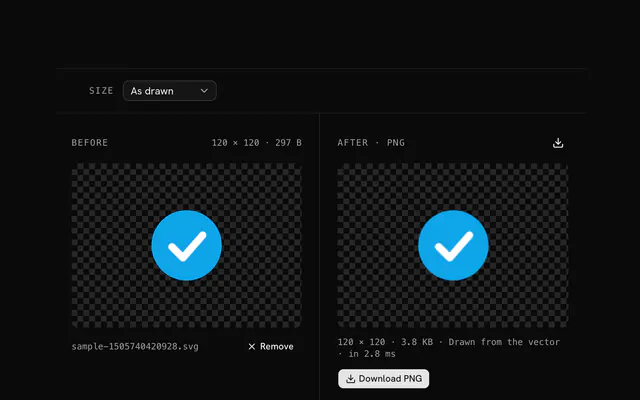
The AVIF to PNG converter decodes with your browser and writes a lossless PNG with its alpha kept. It adds no loss, but a PNG of a compressed photo is usually much larger than the AVIF.
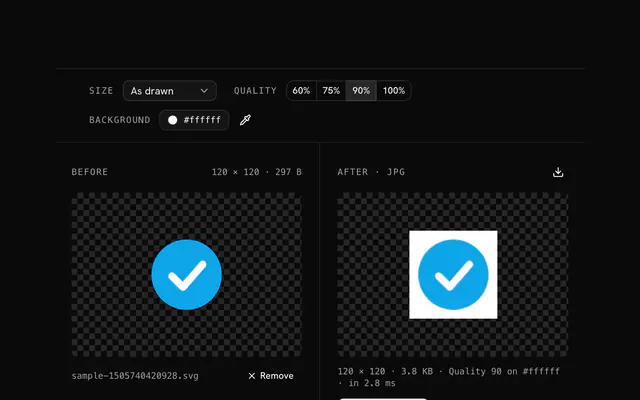
The AVIF to JPG converter lays any transparent area over a Background color, white by default, because JPG has no transparency, and writes at quality 90 unless you change it.
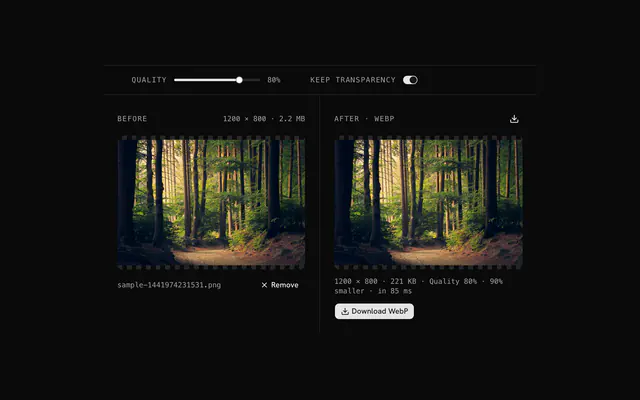
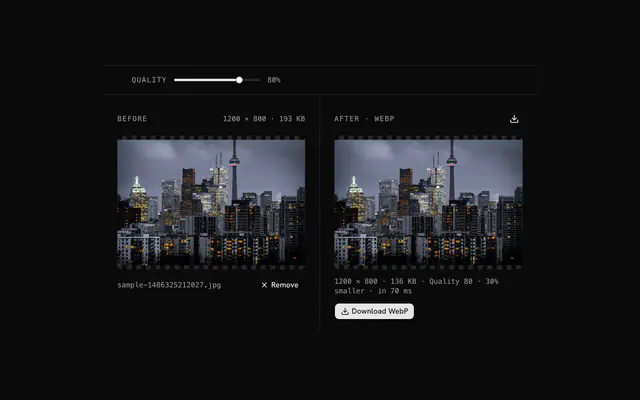
The AVIF to WebP converter has a quality slider (85 to start) and a Transparency choice: Keep writes the alpha into the WebP, Fill flattens it over a background color.
Not an animated one. The AVIF to GIF converter writes a still frame with a palette of 16, 64, 128 or 256 colors (256 to start), optional dithering, and transparency kept as on or off per pixel.
The AVIF to Base64 tool gives the raw string and the AVIF to data URI tool gives a data URI, an img tag or a CSS rule. Both encode the file's own bytes unchanged and read files up to 20 MB.
The AVIF grain generator repaints a share of pixels, set by Intensity, in one of five modes: random pixels, mono grain, color variation, palette noise or custom colors. Output is PNG by default; WebP, or AVIF in a browser that can write it, are the other choices.
If your browser can't encode AVIF, the grain generator writes a PNG instead and says so in the status line, and the download is named .png. The grain is the same either way.
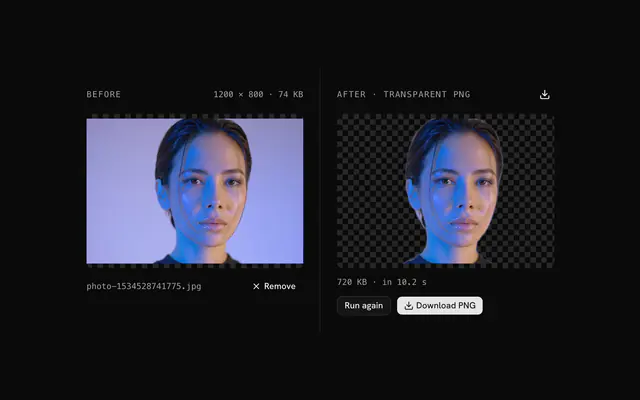
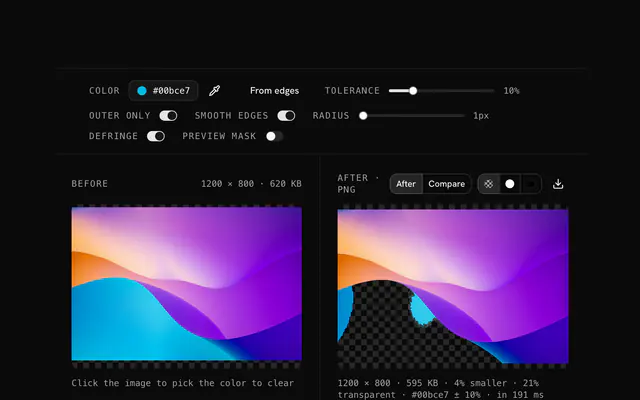
The transparency creator clears a chosen color, the dominant edge color by default, within a tolerance. It is a color match, not an AI cutout, and it writes a PNG.
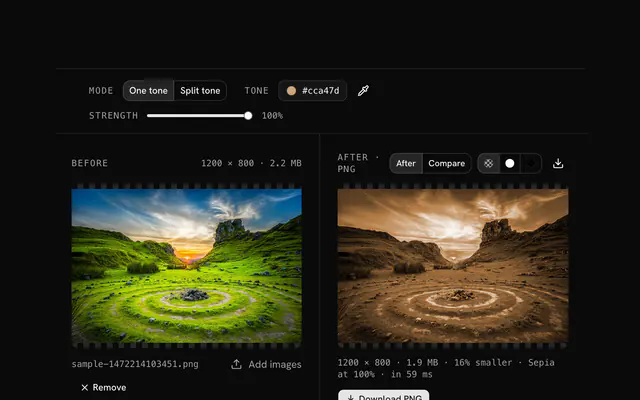
Use the color replacer to swap one color for another within a tolerance, or the color tone changer to give the whole image one hue. Both work on the decoded pixels and write a PNG.
The tools hand the file to your browser to decode, so an AVIF opens only where the browser can read AVIF. If it can't, the tool says the file isn't an image the browser can decode; try a current version of Chrome, Edge or Firefox.
There is no dedicated PNG to AVIF or JPG to AVIF converter. The AVIF grain generator (any image in, AVIF out) and the WebP compressor can write AVIF, and only in a browser that can encode it; the tool checks this on a canvas and falls back or hides the choice.
Yes in the PNG and GIF outputs, and in WebP with Keep selected: alpha is carried over. JPG has none, so the JPG converter uses a background color.
No. The AVIF is decoded and re-encoded in your browser, and no tool sends your file to a server.
100 MB per file for the converters, grain generator and editing tools, and 20 MB for the AVIF to Base64 and AVIF to data URI tools. A larger file is refused with a message.
No, each tool takes one file at a time, and if you drop several only the first is used.
Mostly yes. Converters and editing tools write a new file from the decoded pixels, so EXIF and other metadata are not copied. The Base64 and data URI tools keep your file's bytes as they are.
4.9 out of 5 from 150+ developers


Build the product around them
Every block, template and icon, installed by your AI agent in your theme. The tools stay free.
Get Pro