File to Argon2d.
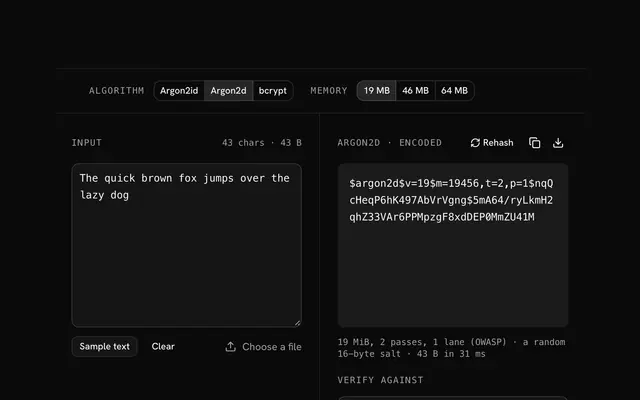
Drop a file and read its Argon2d hash, salted with 16 random bytes, in your browser. Argon2d is the data-dependent Argon2: the strongest against GPUs, open to timing side channels; the file is read on your machine and never uploaded.
File to Argon2d.
Need the UI around it? With Pro, your AI agent builds the form, the result card and the rest of the page from a prompt.
Get ProHow it works
4 steps, no account. It runs in your browser and nothing is uploaded.
Drop a file
Drop it onto the pane or choose it with the button; it is read in your browser and never sent anywhere.
Pick the algorithm and cost
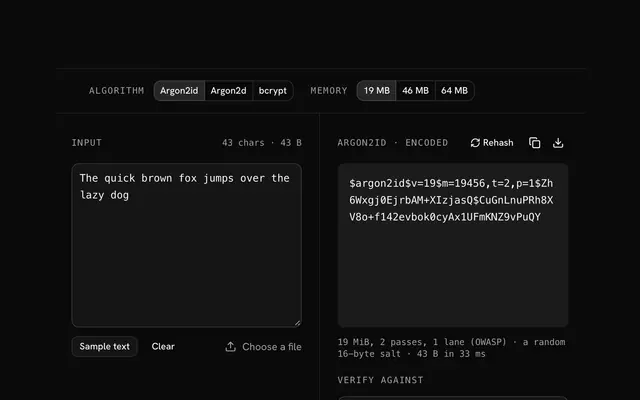
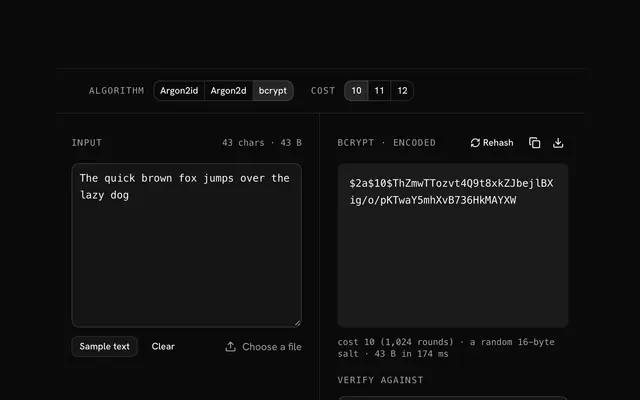
Argon2d is the default; switch to Argon2id and bcrypt, and pick the cost.
Read the hash
The encoded hash appears with its salt and parameters inside it; press Rehash for a new salt.
Verify, copy or download
Paste a stored hash to check it against the file, or copy and download the new one.
Related tools
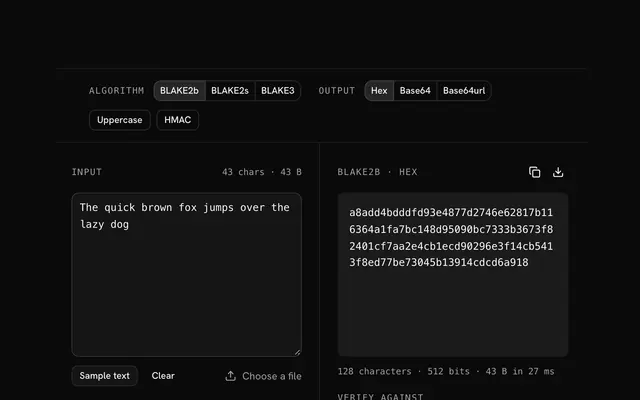
More hash generators. Every one free, in the browser.
Pricing
Build it with Pro
The tool is free. Pro adds 6,000+ blocks, premium templates and the MCP server, so your AI editor builds the product around it.
4.9/5 out of 5 · 150+ reviewsfrom 150+ founders and developers.
- Secure checkout via Stripe
- Code lives in your repo
- Keep what you've shipped if you cancel
- License terms
Questions and answers
Before you trust the result: what to know about the format, the limits, your data and the tools next to it.
Argon2d is one of the three Argon2 variants, the password hash by Biryukov, Dinu and Khovratovich that won the Password Hashing Competition in 2015 and became RFC 9106. It fills a block of memory you size with BLAKE2b-derived data and makes passes over it; in Argon2d, which block is read next depends on the data, which is what makes it hardest to run on a GPU.
Data-dependent memory access leaks timing: a process on the same machine can watch cache behaviour and learn about the password. For server-side password storage, where the machine may be shared or virtualised, RFC 9106 recommends Argon2id, which runs the first half of its first pass data-independently and then switches to Argon2d.
Where side channels don't matter and GPU resistance does: proof-of-work and cryptocurrency mining (several coins use it), key derivation on a device that is not shared, and systems that were built on it before Argon2id existed. The hash string starts with $argon2d$ so a verifier knows which to use.
Memory in KiB (m), passes (t) and lanes (p). This tool offers OWASP's two recommended settings, 19 MiB with 2 passes or 46 MiB with 1 pass, and RFC 9106's 64 MiB with 3 passes, all single-lane, with a 32-byte output. The parameters are written into the hash, so a verifier needs nothing else.
The salt is 16 random bytes drawn in your browser for each run, so the same input gives a different hash every time, and that is correct: a salt stops attackers precomputing tables and hides which users share a password. The salt is written into the encoded hash, so a verifier needs nothing else. Press Rehash for a fresh one.
Nothing leaves your browser. The file is read on your machine and hashed there, by the browser's Web Crypto API or a WebAssembly build of Argon2d loaded on first use; the page makes no request with its bytes. You can load the page, go offline and keep hashing.
The file's bytes are the password: Argon2d fills its memory from them and the random salt, and the encoded hash verifies against the same file later. Files up to 64 MB are accepted; the work is in the memory passes, not the input length, so a large file takes about as long as a short one.
Paste a stored hash into the Verify field and the tool checks whether it is a hash of the current input, reading the salt and the cost from the hash itself, as a login would. The input is never sent anywhere; the check runs in your browser.
No. The "File to Argon2d" tool is free and opens without a sign-in, an account or an install.
Nothing. The "File to Argon2d" tool holds your input in the page's memory, so closing or reloading the tab clears it, and it saves nothing in this browser.
The "File to Argon2d" tool offers 19 MiB, 2 passes, 1 lane (OWASP), 46 MiB, 1 pass, 1 lane (OWASP), and 64 MiB, 3 passes, 1 lane (RFC 9106). The default is 19 MiB, 2 passes, 1 lane (OWASP); a higher setting is slower for you and for anyone guessing.
The toolbar has Argon2id, Argon2d, and bcrypt, with the recommended one first. All three run in your browser on a WebAssembly build from the hash-wasm library, and each run takes a fresh 16-byte salt from crypto.getRandomValues.
The result is one self-describing string that holds the algorithm, the cost, the salt and the hash. A library's verify function can read it as it is, and so can the verify field on this page.
Argon2d takes a typed text or a file as input, and a file can be up to 64 MB.
Yes: the Argon2d hash generator page is the same tool, opening on the text box.
Closest to the "File to Argon2d" tool: Argon2d hash generator, Argon2id hash generator, bcrypt hash generator, BLAKE2b hash generator. Each opens on its own page, free and in the browser.
The "File to Argon2d" tool is one of 64 in its group. The group's page, /tools/hash, lists them all.
The tool is free. Its interface is built from shadcn.io's own components (Button, Input, Slider and the rest of the registry under /ui), which come in React, Vue, Svelte and Solid. Pro adds the blocks and templates for the product around it.
4.9 out of 5 from 150+ developers


Build the product around it
Every block, template and icon, installed by your AI agent in your theme. The tools stay free.
Get Pro