File to bcrypt.
Drop a file and read its bcrypt hash, salted with 16 random bytes, in your browser. bcrypt is the 1999 password hash from Blowfish: salted, slow by a cost you choose, still sound; the file is read on your machine and never uploaded.
File to bcrypt.
Need the UI around it? With Pro, your AI agent builds the form, the result card and the rest of the page from a prompt.
Get ProHow it works
4 steps, no account. It runs in your browser and nothing is uploaded.
Drop a file
Drop it onto the pane or choose it with the button; it is read in your browser and never sent anywhere.
Pick the algorithm and cost
bcrypt is the default; switch to Argon2id and Argon2d, and pick the cost.
Read the hash
The encoded hash appears with its salt and parameters inside it; press Rehash for a new salt.
Verify, copy or download
Paste a stored hash to check it against the file, or copy and download the new one.
Related tools
More hash generators. Every one free, in the browser.
Pricing
Build it with Pro
The tool is free. Pro adds 6,000+ blocks, premium templates and the MCP server, so your AI editor builds the product around it.
4.9/5 out of 5 · 150+ reviewsfrom 150+ founders and developers.
- Secure checkout via Stripe
- Code lives in your repo
- Keep what you've shipped if you cancel
- License terms
Questions and answers
Before you trust the result: what to know about the format, the limits, your data and the tools next to it.
bcrypt is a password hash Niels Provos and David Mazières published in 1999, built on the Blowfish cipher. It runs an expensive key setup 2^cost times, salts every hash with 16 random bytes, and writes the result as a 60-character string ($2a$ or $2b$, the cost, the salt and the 184-bit hash in bcrypt's own base-64) that carries everything a verifier needs.
Yes, 25 years on. Its cost factor has kept pace with hardware (10 to 12 is typical today, each step doubling the work), and its memory access pattern makes it awkward on GPUs. Argon2id is the better design for a new system, with tunable memory; bcrypt remains a sound choice and the default in many frameworks.
The cost is the base-2 logarithm of the rounds: 10 means 1,024 rounds and about 100 ms in native code, 12 means 4,096 and roughly four times that. Pick the highest your login latency allows, around 250 ms, and raise it as hardware improves; stored hashes keep their own cost, so old ones still verify.
bcrypt reads at most 72 bytes of input and silently ignores the rest. This tool follows the common fix: input past 72 bytes is replaced by its SHA-256 digest written as 64 hex characters, and the status line says when that happened. Some libraries do the same; others truncate, so match what your verifier does.
The salt is 16 random bytes drawn in your browser for each run, so the same input gives a different hash every time, and that is correct: a salt stops attackers precomputing tables and hides which users share a password. The salt is written into the encoded hash, so a verifier needs nothing else. Press Rehash for a fresh one.
Nothing leaves your browser. The file is read on your machine and hashed there, by the browser's Web Crypto API or a WebAssembly build of bcrypt loaded on first use; the page makes no request with its bytes. You can load the page, go offline and keep hashing.
bcrypt reads at most 72 bytes, so a file is first reduced to its SHA-256 digest as 64 hex characters and that is what bcrypt hashes; the status line says so. The result is still a random-salted, slow hash that verifies against the same file, which is what a file-based secret or a key file needs.
Paste a stored hash into the Verify field and the tool checks whether it is a hash of the current input, reading the salt and the cost from the hash itself, as a login would. The input is never sent anywhere; the check runs in your browser.
Nothing. The "File to bcrypt" tool holds your input in the page's memory, so closing or reloading the tab clears it, and it saves nothing in this browser.
The "File to bcrypt" tool offers cost 10 (1,024 rounds), cost 11 (2,048 rounds), and cost 12 (4,096 rounds). The default is cost 10 (1,024 rounds); a higher setting is slower for you and for anyone guessing.
The toolbar has Argon2id, Argon2d, and bcrypt, with the recommended one first. All three run in your browser on a WebAssembly build from the hash-wasm library, and each run takes a fresh 16-byte salt from crypto.getRandomValues.
The result is one self-describing string that holds the algorithm, the cost, the salt and the hash. A library's verify function can read it as it is, and so can the verify field on this page.
bcrypt reads only the first 72 bytes of its input. When the input is longer, the tool hashes its SHA-256 digest (64 hex characters) instead and tells you so in the status line.
Yes: the bcrypt hash generator page is the same tool, opening on the text box.
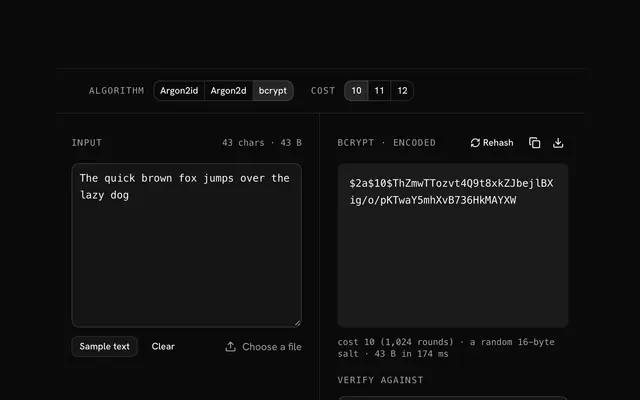
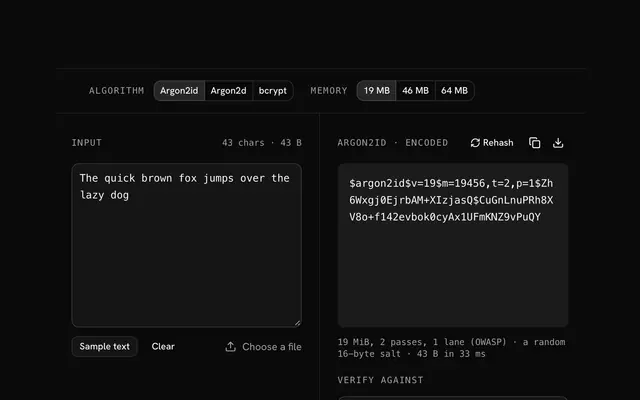
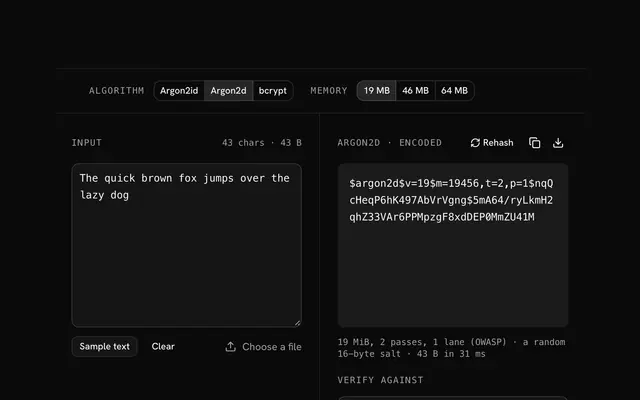
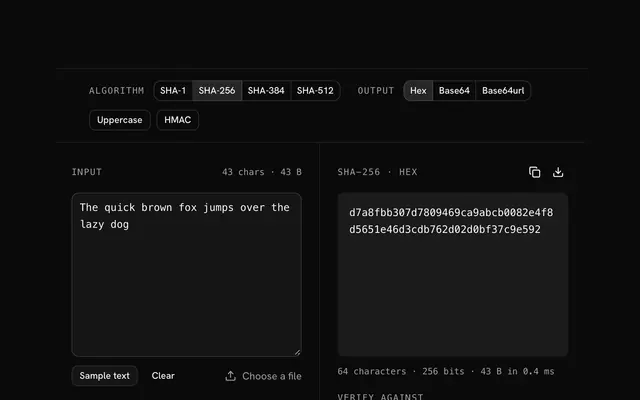
Closest to the "File to bcrypt" tool: bcrypt hash generator, Argon2id hash generator, Argon2d hash generator, SHA-256 hash generator. Each opens on its own page, free and in the browser.
The "File to bcrypt" tool is one of 64 in its group. The group's page, /tools/hash, lists them all.
The tool is free. Its interface is built from shadcn.io's own components (Button, Input, Slider and the rest of the registry under /ui), which come in React, Vue, Svelte and Solid. Pro adds the blocks and templates for the product around it.
4.9 out of 5 from 150+ developers


Build the product around it
Every block, template and icon, installed by your AI agent in your theme. The tools stay free.
Get Pro