File to MD5.
Drop a file and read its MD5 digest at once, in your browser. MD5 is the old checksum of the internet, broken since 2004 and still everywhere for integrity checks; the file is read on your machine and never uploaded.
File to MD5.
Need the UI around it? With Pro, your AI agent builds the form, the result card and the rest of the page from a prompt.
Get ProHow it works
4 steps, no account. It runs in your browser and nothing is uploaded.
Drop a file
Drop it onto the pane or choose it with the button; anything up to 1 GB is read in your browser.
Read the digest
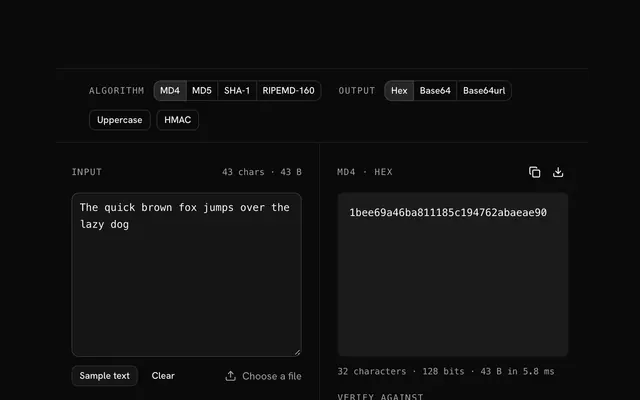
The MD5 digest appears at once, as hex, Base64 or Base64url; switch to MD4, SHA-1 and RIPEMD-160 in the bar.
Verify against a published checksum
Paste the digest the publisher lists and the tool says whether the file matches.
Copy or download
Copy the digest, or download it as a line a checksum tool can read.
Related tools
More hash generators. Every one free, in the browser.
Pricing
Build it with Pro
The tool is free. Pro adds 6,000+ blocks, premium templates and the MCP server, so your AI editor builds the product around it.
4.9/5 out of 5 · 150+ reviewsfrom 150+ founders and developers.
- Secure checkout via Stripe
- Code lives in your repo
- Keep what you've shipped if you cancel
- License terms
Questions and answers
Before you trust the result: what to know about the format, the limits, your data and the tools next to it.
MD5 is a 128-bit hash Ronald Rivest published in 1992 (RFC 1321) to replace MD4, written as 32 hexadecimal characters. For a decade it was the checksum of the internet: file downloads, password tables, certificate signatures.
Yes. Collisions were published in 2004, chosen-prefix collisions in 2007, and in 2008 researchers used one to forge a trusted certificate authority; the Flame malware did the same in 2012. A collision now takes a second on a laptop. Never use MD5 for passwords, signatures or anything an attacker could influence.
Checksums against accidental damage: a download that matches its published MD5 was not truncated or corrupted in transit, even if it could have been swapped by someone determined. Also cache keys, ETags, deduplication of trusted data, and matching values in systems that already store MD5s.
No, a hash is one-way. But MD5 is fast and most passwords are short, so a precomputed table or a GPU trying billions of guesses a second finds the input for most unsalted MD5 password hashes in minutes. That is why passwords need bcrypt or Argon2id, not a fast hash.
Oddly, yes. HMAC's security does not depend on collision resistance, so HMAC-MD5 has never been practically broken and still appears in old protocols. There is no reason to choose it for anything new; HMAC-SHA-256 costs nothing more.
Nothing leaves your browser. The file is read on your machine and hashed there, by the browser's Web Crypto API or a WebAssembly build of MD5 loaded on first use; the page makes no request with its bytes. You can load the page, go offline and keep hashing.
Drop the file onto the pane or choose it with the button. It is read into memory and hashed at once, with no size steps and no upload progress because there is no upload. Files up to 1 GB work; a 100 MB file takes well under a second on MD5.
Paste the digest the publisher gave you into the Verify field, in hex of either case, with or without spaces, colons or a 0x prefix, or in Base64. The tool says whether it matches the file you dropped. A match means the bytes are exactly the ones that were published.
Hex by default, 32 characters; Base64 and Base64url are one click away and re-encode the same 16 bytes. The download button saves a line in the `digest filename` form that sha256sum-style tools read.
Yes: turn on HMAC and enter the secret, and the file is signed with HMAC-MD5 rather than hashed, the same construction a server uses to sign an upload or a webhook payload.
No. The "File to MD5" tool is free and opens without a sign-in, an account or an install.
Nothing. The "File to MD5" tool holds your input in the page's memory, so closing or reloading the tab clears it, and it saves nothing in this browser.
The toolbar switches to MD4, SHA-1, and RIPEMD-160 without leaving the page. Each one reads the same input, so you can compare digests side by side.
MD5 is computed by a WebAssembly build from the hash-wasm library, which the page loads the first time you hash something and reuses after that.
Yes: the MD5 hash generator page has the same algorithms and options and opens on the text box. This page opens on the file pane.
Not on its own. MD5 is built to be fast, and fast hashes are cheap for an attacker to guess against. Passwords need a salted, deliberately slow hash: use Argon2id, Argon2d, and bcrypt from the hash generators, which draw a fresh random salt each time.
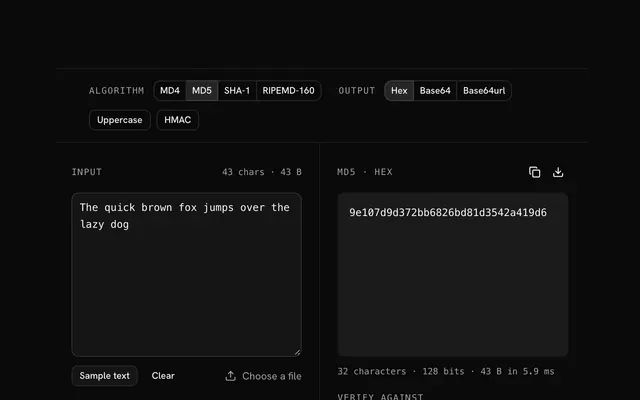
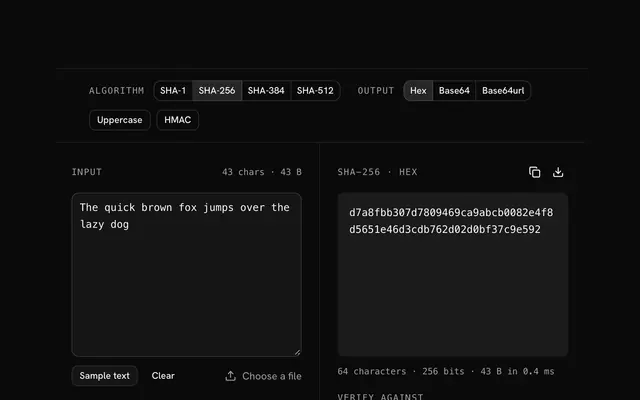
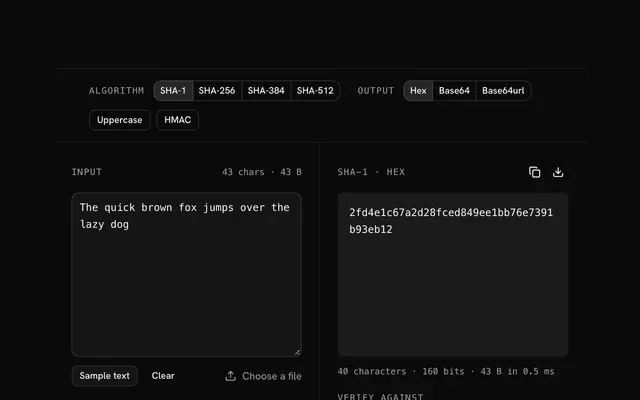
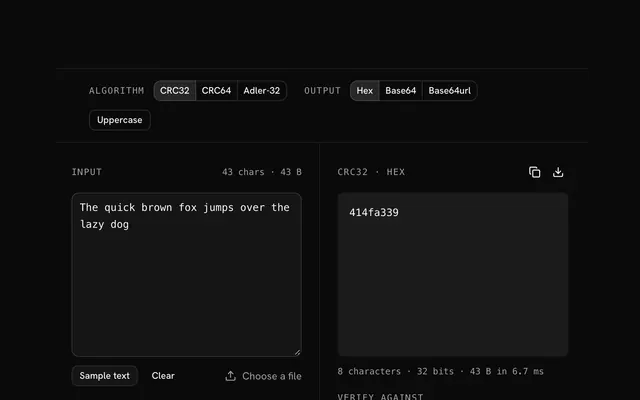
Closest to the "File to MD5" tool: MD5 hash generator, SHA-256 hash generator, SHA-1 hash generator, CRC32 hash generator. Each opens on its own page, free and in the browser.
The "File to MD5" tool is one of 64 in its group. The group's page, /tools/hash, lists them all.
The tool is free. Its interface is built from shadcn.io's own components (Button, Input, Slider and the rest of the registry under /ui), which come in React, Vue, Svelte and Solid. Pro adds the blocks and templates for the product around it.
4.9 out of 5 from 150+ developers


Build the product around it
Every block, template and icon, installed by your AI agent in your theme. The tools stay free.
Get Pro