Number base converter.
Type a number in binary, octal, decimal or hexadecimal and read it in the other three, exact at any size. Pure integer arithmetic in your browser.
Number base converter.
Need the UI around it? With Pro, your AI agent builds the form, the result card and the rest of the page from a prompt.
Get ProHow it works
3 steps, no account. It runs in your browser and nothing is uploaded.
Type in any field
Binary, octal, decimal or hex; prefixes and spaces between groups are fine.
Read the others
The other three bases update as you type, exactly.
Check the details
Bit length, grouped binary and hex, and two's complement for a negative number.
Related tools
More math and finance. Every one free, in the browser.
Pricing
Build it with Pro
The tool is free. Pro adds 6,000+ blocks, premium templates and the MCP server, so your AI editor builds the product around it.
4.9/5 out of 5 · 150+ reviewsfrom 150+ founders and developers.
- Secure checkout via Stripe
- Code lives in your repo
- Keep what you've shipped if you cancel
- License terms
Questions and answers
Before you trust the result: what to know about the format, the limits, your data and the tools next to it.
Each base writes the same number with a different number of digits: binary (base 2) with 0 and 1, octal (base 8) with 0 to 7, decimal (base 10) with 0 to 9 and hexadecimal (base 16) with 0 to 9 then a to f. 255 is 11111111 in binary, 377 in octal and ff in hex.
Four binary digits make one hex digit, so a byte is exactly two hex characters and a 32-bit word is eight. Colors (#ff5733), memory addresses, hashes and byte dumps are all hex for that reason.
Yes. The arithmetic uses BigInt, so a 128-bit number is converted exactly rather than rounded at 2^53 as plain JavaScript numbers would be.
The way a signed integer is stored: a negative number is written as 2^n plus the number, in the smallest width of 8, 16, 32 or 64 bits that holds it. −1 is ff in 8 bits, ffff in 16. The details pane shows it for any negative input.
Type in any of the four fields and the other three follow. Prefixes (0x, 0b, 0o), spaces, underscores and commas between groups are accepted, as is a leading minus.
The field that doesn't belong to its base is marked and the status says so: a 2 in the binary field, a g in hex. Fix the digit and the conversion resumes.
No. The conversion is a few lines of integer arithmetic that run in your browser; the page makes no request with your numbers.
No. The Number base converter is free and opens without a sign-in, an account or an install.
The Number base converter keeps nothing on a server; only the invoice generator saves its draft, in this browser's localStorage on your device. Nothing else is saved, and nothing is sent to shadcn.io.
Yes. A leading minus is accepted, and the details pane shows the two's complement in the smallest width of 8, 16, 32 or 64 bits that holds the number.
Spaces, underscores and commas between groups are ignored, and the prefixes 0x, 0b and 0o are read.
BigInt, so very large integers convert exactly. The tool works with whole numbers, not fractions.
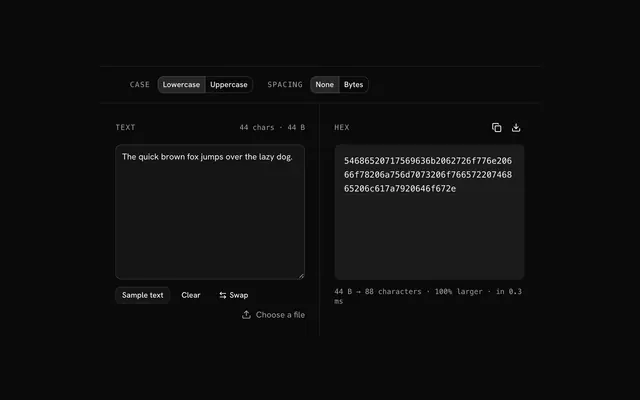
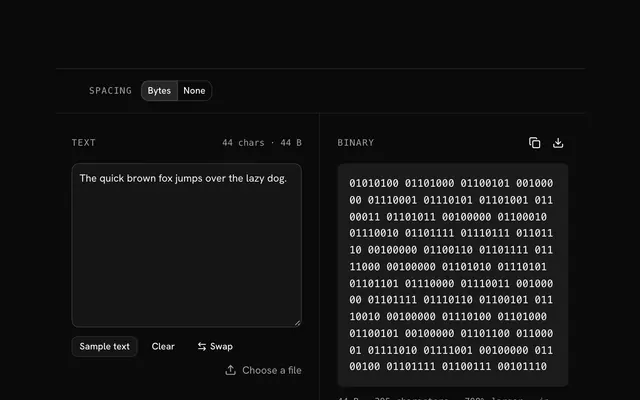
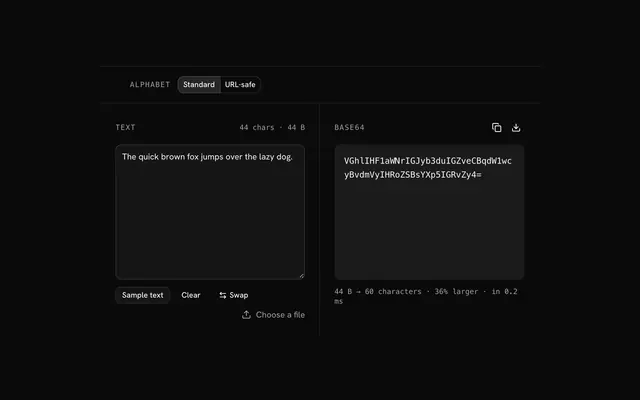
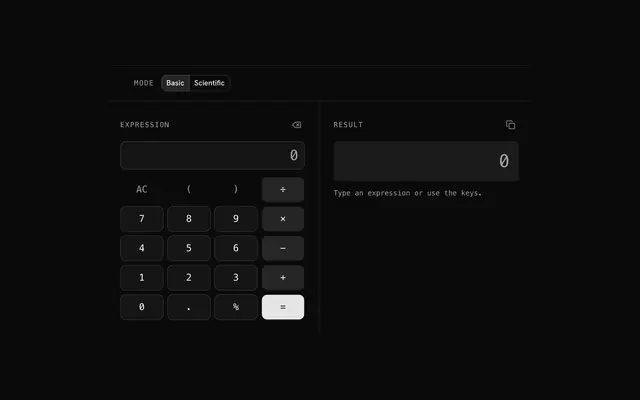
Closest to the Number base converter: Hex encoder, Binary encoder, Base64 encoder, Calculator. Each opens on its own page, free and in the browser.
The Number base converter is one of 20 in its group. The group's page, /tools/math, lists them all.
The tool is free. Its interface is built from shadcn.io's own components (Button, Input, Slider and the rest of the registry under /ui), which come in React, Vue, Svelte and Solid. Pro adds the blocks and templates for the product around it.
4.9 out of 5 from 150+ developers


Build the product around it
Every block, template and icon, installed by your AI agent in your theme. The tools stay free.
Get Pro