Calculator.
Need the UI around it? With Pro, your AI agent builds the form, the result card and the rest of the page from a prompt.
Get ProHow it works
3 steps, no account. It runs in your browser and nothing is uploaded.
Pick a mode
Basic for everyday arithmetic, scientific for trigonometry, logarithms, powers and constants.
Enter the expression
Click the keys or type into the display; parentheses and function names work either way.
Read and continue
The result is shown as you type; press Enter or = to keep it and calculate with it.
Related tools
More math and finance. Every one free, in the browser.
Pricing
Build it with Pro
The tool is free. Pro adds 6,000+ blocks, premium templates and the MCP server, so your AI editor builds the product around it.
4.9/5 out of 5 · 150+ reviewsfrom 150+ founders and developers.
- Secure checkout via Stripe
- Code lives in your repo
- Keep what you've shipped if you cancel
- License terms
Questions and answers
Before you trust the result: what to know about the format, the limits, your data and the tools next to it.
Basic mode has the four operations, percent, parentheses and a decimal point. Scientific mode adds sine, cosine and tangent with their inverses, natural and base-10 logarithms, square roots, powers, factorials, modulo, absolute value, rounding and the constants pi and e.
Degrees, unless you switch the Angle choice to radians. In degrees the quarter turns are exact: sin(90) is 1 and cos(90) is 0, where floating point alone would give 6e-17. tan(90) is reported as undefined rather than a huge number.
The usual order: parentheses, then functions and factorials, then powers (right to left, so 2^3^2 is 512), then a leading minus, then multiplication, division and modulo, then addition and subtraction. A number written straight before a parenthesis or a constant multiplies it, so 2(3+4) is 14 and 2pi is 6.28.
JavaScript's 64-bit floating point, about 15 to 17 significant digits. The display rounds to 12 so that 0.1 + 0.2 reads 0.3 rather than 0.30000000000000004. Results past 1e15 or under 1e-9 are written with an exponent.
The expression is read by a small parser the page carries: a tokenizer, a shunting-yard pass and a stack evaluator. Nothing is passed to the browser's eval, so a stray word is an error, never code.
Yes. The display is an ordinary text field: type digits, operators and function names, press Enter or = to evaluate, Backspace to delete and Escape to clear. × and ÷ are read the same as * and /.
Press Enter or the = key. The result replaces the expression so you can keep going, and the last eight calculations are listed under the result; click one to bring its value back.
Nothing. The page makes no request with what you type; the parser and the arithmetic run in your browser, and the calculator keeps working offline once loaded.
No. The Calculator is free and opens without a sign-in, an account or an install.
The Calculator keeps nothing on a server; only the invoice generator saves its draft, in this browser's localStorage on your device. Nothing else is saved, and nothing is sent to shadcn.io.
15 functions: abs, acos, asin, atan, cbrt, ceil, cos, exp, floor, ln, log, round, sin, sqrt, tan. The constants pi (or π) and e are known too, and mod is an operator.
Basic mode has the four operations, percent and parentheses; scientific mode adds trigonometry, logarithms, roots, powers, factorials and more. An Angle choice switches degrees and radians.
The expression is read by a small parser carried in the page and is never passed to eval, so a stray word is an error, not code that runs.
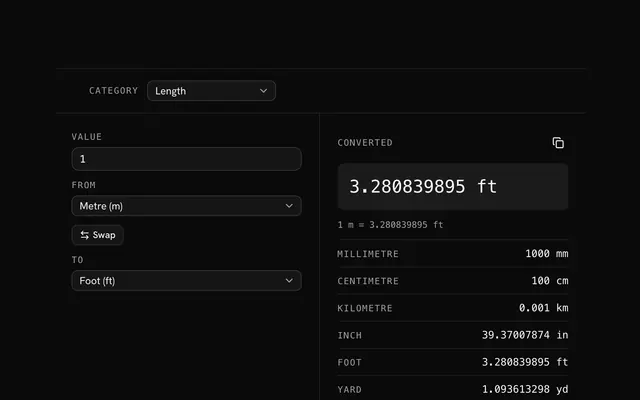
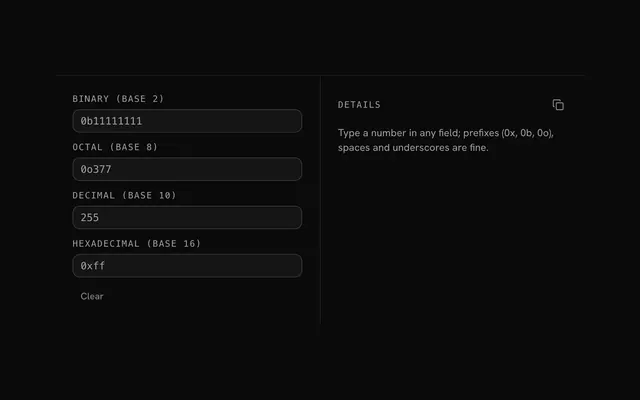
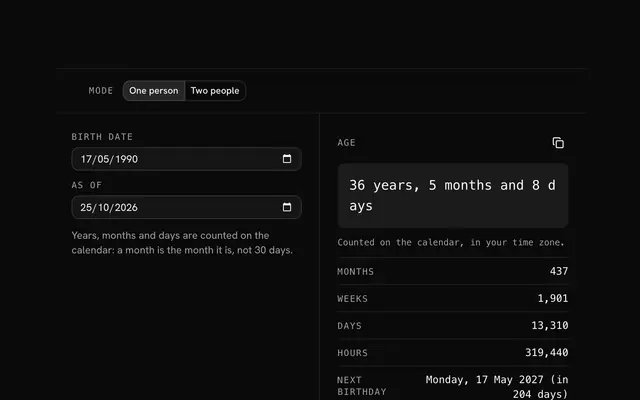
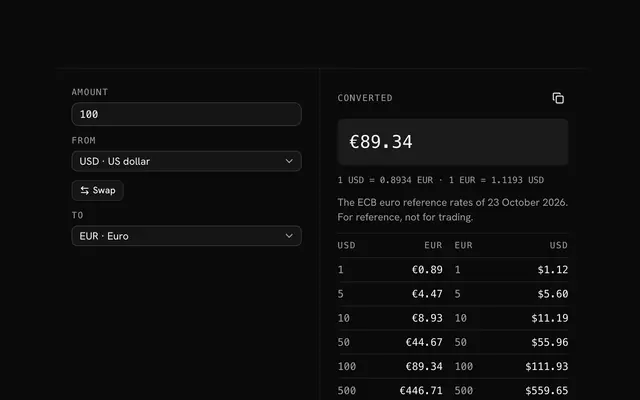
Closest to the Calculator: Unit converter, Number base converter, Age calculator, Currency converter. Each opens on its own page, free and in the browser.
The Calculator is one of 20 in its group. The group's page, /tools/math, lists them all.
The tool is free. Its interface is built from shadcn.io's own components (Button, Input, Slider and the rest of the registry under /ui), which come in React, Vue, Svelte and Solid. Pro adds the blocks and templates for the product around it.
4.9 out of 5 from 150+ developers


Build the product around it
Every block, template and icon, installed by your AI agent in your theme. The tools stay free.
Get Pro