shadcn.io is an independent project built on shadcn/ui
Installation
Overview
Show where a pre-order stands with this pre-order product card for React with React Aria. The first band draws the turntable with its status and the date the first batch ships, counted from a fixed day. The second is a read-only four-step Steps list, Ordered, In production, Shipped and Delivered, with "In production" current. The third is a choice of two batches in one group of native radio buttons, each with its ship date, price and places left, over a Progress bar saying "312 of 400 reserved". The one Shine Button, "Reserve the first batch", adds one to the count and says "Reserved in this demo. Nothing is charged"; "Undo" gives the place back. There is no deposit or balance schedule. For products that are made after they are ordered.
FAQ
How do I change the batches?
Edit FIRST and SECOND: capacity, places already reserved, price in cents and ship date. The total, the bar and the places left are worked out from them.
How do I move the production step?
Change STAGE, the index of the current step in STAGES. Steps before it show as done.
Is the ship date a promise?
The page says "about" and counts the days from a fixed "today" (AS_OF), so it reads the same on every load. In a real shop count from the visitor's date and update the date as production moves.
What stays local, and how do I wire it for real?
The reservation is page state; nothing is reserved, charged or stored. Replace the bodies of reserve and undo with calls to your order system, and read the reserved counts from it. The picture is typed shapes: swap Picture for an img.
Related
- Stepped Price Flash Sale Product CardOffers and buying modes

- Pledge Preview Crowdfunding Product CardOffers and buying modes

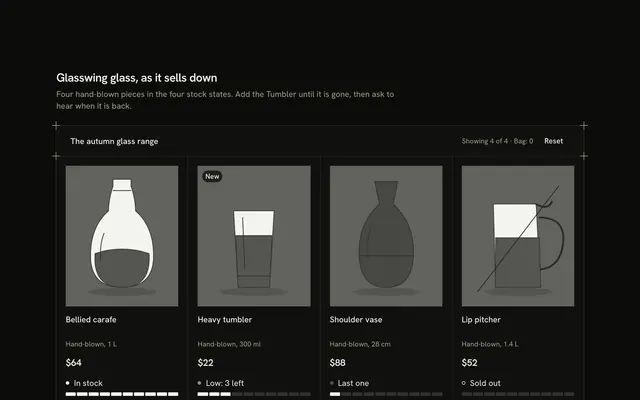
- Stock States Product CardOffers and buying modes
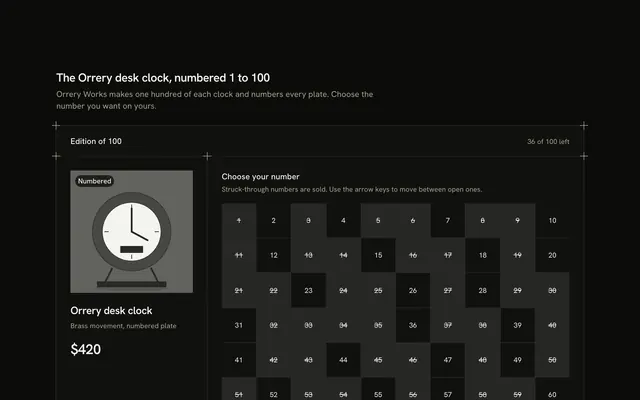
- Numbered Edition Product CardOffers and buying modes
- Benefits Product CardShop basics

- Bid Status Auction Product CardOffers and buying modes
