shadcn.io is an independent project built on shadcn/ui
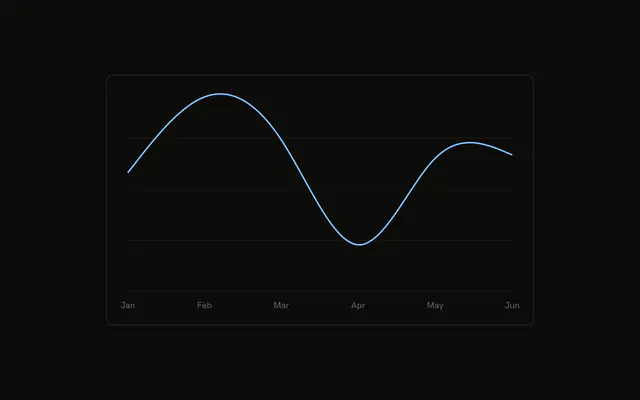
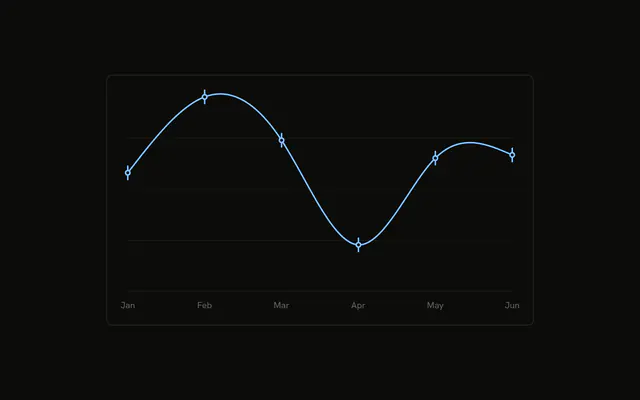
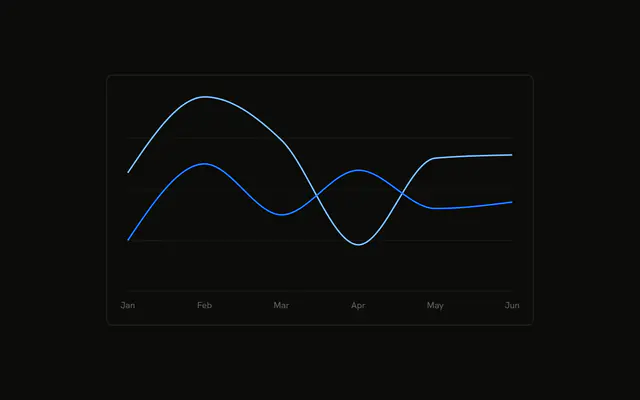
A smooth desktop line with a dot on every month. The hovered dot grows. The rows also include mobile, but only desktop is drawn.
Use dots when people need to see which months were actually measured. Print the values on the chart, or use a Table, when the number matters more than the dot. In React, Base UI does not grow the hovered dot. You set that size, and you pass the rows.
Installation
Anatomy

Usage
<div className="w-full max-w-xl rounded-md border bg-background p-4">
  <ChartContainer config={chartConfig}>
    <LineChart
      accessibilityLayer
      data={chartData}
      margin={{
        left: 12,
        right: 12,
      }}
    >
      <CartesianGrid vertical={false} />
      <XAxis
        axisLine={false}
        dataKey="month"
        tickFormatter={formatMonth}
        tickLine={false}
        tickMargin={8}
      />
      <ChartTooltip
        content={<ChartTooltipContent hideLabel />}
        cursor={false}
      />
      <Line
        activeDot={{
          r: 6,
        }}
        dataKey="desktop"
        dot={{
          fill: "var(--color-desktop)",
        }}
        stroke="var(--color-desktop)"
{/* The rest of the file is under Installation. */}
FAQ
How are the dots turned on?
Line sets dot to an object whose fill is var(--color-desktop). activeDot is { r: 6 }, so the hovered point is drawn at radius 6. dataKey is desktop, type is natural, and strokeWidth is 2.
Where does the line color come from?
config sets desktop to the label Desktop and color var(--chart-1). Line uses that same var(--color-desktop) for stroke and for the dot fill.
How are the months abbreviated?
XAxis uses dataKey month and tickFormatter set to formatMonth, which returns value.slice(0, 3). axisLine and tickLine are false, tickMargin is 8, and the side margins are 12.
What grid is behind the line?
CartesianGrid sets vertical to false. LineChart sets accessibilityLayer, so the points can be reached from the keyboard.
API Reference
Chart
Sets config={chartConfig} and hideLabel. The rest is on the Chart page.