shadcn.io is an independent project built on shadcn/ui
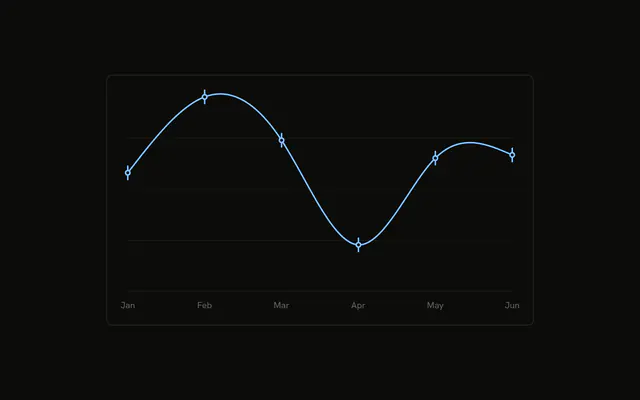
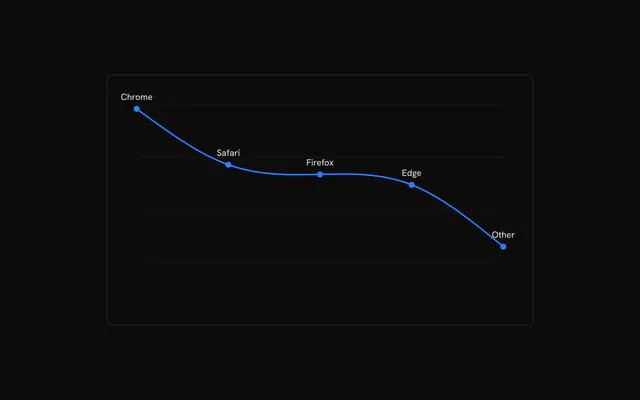
One line through the browsers, in a single series color. Each dot takes the fill stored on that row, so the browsers do not share a dot color.
Use colored dots when the line is one series but each point belongs to its own category. A bar per category is clearer when color is the whole comparison, and a Table is clearer for the counts. In React, Base UI does not paint each dot. The row's fill does.
Installation
Anatomy

Usage
<div className="w-full max-w-xl rounded-md border bg-background p-4">
  <ChartContainer config={chartConfig}>
    <LineChart
      accessibilityLayer
      data={chartData}
      margin={{
        left: 24,
        right: 24,
        top: 24,
      }}
    >
      <CartesianGrid vertical={false} />
      <ChartTooltip
        content={
          <ChartTooltipContent
            hideLabel
            indicator="line"
            nameKey="visitors"
          />
        }
        cursor={false}
      />
      <Line
        dataKey="visitors"
        dot={renderDot}
        stroke="var(--color-visitors)"
        strokeWidth={2}
        type="natural"
      />
    </LineChart>
  </ChartContainer>
</div>
FAQ
How does each dot get its own color?
Line sets dot to renderDot. That function renders a Dot with r 5, and both fill and stroke set to payload.fill. key is payload.browser.
Where does payload.fill come from?
Each row sets fill to a variable such as var(--color-chrome). config maps chrome, safari, firefox, edge, and other to --chart-1 through --chart-5 and to labels like Chrome.
What color is the stroke between the dots?
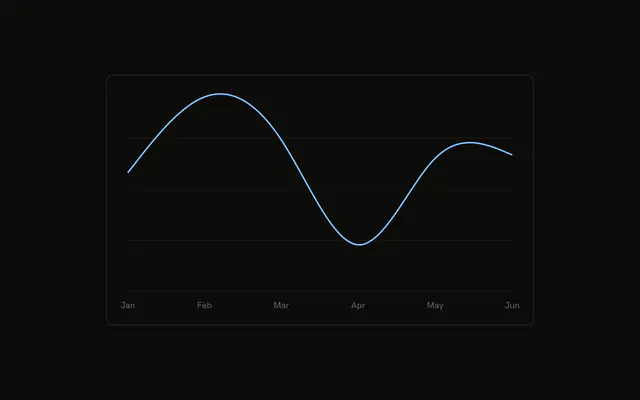
Line sets stroke to var(--color-visitors), strokeWidth to 2, type to natural, and dataKey to visitors. config gives visitors the color var(--chart-2) and the label Visitors. The browser colors are the dot fill values.
Why is the chart padded on the top and sides?
LineChart sets margin to 24 on the top, left, and right. There is no XAxis in this file. CartesianGrid sets vertical to false.
API Reference
Chart
Sets config={chartConfig}, hideLabel, indicator="line" and nameKey="visitors". The rest is on the Chart page.