shadcn.io is an independent project built on shadcn/ui
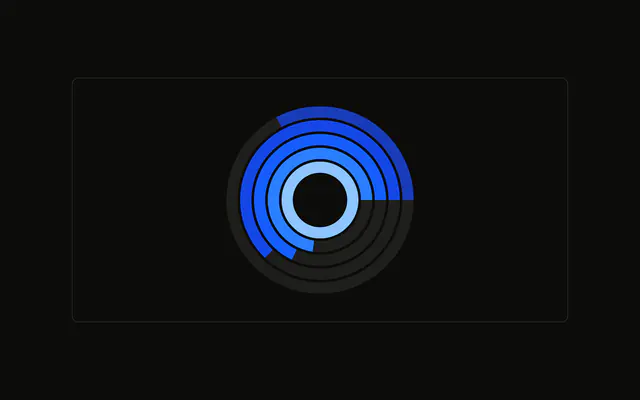
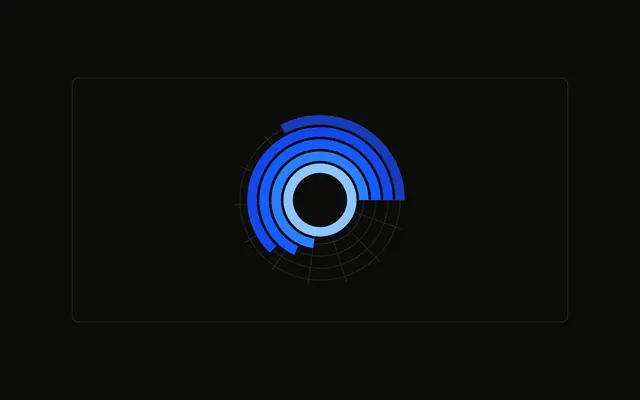
One ring per browser, each with its name at the start of the arc. The rings run past a full turn. A muted track sits behind each one.
Use labels on the rings when there is no room for a legend. If the names collide, move them to a legend or a Table. In React, Base UI does not write the names on the rings. You add them.
Installation
Anatomy

Usage
<div className="w-full max-w-xl rounded-md border bg-background p-4">
  <ChartContainer
    className="mx-auto aspect-square max-h-[250px]"
    config={chartConfig}
  >
    <RadialBarChart
      data={chartData}
      endAngle={380}
      innerRadius={30}
      outerRadius={110}
      startAngle={-90}
    >
      <ChartTooltip
        content={<ChartTooltipContent hideLabel nameKey="browser" />}
        cursor={false}
      />
      <RadialBar background dataKey="visitors">
        <LabelList
          className="fill-background capitalize mix-blend-luminosity"
          dataKey="browser"
          fontSize={11}
          position="insideStart"
        />
      </RadialBar>
    </RadialBarChart>
  </ChartContainer>
</div>
FAQ
How do the browser names get onto the rings?
LabelList sits inside RadialBar with dataKey="browser" and position="insideStart". insideStart places each name at the start of that arc, inside the band. fontSize is 11.
Why do the labels read Chrome when the data says chrome?
The rows store lowercase keys (chrome, safari, and the rest). LabelList sets capitalize in its className, which capitalizes that text. The same keys in config already have labels Chrome, Safari, Firefox, Edge, and Other for the tooltip.
How do the labels stay readable on every color?
The className is fill-background capitalize mix-blend-luminosity. fill-background is the base paint, and mix-blend-luminosity blends that with the ring underneath.
Why do the rings run past a full circle?
RadialBarChart sets startAngle={-90} and endAngle={380}. That sweep is longer than 360 degrees, so a full value runs past one turn. innerRadius={30} and outerRadius={110} set the band the labels sit in.
API Reference
Chart
Sets config={chartConfig}, hideLabel and nameKey="browser". The rest is on the Chart page.