shadcn.io is an independent project built on shadcn/ui
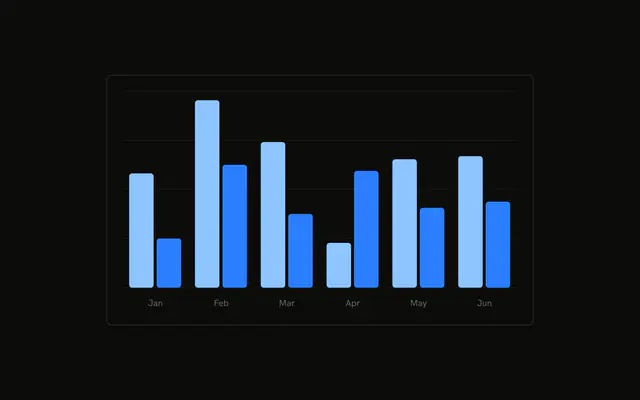
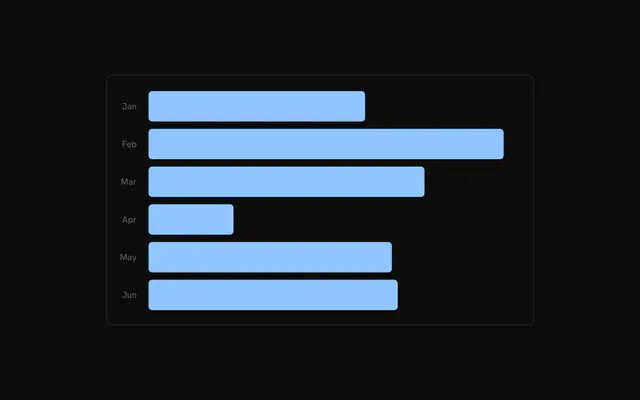
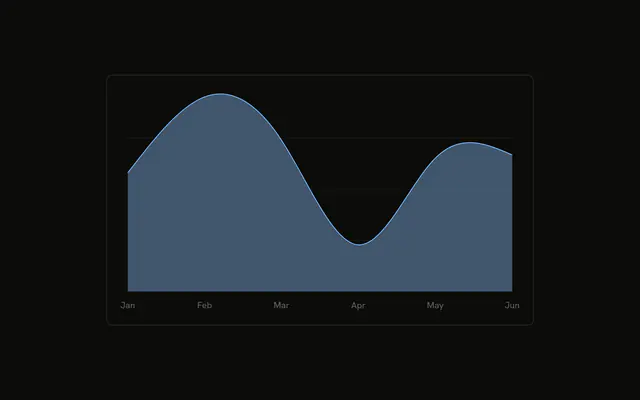
Six desktop bars, and the count sits above each one. There is extra space at the top so the highest number is not cut off. Hover still opens the tooltip.
Use it when a screenshot or a printout has to show the numbers without a hover. A long list belongs in a Table. In React, Base UI does not print those counts. The labels read the rows you pass.
Installation
Anatomy

Usage
<div className="w-full max-w-xl rounded-md border bg-background p-4">
  <ChartContainer config={chartConfig}>
    <BarChart
      accessibilityLayer
      data={chartData}
      margin={{
        top: 20,
      }}
    >
      <CartesianGrid vertical={false} />
      <XAxis
        axisLine={false}
        dataKey="month"
        tickFormatter={formatMonth}
        tickLine={false}
        tickMargin={10}
      />
      <ChartTooltip
        content={<ChartTooltipContent hideLabel />}
        cursor={false}
      />
      <Bar dataKey="desktop" fill="var(--color-desktop)" radius={8}>
        <LabelList
          className="fill-foreground"
          fontSize={12}
          offset={12}
          position="top"
        />
      </Bar>
    </BarChart>
  </ChartContainer>
</div>
FAQ
How are the numbers printed above the bars?
Bar wraps a LabelList with position set to top. It has no dataKey of its own, so the text is the bar's desktop value. offset is 12 and fontSize is 12.
How is the label text colored?
LabelList sets className to fill-foreground. The bars use fill var(--color-desktop) and radius 8. config maps desktop to var(--chart-1) and the label Desktop.
Why is there space above the tallest bar?
BarChart sets margin to { top: 20 }. That inset keeps the top labels inside the chart, including February's 305.
How are the month ticks shortened?
XAxis uses dataKey month and tickFormatter set to formatMonth, which returns the first three characters. axisLine and tickLine are false, and tickMargin is 10.
API Reference
Chart
Sets config={chartConfig} and hideLabel. The rest is on the Chart page.