shadcn.io is an independent project built on shadcn/ui
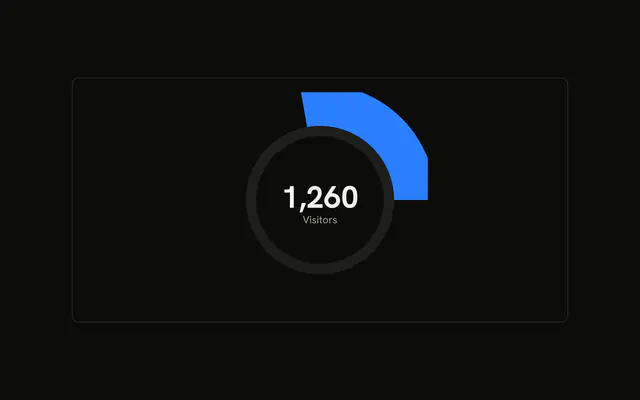
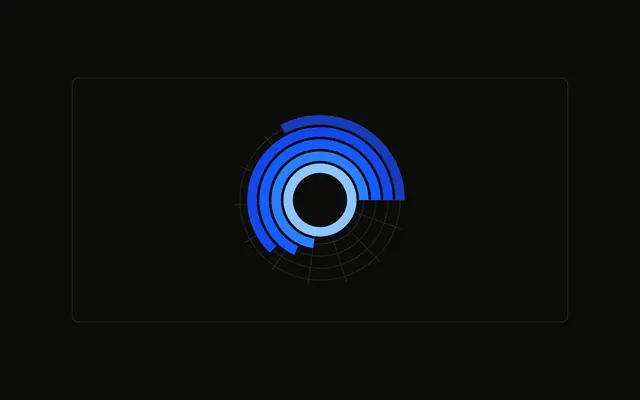
One rounded arc for a single visitor count, on a muted track, with plain circles inside it. The center shows the number and the word Visitors.
Use it for a single number that should read as a ring, with the value in the middle. A Progress bar is the simpler control for one value and no chart. In React, Base UI does not print the center. The demo writes the one row.
Installation
Anatomy

Usage
<div className="w-full max-w-xl rounded-md border bg-background p-4">
  <ChartContainer
    className="mx-auto aspect-square max-h-[250px]"
    config={chartConfig}
  >
    <RadialBarChart
      data={chartData}
      endAngle={250}
      innerRadius={80}
      outerRadius={110}
      startAngle={0}
    >
      <PolarGrid
        className="first:fill-muted last:fill-background"
        gridType="circle"
        polarRadius={[86, 74]}
        radialLines={false}
        stroke="none"
      />
      <RadialBar background cornerRadius={10} dataKey="visitors" />
      <PolarRadiusAxis axisLine={false} tick={false} tickLine={false}>
        <Label content={renderValue} />
      </PolarRadiusAxis>
    </RadialBarChart>
  </ChartContainer>
</div>
FAQ
How does the number get into the center?
PolarRadiusAxis hides its line, ticks, and tick line, and renders a Label with content={renderValue}. renderValue checks viewBox for cx and cy, then draws a text at that point with textAnchor="middle" and dominantBaseline="middle".
What text does it actually print?
The value is chartData[0].visitors passed through toLocaleString, which is 200 here. The caption is the string Visitors. The value uses fill-foreground font-bold text-4xl at viewBox.cy. The caption uses fill-muted-foreground at viewBox.cy + 24.
How long is the ring?
RadialBarChart sets startAngle={0} and endAngle={250}, so the arc runs 250 degrees from the right side of the circle. innerRadius={80} and outerRadius={110} set the thickness. RadialBar sets cornerRadius={10} to round the cap, background for the track, and dataKey="visitors".
What are the circles inside the ring?
PolarGrid sets gridType="circle", polarRadius={[86, 74]}, radialLines={false}, and stroke="none". The className fills the first circle with fill-muted and the last with fill-background. They are decoration around the hole, not a scale for visitors.
API Reference
Chart
Sets config={chartConfig}. The rest is on the Chart page.