shadcn.io is an independent project built on shadcn/ui
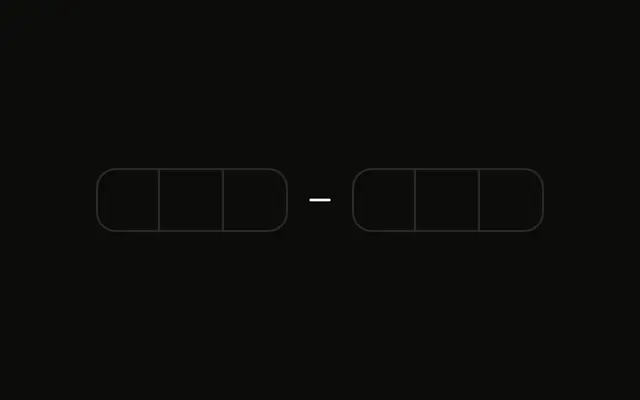
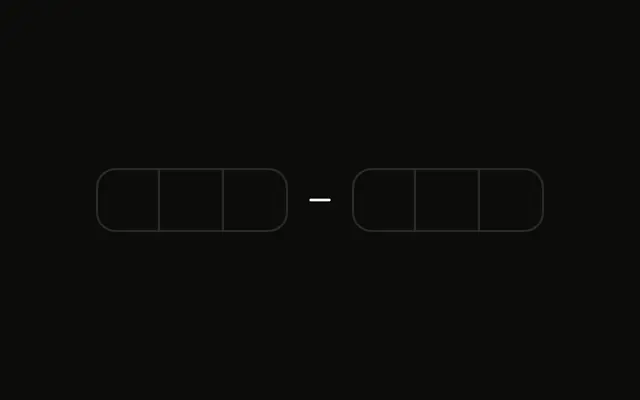
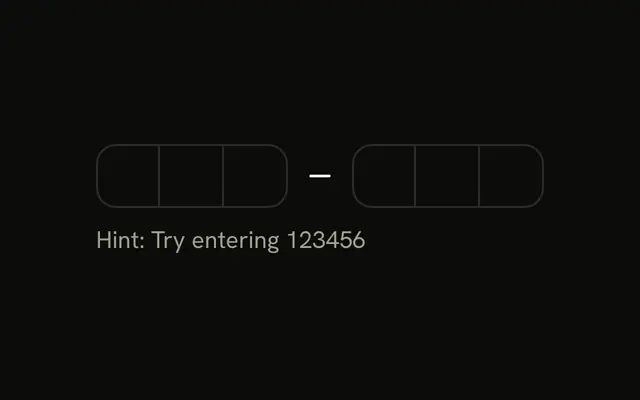
Six boxes in two groups of three, and they do not take input. Under them a line says This OTP input is disabled.
Disable the field when a code must not be entered yet, such as before a message is sent. A Spinner fits while you wait on a request. In React, Ark UI does not verify the code.
Installation
Anatomy
Usage
<div className="flex flex-col gap-2">
  <InputOTP disabled>
    <InputOTPGroup>
      <InputOTPSlot className="bg-background" index={0} />
      <InputOTPSlot className="bg-background" index={1} />
      <InputOTPSlot className="bg-background" index={2} />
    </InputOTPGroup>
    <InputOTPSeparator />
    <InputOTPGroup>
      <InputOTPSlot className="bg-background" index={3} />
      <InputOTPSlot className="bg-background" index={4} />
      <InputOTPSlot className="bg-background" index={5} />
    </InputOTPGroup>
  </InputOTP>
  <p className="text-muted-foreground text-sm">This OTP input is disabled.</p>
</div>
FAQ
What does disabled do?
The slots can't be focused or edited, they're skipped by Tab, and the whole field is dimmed with opacity-50. A disabled field isn't submitted with its form.
When should I disable the code field?
Until a code has been sent, while a code is being verified, or after it's accepted, as the Success State example does. Say why next to the field so the state isn't confusing.
How do I enable it later?
Pass disabled a boolean from state instead of the bare attribute, and set it to false when the field should accept input.
Can a disabled field show a code?
Yes. Give it a default value and the slots show it, dimmed; the docs page's Disabled demo does that.
API Reference
Input OTP
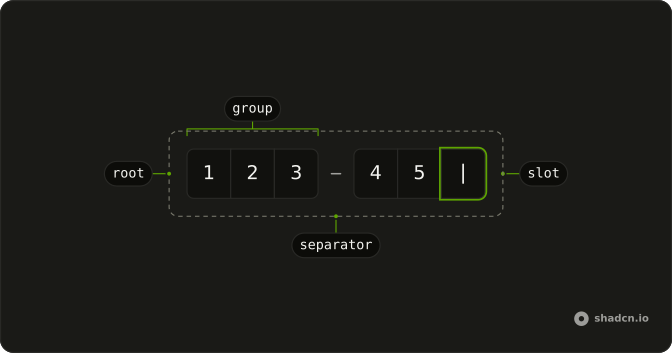
Sets disabled, index={0}, index={1}, index={2}, index={3} and index={4}. The rest is on the Input OTP page.