shadcn.io is an independent project built on shadcn/ui
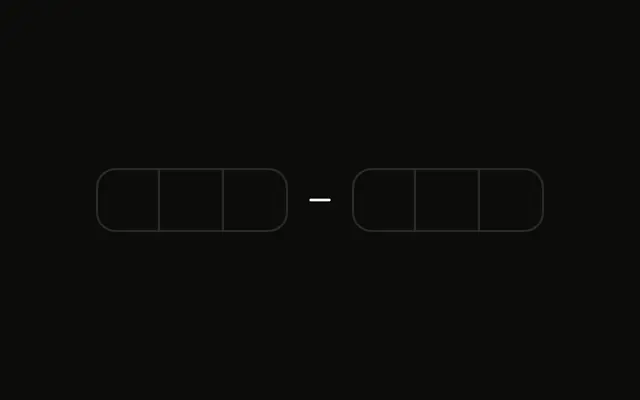
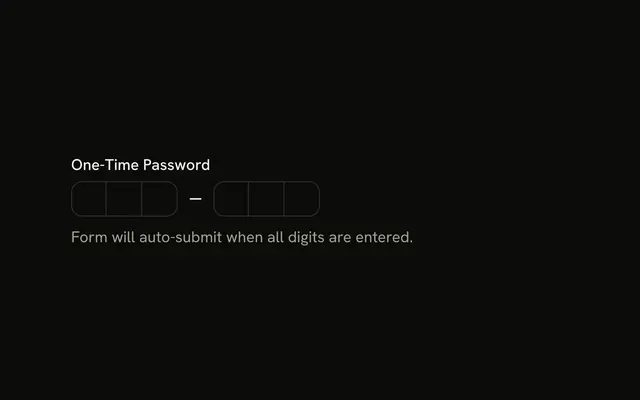
Six boxes in two groups of three. After a full code, a spinner and the words Verifying code... appear under the boxes.
Show the spinner while the check is in flight so the pause does not look like a failure. A Button label can say the same thing if you submit by hand. In React, Ark UI does not verify the code.
Installation
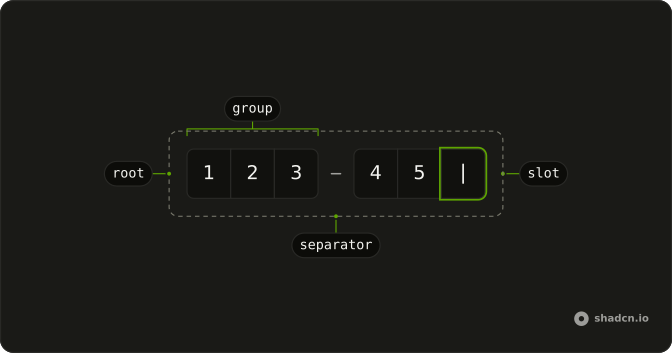
Anatomy
Usage
<div className="flex flex-col gap-2">
  <InputOTP
    onValueChange={handleValueChange}
    onValueComplete={handleComplete}
    value={value}
  >
    <InputOTPGroup>
      <InputOTPSlot className="bg-background" index={0} />
      <InputOTPSlot className="bg-background" index={1} />
      <InputOTPSlot className="bg-background" index={2} />
    </InputOTPGroup>
    <InputOTPSeparator />
    <InputOTPGroup>
      <InputOTPSlot className="bg-background" index={3} />
      <InputOTPSlot className="bg-background" index={4} />
      <InputOTPSlot className="bg-background" index={5} />
    </InputOTPGroup>
  </InputOTP>
  {isVerifying ? (
    <div className="flex items-center gap-2 text-sm" role="status">
      <Spinner />
      <span>Verifying code...</span>
    </div>
  ) : null}
</div>
FAQ
What starts the verification?
The field's completion callback, which fires once every slot is filled.
onValueComplete fires when every slot is filled.
How is the loading state shown?
A row with our Spinner and the text Verifying code..., rendered only while verifying. The row has role status, so the message is announced.
Is there a real request?
No. A two-second timer stands in for it. Replace it with your API call and turn the loading state off when it settles.
Should the field be locked while verifying?
Often, yes: pass disabled from the same loading state so the code can't change mid-request. The Success State example disables the field once the code is accepted.
API Reference
Input OTP
Sets onValueChange={handleValueChange}, onValueComplete={handleComplete}, value={value}, index={0}, index={1} and index={2}. The rest is on the Input OTP page.
Spinner
No extra props in this demo. The rest is on the Spinner page.