shadcn.io is an independent project built on shadcn/ui
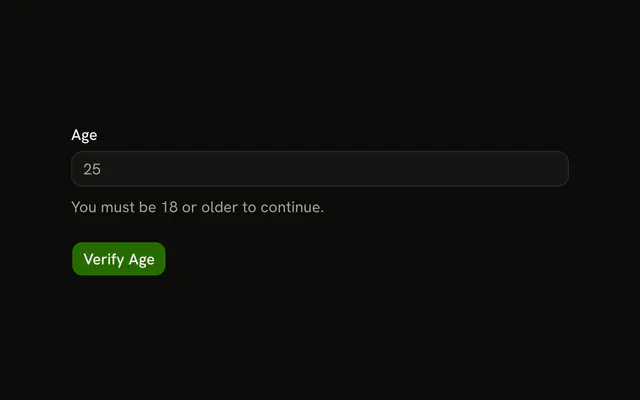
Full name is text and needs 2 characters. Age is a number and must be at least 18. Email must be an address. Phone must be digits with an optional plus, such as +15551234567.
Use it when one form mixes text, a number, and contact fields. Age on its own is a Number Input. In React, Ark UI renders the inputs. Zod applies a different check to each.
Installation
Usage
<form className="w-full max-w-md" onSubmit={form.handleSubmit(onSubmit)}>
  <FieldGroup>
    <Controller
      control={form.control}
      name="fullName"
      render={({ field, fieldState }) => (
        <Field invalid={fieldState.invalid}>
          <FieldLabel>Full Name</FieldLabel>
          <Input {...field} placeholder="John Doe" />
          <FieldError>{fieldState.error?.message}</FieldError>
        </Field>
      )}
    />
    <Controller
      control={form.control}
      name="age"
      render={({ field, fieldState }) => (
        <Field invalid={fieldState.invalid}>
          <FieldLabel>Age</FieldLabel>
          <Input
            name={field.name}
            onBlur={field.onBlur}
            onChange={(event) =>
              field.onChange(
                event.target.value === ""
                  ? undefined
                  : Number(event.target.value)
              )
            }
            placeholder="25"
            ref={field.ref}
{/* The rest of the file is under Installation. */}
FAQ
Which input types are on this form?
Full Name is a text input, Age is type="number", Email is type="email" and Phone is type="tel", so phones show a fitting keyboard for each.
What do name, email, and phone check?
fullName needs 2 characters ("Name must be at least 2 characters."), email is z.email(…) ("Please enter a valid email address.") and phone matches a pattern ("Please enter a valid phone number.").
How is the age turned into a number?
The age input's onChange passes undefined for an empty box and Number(event.target.value) otherwise, and its value is field.value ?? "". The schema is z.number(…).min(18, …), so an empty or under-18 age shows "You must be at least 18 years old."
Which phone string passes?
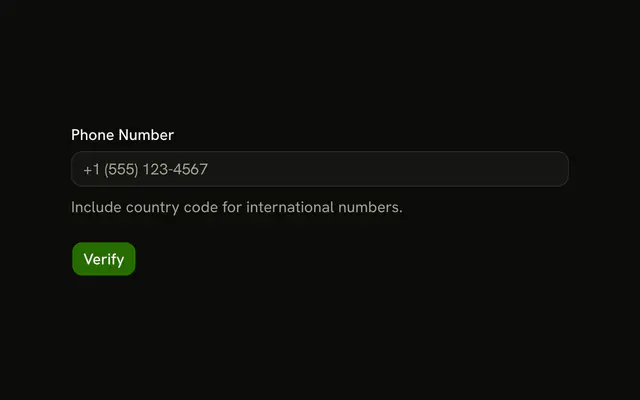
PHONE_PATTERN is ^\+?[1-9]\d{1,14}$: an optional plus, then 2 to 15 digits, such as +15551234567. The placeholder +1 (555) 123-4567 has spaces and brackets, so typed that way it fails.
API Reference
Field
Sets invalid={fieldState.invalid} and orientation="horizontal". The rest is on the Field page.
Input
Sets field, placeholder="John Doe", name={field.name}, onBlur={field.onBlur}, onChange and event. The rest is on the Input page.
Button
Sets type="submit". The rest is on the Button page.