shadcn.io is an independent project built on shadcn/ui
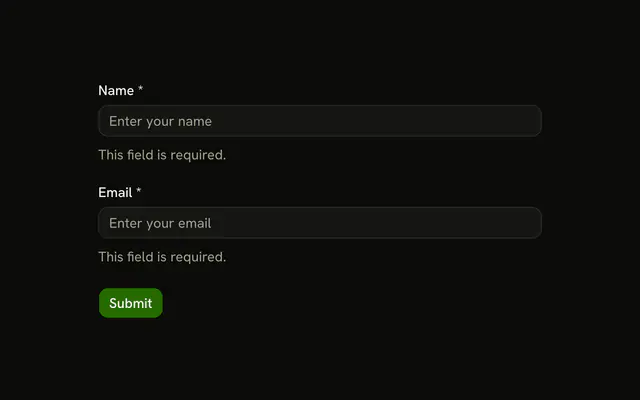
Notify me about... lists All new messages, Direct messages and mentions, and Nothing. No radio starts selected. A helper line sits under the options, and the button says Submit.
Use a radio group in a form when one option is required. A Select hides the options until it is opened. On React, Ark UI does not validate the group.
Installation
Anatomy
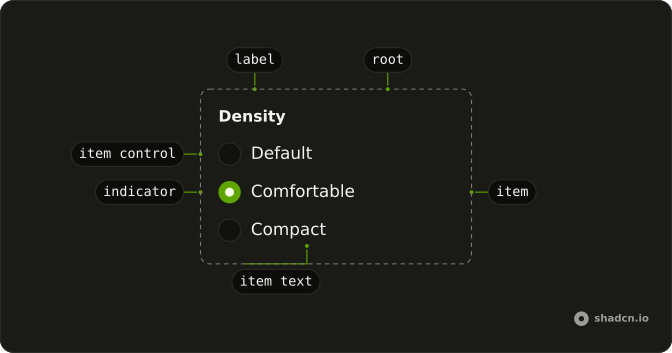
Usage
<form
  className="flex w-full max-w-md flex-col gap-6"
  onSubmit={handleSubmit}
>
  <Field invalid={invalid}>
    <FieldSet>
      <FieldLegend variant="label">Notify me about...</FieldLegend>
      <RadioGroup
        invalid={invalid}
        name="type"
        onValueChange={handleValueChange}
        value={value}
      >
        {options.map((option) => (
          <Field
            invalid={invalid}
            key={option.value}
            orientation="horizontal"
          >
            <RadioGroupItem value={option.value}>
              {option.label}
            </RadioGroupItem>
          </Field>
        ))}
      </RadioGroup>
      <FieldDescription>
        Choose how you want to be notified about new activity.
      </FieldDescription>
      <FieldError>You need to select a notification type.</FieldError>
    </FieldSet>
  </Field>
{/* The rest of the file is under Installation. */}
FAQ
What does the form require?
One of the three options. On submit the handler looks the value up in the options list. With no match it sets the field invalid, and FieldError shows You need to select a notification type.
How is the radio group connected to the state?
The group is controlled, and picking an option stores it and clears the error. It also has name set to type, so a real form submit sends the value. value is the state, and onValueChange receives details.value.
What are the three values?
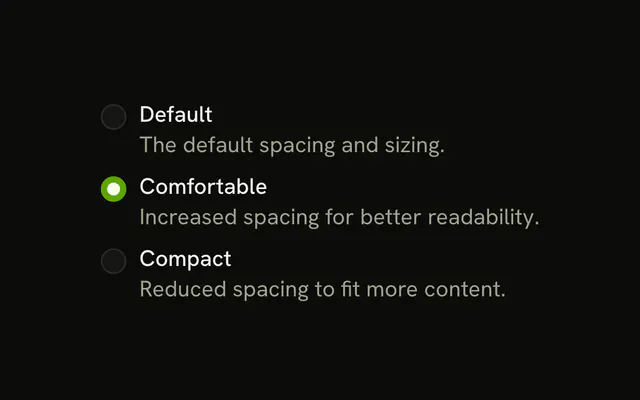
all is All new messages, mentions is Direct messages and mentions, and none is Nothing. They come from a list at the top of the file.
How does the invalid state look?
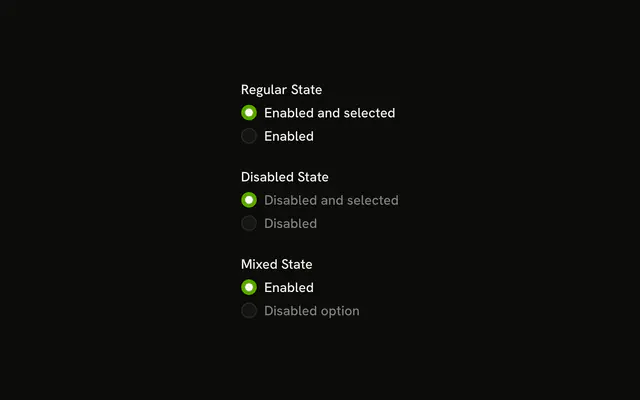
The outer Field and each option's Field get invalid, so the legend and the radios turn the destructive color, and FieldError appears under the description. RadioGroup also gets invalid.
API Reference
Field
Sets invalid={invalid}, variant="label" and orientation="horizontal". The rest is on the Field page.
Radio Group
Sets invalid={invalid}, name="type", onValueChange={handleValueChange}, value={value} and value={option.value}. The rest is on the Radio Group page.
Button
Sets type="submit". The rest is on the Button page.