shadcn.io is an independent project built on shadcn/ui
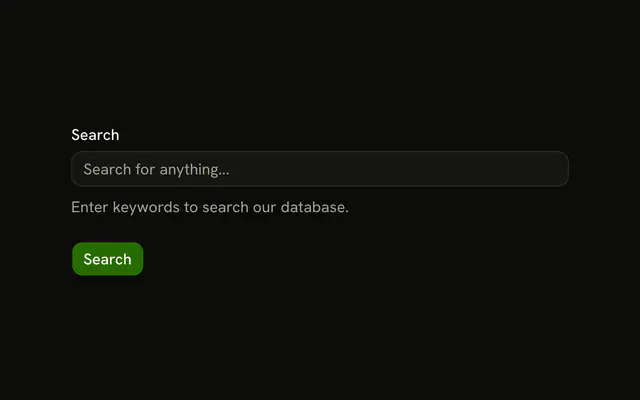
Search Products has a query, a sort that starts on Relevance, and a min and max price. Categories are Electronics, Clothing, Books, and Home & Garden. In Stock Only starts unchecked. Reset clears them.
Use it beside a product list. A keyword with no filters is a single search Input. In React, Ark UI does not apply the filters. Submit hands them over.
Installation
Usage
<form className="w-full max-w-md" onSubmit={form.handleSubmit(onSubmit)}>
<FieldGroup>
<div className="flex flex-col">
<h2 className="font-bold text-2xl">Search Products</h2>
<p className="text-muted-foreground text-sm">
Filter and find what you're looking for
</p>
</div>
<Controller
control={form.control}
name="query"
render={({ field, fieldState }) => (
<Field invalid={fieldState.invalid}>
<FieldLabel>Search</FieldLabel>
<Input
{...field}
placeholder="Search products..."
type="search"
/>
<FieldError>{fieldState.error?.message}</FieldError>
</Field>
)}
/>
<Controller
control={form.control}
name="sortBy"
render={({ field, fieldState }) => (
<Field invalid={fieldState.invalid}>
<FieldLabel>Sort By</FieldLabel>
<Select
{/* The rest of the file is under Installation. */}FAQ
Does the search box have to contain text?
No. query is a plain z.string() starting as "", so an empty search submits. The Input has type="search" and the placeholder "Search products...".
How does Sort By get its starting value?
From defaultValues: sortBy is relevance, so the trigger shows Relevance. The other options are Price: Low to High, Price: High to Low and Newest First.
What do blank min and max prices become?
undefined. Both are z.number().min(0).optional(), and each number Input passes undefined to field.onChange when empty and a number otherwise. A negative price fails with Zod's default message.
How does a category checkbox update the array?
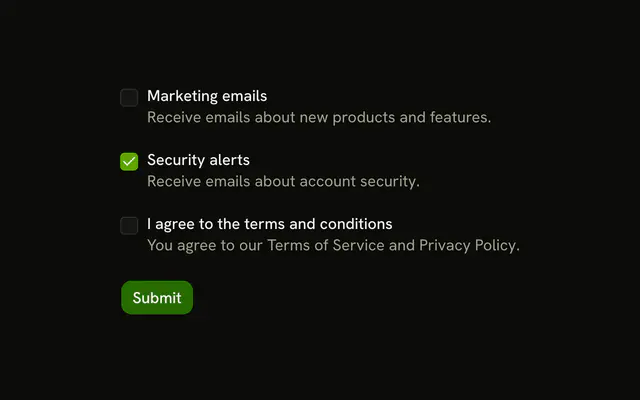
Each box is checked when field.value includes its id. Checking it adds the id to a new array and unchecking filters it out, then field.onChange stores the result. The handler reads checked from onCheckedChange's details.
API Reference
Field
Sets invalid={fieldState.invalid}, variant="label", data-slot="checkbox-group" and orientation="horizontal". The rest is on the Field page.
Input
Sets field, placeholder="Search products...", type="search", name={field.name}, onBlur={field.onBlur} and onChange. The rest is on the Input page.
Select
Sets collection={sortOptions}, name={field.name}, onValueChange, value and item={item}. The rest is on the Select page.
Checkbox
Sets checked={field.value.includes(category.id)}, name={field.name}, onCheckedChange, checked and checked={field.value}. The rest is on the Checkbox page.
Button
Sets type="submit" and onClick. The rest is on the Button page.