shadcn.io is an independent project built on shadcn/ui
Welcome back sits above email and password. Password needs 8 characters. Forgot password is a link beside the password label, and a sign-up line sits under the full-width Sign In.
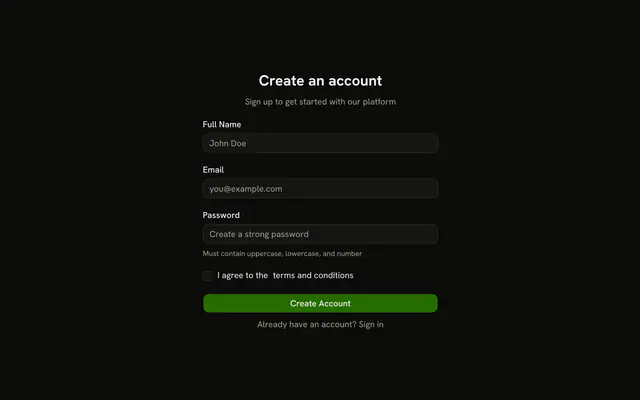
Use it for people who already have an account. A new account also needs a terms Checkbox. In React, Ark UI does not check the password length.
Installation
Usage
<form className="w-full max-w-sm" onSubmit={form.handleSubmit(onSubmit)}>
  <FieldGroup>
    <div className="flex flex-col gap-2 text-center">
      <h1 className="font-bold text-2xl">Welcome back</h1>
      <p className="text-muted-foreground text-sm">
        Enter your credentials to access your account
      </p>
    </div>
    <Controller
      control={form.control}
      name="email"
      render={({ field, fieldState }) => (
        <Field invalid={fieldState.invalid}>
          <FieldLabel>Email</FieldLabel>
          <Input {...field} placeholder="you@example.com" type="email" />

          <FieldError>{fieldState.error?.message}</FieldError>
        </Field>
      )}
    />
    <Controller
      control={form.control}
      name="password"
      render={({ field, fieldState }) => (
        <Field invalid={fieldState.invalid}>
          <div className="flex items-center justify-between">
            <FieldLabel>Password</FieldLabel>
            <a
              className="text-muted-foreground text-sm hover:underline"
              href="#"
            >
{/* The rest of the file is under Installation. */}
FAQ
What do email and password have to satisfy?
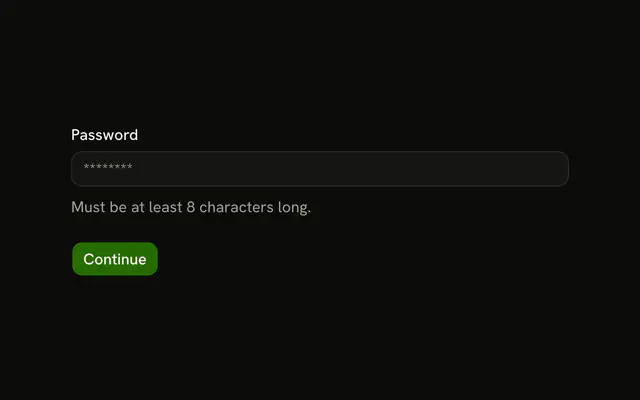
email is z.email("Please enter a valid email address.") and password is .min(8) with "Password must be at least 8 characters." Each field's FieldError shows its message when it fails.
How are the two inputs set up?
Email has type="email" and the placeholder you@example.com; password has type="password" and "Enter your password". Each Controller spreads field onto its Input, and defaultValues sets both to "".
What is the text above the fields?
An h1 says Welcome back and a muted paragraph says "Enter your credentials to access your account", centered in a flex flex-col gap-2 text-center block at the top of the FieldGroup.
Where does Forgot password go?
The password label row is flex items-center justify-between, with the FieldLabel on one side and an a with href="#" on the other. Point it at your reset page or open a dialog.
API Reference
Field
Sets invalid={fieldState.invalid}. The rest is on the Field page.
Input
Sets field, placeholder="you@example.com", type="email", placeholder="Enter your password" and type="password". The rest is on the Input page.
Button
Sets type="submit". The rest is on the Button page.