shadcn.io is an independent project built on shadcn/ui
Each picked tag becomes a chip in the field, with an X to remove it. You search in that same field. The placeholder Select tags... disappears once a chip is there. The chips wrap as they add up.
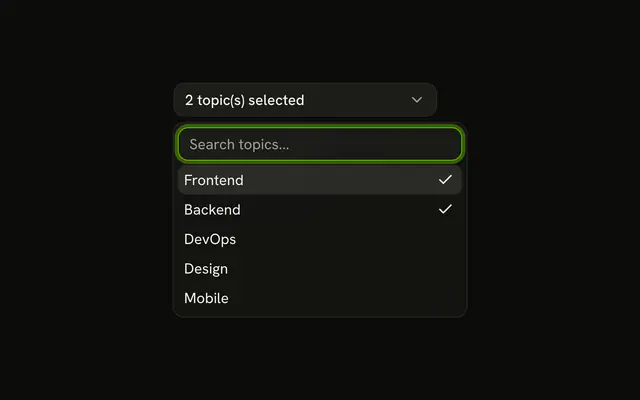
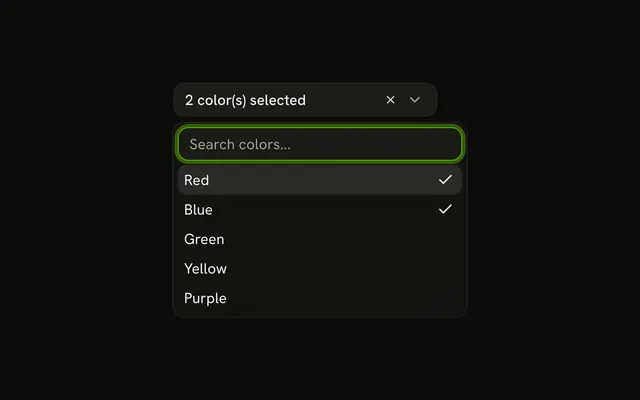
Use it for tags, labels, or assignees that should stay visible in the field. A count on the button, instead of chips, keeps a narrow Combobox. In React, Base UI keeps the picks as a list.
Installation
Anatomy

Usage
<Combobox items={tags} multiple>
  <ComboboxChips className="w-full" ref={anchor}>
    <ComboboxValue>{renderChips}</ComboboxValue>
  </ComboboxChips>
  <ComboboxContent anchor={anchor}>
    <ComboboxEmpty>No tag found.</ComboboxEmpty>
    <ComboboxList>
      {(tag: Tag) => (
        <ComboboxItem key={tag.value} value={tag}>
          {tag.label}
        </ComboboxItem>
      )}
    </ComboboxList>
  </ComboboxContent>
</Combobox>
FAQ
How are the chips built?
ComboboxChips is the field. It holds a ComboboxChip per picked tag and the search input after them, so the field grows onto a new line as chips are added.
ComboboxValue hands the picked tags to a function that renders the chips and ComboboxChipsInput. The list is anchored to the field with useComboboxAnchor.
How does the X remove a tag?
Each chip has a remove button. The chip removes its own tag from the value. Backspace in an empty search removes the last chip too.
What does the field show when it's empty?
Select tags..., as the placeholder of the search input. Once a chip is there the placeholder goes away, so it doesn't sit next to the chips.
What if people pick a lot of tags?
The chips wrap onto more lines. For long lists, show a count instead, as in With Item Count in Trigger, or list the picks below the field as in Selected Items List Below.
API Reference
Combobox
Sets items={tags}, multiple, anchor={anchor} and value={tag}. The rest is on the Combobox page.