shadcn.io is an independent project built on shadcn/ui
Name needs 2 characters. Country, timezone, and language each start on a placeholder and must be picked. Save Settings names the one you skipped.
Use it when several closed lists belong on one settings form. A single country is just a Select. In React, Base UI does not know which select is required.
Installation
Usage
<form className="w-full max-w-md" onSubmit={form.handleSubmit(onSubmit)}>
  <FieldGroup>
    <Controller
      control={form.control}
      name="name"
      render={({ field, fieldState }) => (
        <Field invalid={fieldState.invalid}>
          <FieldLabel htmlFor="form-with-multiple-selects-name">
            Name
          </FieldLabel>
          <Input
            {...field}
            id="form-with-multiple-selects-name"
            placeholder="John Doe"
          />
          <FieldError>{fieldState.error?.message}</FieldError>
        </Field>
      )}
    />
    {selects.map((select) => (
      <Controller
        control={form.control}
        key={select.name}
        name={select.name}
        render={({ field, fieldState }) => (
          <Field invalid={fieldState.invalid}>
            <FieldLabel
              htmlFor={`form-with-multiple-selects-${select.name}`}
            >
              {select.label}
            </FieldLabel>
{/* The rest of the file is under Installation. */}
FAQ
What does each field check?
name is .min(2) with "Name must be at least 2 characters." country, timezone and language each start as "" and must pass .min(1), with "Please select a country.", "Please select a timezone." and "Please select a language."
How is each select wired?
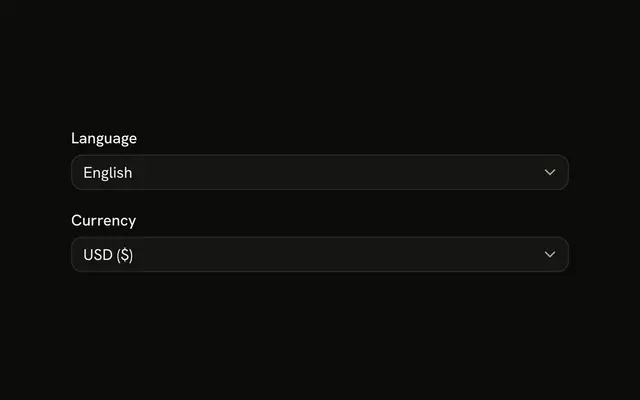
The selects are one selects array mapped to a Controller each, with its label, placeholder and options. Select takes items, value={field.value || null}, and onValueChange stores the next value or "".
What values do the three lists use?
Country uses us, uk, ca and au. Timezone uses est, cst, mst and pst. Language uses en, es, fr and de. The form stores that value, not the visible label.
What shows before anything is picked?
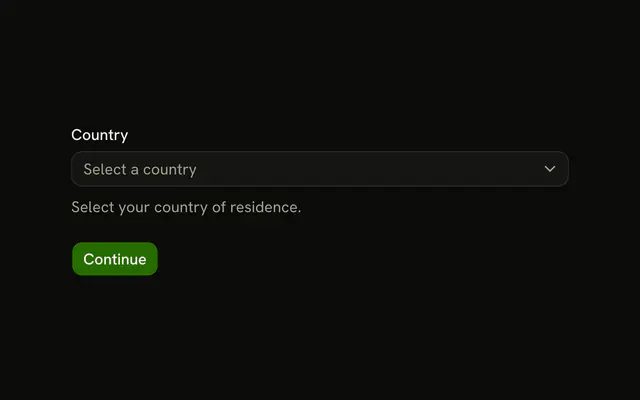
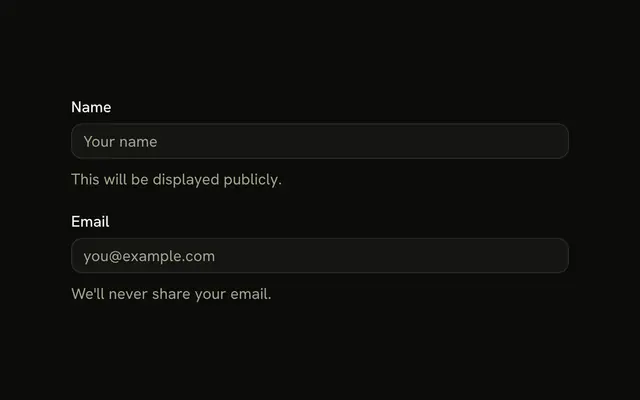
All four values start as "", so the triggers show their placeholders: "Select country", "Select timezone" and "Select language". The Name input's placeholder is John Doe.
API Reference
Field
Sets invalid={fieldState.invalid}, htmlFor="form-with-multiple-selects-name", htmlFor, form-with-multiple-selects-, select and name. The rest is on the Field page.
Input
Sets field, id="form-with-multiple-selects-name" and placeholder="John Doe". The rest is on the Input page.
Select
Sets items={select.items}, name={field.name}, onValueChange, next, id and form-with-multiple-selects-. The rest is on the Select page.
Button
Sets type="submit". The rest is on the Button page.