shadcn.io is an independent project built on shadcn/ui
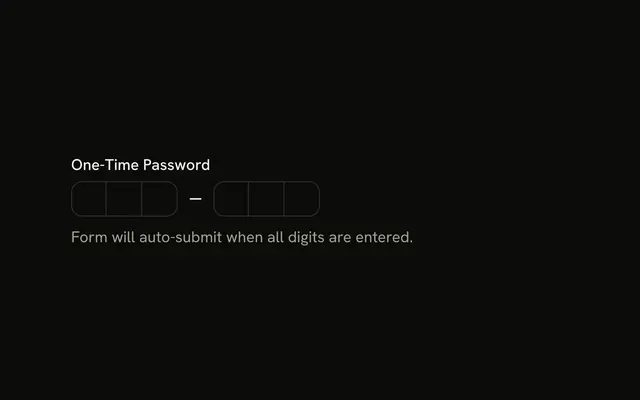
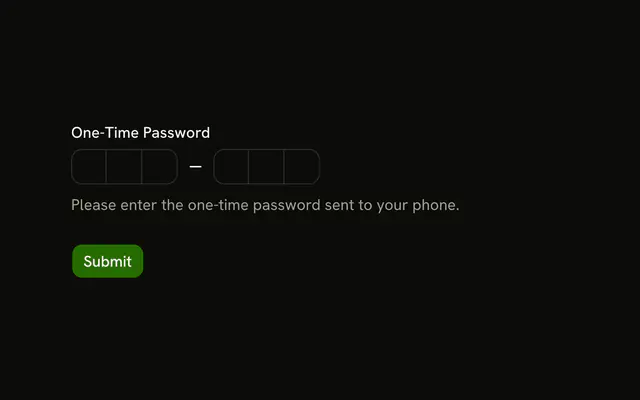
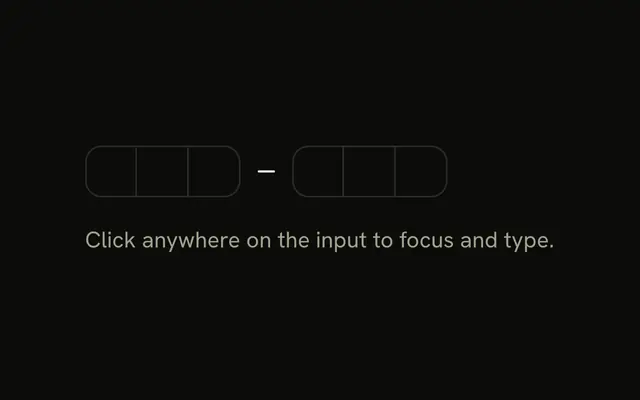
Six boxes in two groups of three. Under them the line reads Enter your one-time password. until digits are typed, then it shows those digits.
Use it when the screen must show the current code, not only the boxes. Read a submitted value from a Field when you only need it on submit. In React, Base UI does not verify the code.
Installation
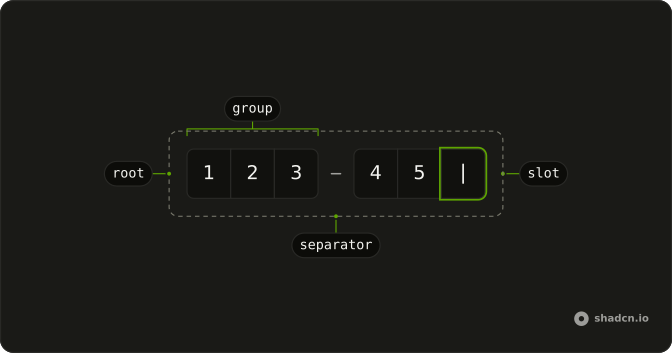
Anatomy
Usage
<div className="flex flex-col gap-2">
  <InputOTP maxLength={6} onChange={handleValueChange} value={value}>
    <InputOTPGroup>
      <InputOTPSlot className="bg-background" index={0} />
      <InputOTPSlot className="bg-background" index={1} />
      <InputOTPSlot className="bg-background" index={2} />
    </InputOTPGroup>
    <InputOTPSeparator />
    <InputOTPGroup>
      <InputOTPSlot className="bg-background" index={3} />
      <InputOTPSlot className="bg-background" index={4} />
      <InputOTPSlot className="bg-background" index={5} />
    </InputOTPGroup>
  </InputOTP>
  <div className="text-center text-sm">
    {code === "" ? "Enter your one-time password." : `You entered: ${code}`}
  </div>
</div>
FAQ
How is the value controlled?
The code lives in state and is passed to InputOTP with a change handler that writes every change back.
The value is one string, and onChange receives the next string.
How is the code shown under the field?
The value is turned into one string. While it's empty, the line reads Enter your one-time password; otherwise You entered: and the digits.
How do I know when the code is complete?
Check the length in the change handler, or listen for completion.
onComplete fires when the code reaches maxLength.
API Reference
Input OTP
Sets maxLength={6}, onChange={handleValueChange}, value={value}, index={0}, index={1} and index={2}. The rest is on the Input OTP page.