shadcn.io is an independent project built on shadcn/ui
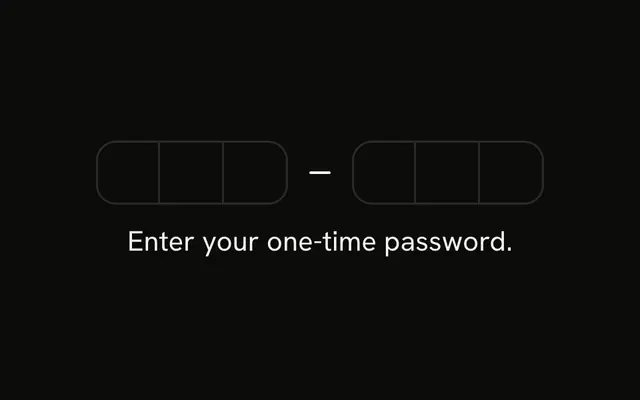
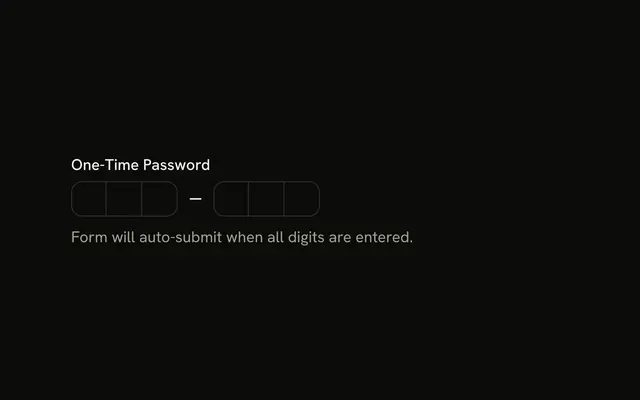
Six boxes in two groups of three. Under them a line says Click anywhere on the input to focus and type. The visible page has no other label.
Use the wide click target when the boxes are small and easy to miss. A normal Input is easier to hit when the code is one string. In React, Base UI moves to the next box as you type.
Installation
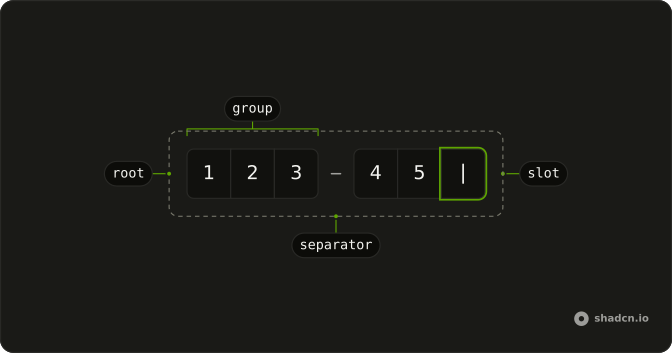
Anatomy
Usage
<div className="flex flex-col gap-4">
  <Label className="w-fit cursor-text">
    <span className="sr-only">One-time password</span>
    <InputOTP maxLength={6} onChange={handleValueChange} value={value}>
      <InputOTPGroup>
        <InputOTPSlot className="bg-background" index={0} />
        <InputOTPSlot className="bg-background" index={1} />
        <InputOTPSlot className="bg-background" index={2} />
      </InputOTPGroup>
      <InputOTPSeparator />
      <InputOTPGroup>
        <InputOTPSlot className="bg-background" index={3} />
        <InputOTPSlot className="bg-background" index={4} />
        <InputOTPSlot className="bg-background" index={5} />
      </InputOTPGroup>
    </InputOTP>
  </Label>
  <p className="text-muted-foreground text-sm">
    Click anywhere on the input to focus and type.
  </p>
</div>
FAQ
How does a click anywhere focus the field?
A label sends a click on itself to the first field inside it. Wrapping InputOTP in Label makes the whole area, gaps included, a click target for the code.
How is the field named for screen readers?
A span with sr-only inside the label reads One-time password, which becomes the field's accessible name.
What happens when I click a box directly?
The slots are drawn over one input that covers the field, so a click on any box focuses it and the caret goes to the next empty slot.
API Reference
Label
No extra props in this demo. The rest is on the Label page.
Input OTP
Sets maxLength={6}, onChange={handleValueChange}, value={value}, index={0}, index={1} and index={2}. The rest is on the Input OTP page.