shadcn.io is an independent project built on shadcn/ui
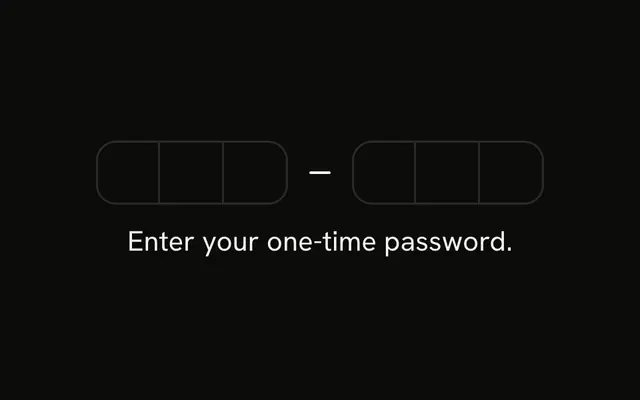
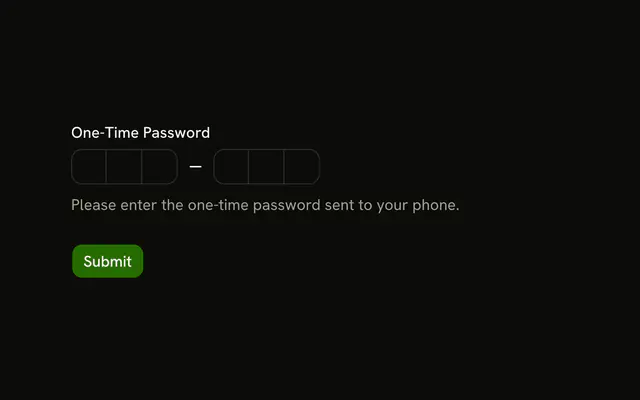
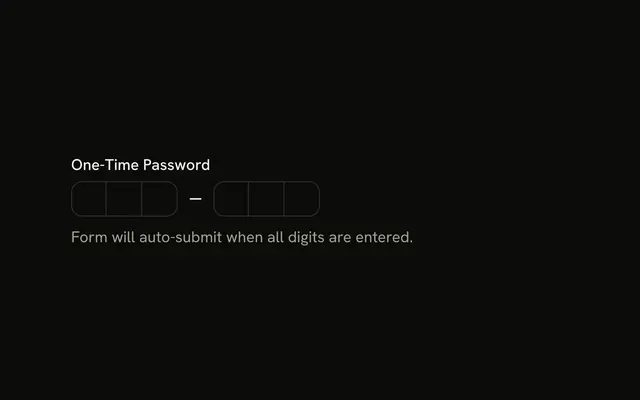
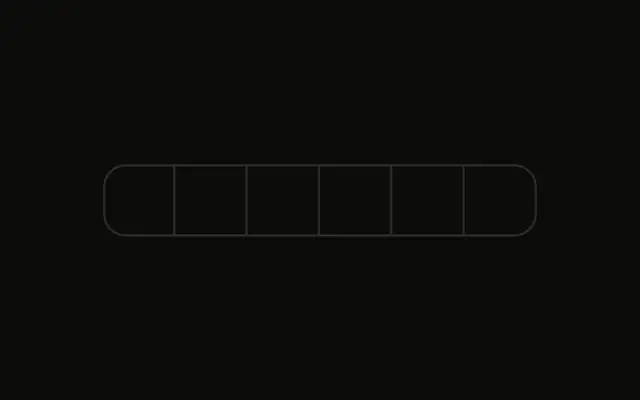
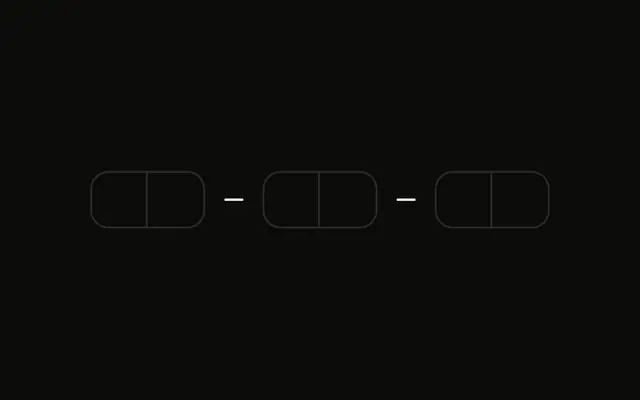
Six boxes in two groups of three, with a separator between them. Nothing else is on the page: no label, no button, and no message.
Use this shape when the code arrives as two groups, like 123-456. A single Input is simpler when people paste one long string. In React, Base UI moves to the next box as you type.
Installation
Anatomy
Usage
<InputOTP maxLength={6}>
  <InputOTPGroup>
    <InputOTPSlot className="bg-background" index={0} />
    <InputOTPSlot className="bg-background" index={1} />
    <InputOTPSlot className="bg-background" index={2} />
  </InputOTPGroup>
  <InputOTPSeparator />
  <InputOTPGroup>
    <InputOTPSlot className="bg-background" index={3} />
    <InputOTPSlot className="bg-background" index={4} />
    <InputOTPSlot className="bg-background" index={5} />
  </InputOTPGroup>
</InputOTP>
FAQ
How are the two groups made?
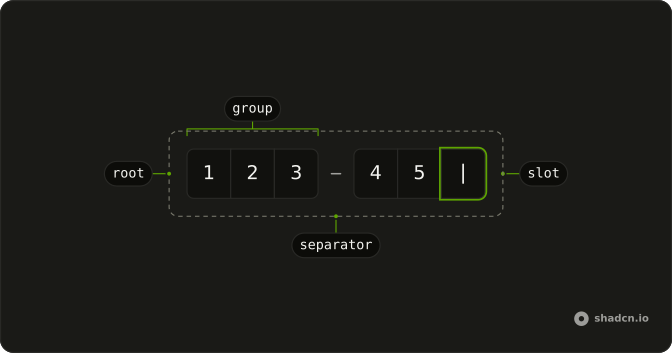
Each InputOTPGroup joins its slots into one block, and InputOTPSeparator draws a minus between blocks. The separator isn't a character, and index counts straight through the groups, 0 to 5.
How does focus move between the boxes?
Typing a character fills the current box and moves to the next; Backspace clears and moves back, and the arrow keys move between boxes. Pasting a full code fills them all at once.
Does it accept letters?
Yes: without a pattern, any character is accepted. Pass a digits-only pattern, as the Numeric Only example does.
API Reference
Input OTP
Sets maxLength={6}, index={0}, index={1}, index={2}, index={3} and index={4}. The rest is on the Input OTP page.