shadcn.io is an independent project built on shadcn/ui
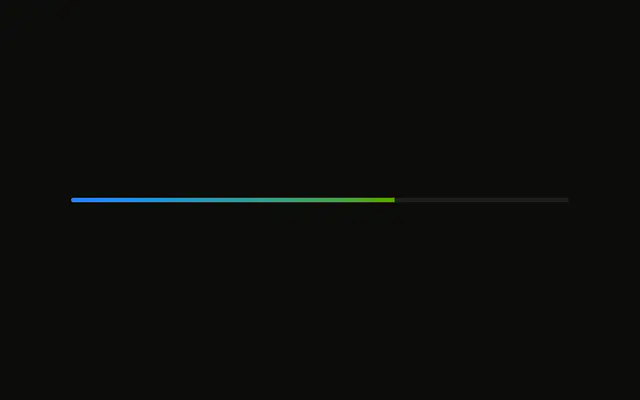
Heat is on the left and 70° is on the right. The whole track fades from a cool color to a hot one, past the thumb as well as behind it.
Use it for heat or any cold-to-hot scale. A Progress bar can show the same scale when nobody drags it. In React, Base UI does not supply the gradient.
Installation
Anatomy

Usage
<div className="flex w-full max-w-md flex-col gap-2">
  <div className="flex items-center justify-between">
    <Label>Heat</Label>
    <span className="text-muted-foreground text-sm tabular-nums">
      {value[0]}°
    </span>
  </div>
  <Slider
    aria-label="Heat"
    className="[&_[data-slot=slider-range]]:bg-transparent [&_[data-slot=slider-track]]:bg-linear-to-r [&_[data-slot=slider-track]]:from-info [&_[data-slot=slider-track]]:to-destructive rtl:[&_[data-slot=slider-track]]:bg-linear-to-l"
    onValueChange={handleValueChange}
    value={value}
  />
</div>
FAQ
How is the gradient drawn?
The slider's class gives the part with data-slot="slider-track" bg-linear-to-r from info to destructive, and the range bg-transparent.
How does the readout follow the thumb?
The value lives in state, starting at 70, and goes back to the slider as value. The number beside the label prints it with a degree sign.
onValueChange receives the new value, and the handler stores it as an array.
Can I change the colors?
Change the from- and to- classes. Theme tokens keep it working in dark mode.
API Reference
Label
No extra props in this demo. The rest is on the Label page.
Slider
Sets aria-label="Heat", onValueChange={handleValueChange} and value={value}. The rest is on the Slider page.