shadcn.io is an independent project built on shadcn/ui
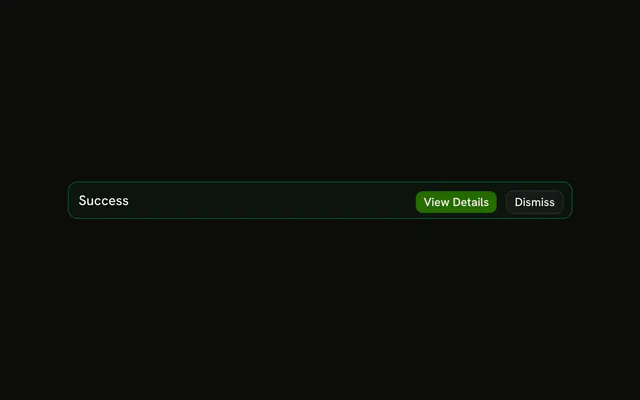
The title Success on a plain alert, with View Details and Dismiss. No icon, no description, and no color tint. The buttons do nothing in this demo.
Use it for a finished job people might inspect. If they do not need a follow-up, a Toast is enough. In Solid, Ark UI will not open the details.
Installation
Anatomy

Usage
<Alert class="max-w-lg">
    <AlertTitle>Success</AlertTitle>
    <AlertAction class="flex gap-2">
      <Button size="xs">View Details</Button>
      <Button size="xs" variant="outline">
        Dismiss
      </Button>
    </AlertAction>
  </Alert>
FAQ
What does this standard alert contain?
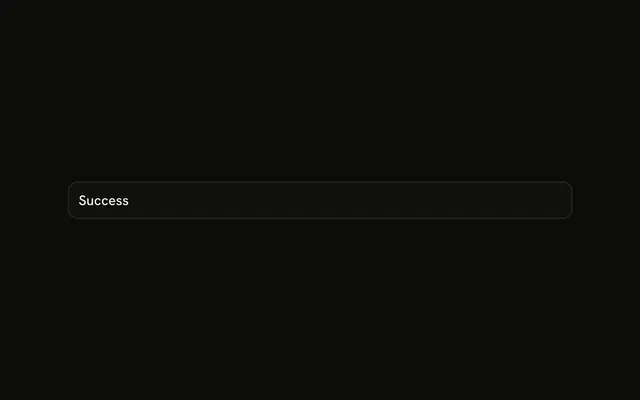
An AlertTitle of Success, plus View Details and Dismiss in AlertAction. There is no variant, so the alert uses the default card background and border.
Where do the buttons sit?
AlertAction is absolutely positioned at the top right. The alert adds right padding so the title keeps its room. The two buttons stay in one row.
Do the buttons do anything in this file?
No. Neither button has a click handler or an href. Alert also has no built-in dismiss, so Dismiss hides the alert only if your state stops rendering it.
API Reference
Alert
No extra props in this demo. The rest is on the Alert page.
Button
Sets size="xs" and variant="outline". The rest is on the Button page.