shadcn.io is an independent project built on shadcn/ui
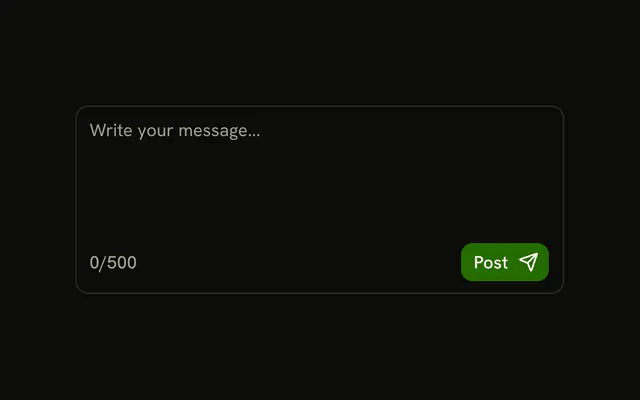
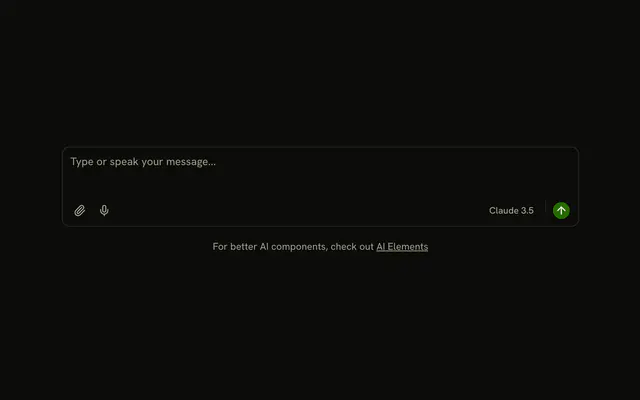
A message textarea with a bordered footer. The footer has an emoji button, the text 0/2000, and a filled Send button with a send icon. The count does not change, and the emoji button does not open a picker.
Use it as the composer under a conversation. A one-line message fits an Input with a button beside it. In Solid, Ark UI does not send the message or count the characters.
Installation
Anatomy

Usage
<InputGroup class="w-full max-w-sm bg-background">
    <InputGroupTextarea aria-label="Message" class="min-h-[80px]" placeholder="Type a message..." />
    <InputGroupAddon align="block-end" class="border-t">
      <InputGroupButton aria-label="Emoji" size="icon-xs" variant="ghost">
        <SmileIcon aria-hidden="true" />
      </InputGroupButton>
      <InputGroupText class="ms-auto">0/2000</InputGroupText>
      <InputGroupButton class="ms-2" size="sm" variant="default">
        Send
        <SendIcon aria-hidden="true" data-icon="inline-end" />
      </InputGroupButton>
    </InputGroupAddon>
  </InputGroup>
FAQ
How is the footer laid out?
One InputGroupAddon with align="block-end" and border-t. The emoji button comes first, ms-auto sends the count to the end and ms-2 spaces Send from it.
What does the emoji button do?
Nothing in the demo. It's an icon-only InputGroupButton named Emoji; open a picker from it.
How is Send built?
InputGroupButton with size="sm" and variant="default", its icon after the text with data-icon="inline-end".
How do I send on Enter?
Handle the key down on the textarea: on Enter without Shift, prevent the newline and send. Shift+Enter keeps its new line.
API Reference
Input Group
Sets aria-label="Message", placeholder="Type a message...", align="block-end", aria-label="Emoji", size="icon-xs" and variant="ghost". The rest is on the Input Group page.