shadcn.io is an independent project built on shadcn/ui
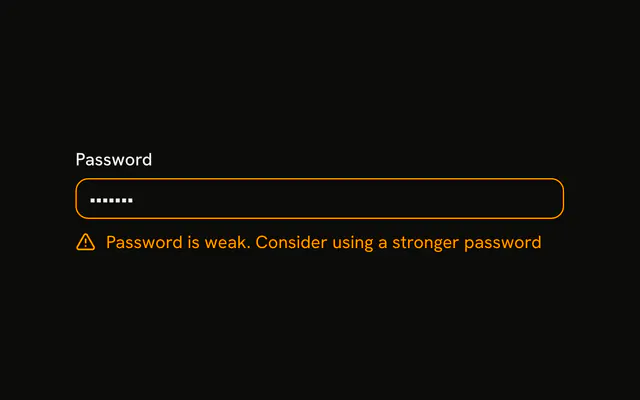
Password shows pass and the border is in the error color. Under it, a fixed list of three messages, each with an alert icon: too short, no number, and no special character.
Use it after a check that failed more than one rule, so people see every problem at once. A single banner is a weaker Alert. In Solid, Ark UI does not test this password.
Installation
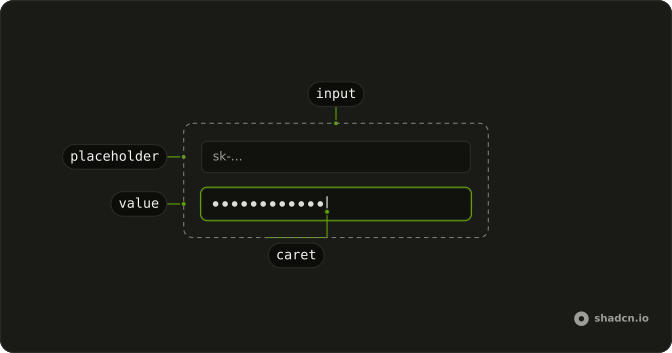
Anatomy
Usage
<Field class="w-full max-w-sm" invalid>
    <FieldLabel>Password</FieldLabel>
    <Input class="bg-background" value="pass" placeholder="Enter password" type="password" />
    <FieldError class="flex flex-col gap-1">
      {messages.map(message => <span class="flex items-center gap-2">
          <CircleAlertIcon aria-hidden="true" class="size-4 shrink-0" />
          {message}
        </span>)}
    </FieldError>
  </Field>
FAQ
How are the messages listed?
One FieldError holds the messages, stacked with flex-col gap-1. Each is a row with a CircleAlertIcon and its text, rendered from a static list of strings.
How is the field marked invalid?
invalid on Field, which sets aria-invalid on the input and gives it a destructive border and ring.
Are the rules checked as I type?
No. The value pass and the messages are fixed, to show the invalid state. Compute the list from the value to make it live, as the Real-time Validation example does.
API Reference
Field
Sets invalid. The rest is on the Field page.
Input
Sets value="pass", placeholder="Enter password" and type="password". The rest is on the Input page.