shadcn.io is an independent project built on shadcn/ui
Phone Number is the label. On the same line, muted text reads (optional).
Mark the optional fields when almost every field is required. A destructive asterisk on a Field label is the other convention. Ark UI in Solid does not know which fields are optional.
Installation
Anatomy
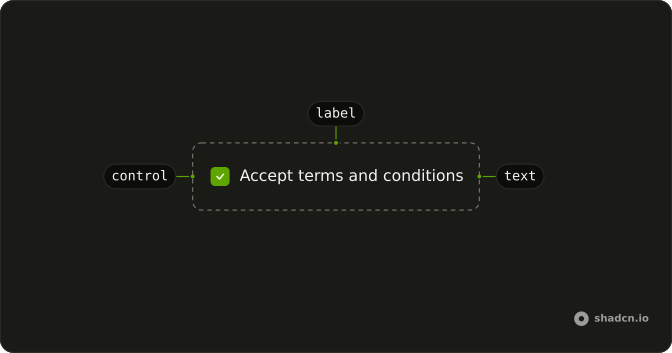
Usage
<Label>
    Phone Number
    <span class="font-normal text-muted-foreground">(optional)</span>
  </Label>
FAQ
How is the optional marker written?
As the text (optional) inside the label, after Phone Number. The span is font-normal text-muted-foreground.
Why does the marker look quieter than the caption?
Label is font-medium. The span sets font-normal and text-muted-foreground, so the word optional drops the weight and uses the muted color.
What puts (optional) on the same line?
Label is a flex row with gap-2. The span is a child, so it follows Phone Number. The file adds no margin class.
Does (optional) change validation?
No. There is no input in the file. The marker is text. Leave required off the control when that field can be empty.
API Reference
Label
No extra props in this demo. The rest is on the Label page.