shadcn.io is an independent project built on shadcn/ui
Email is the label. A destructive asterisk sits on the same line, after the word.
Use the asterisk when a field must be filled in. If most fields are required, mark the optional ones on a Field label instead. In Solid, Ark UI does not enforce the asterisk.
Installation
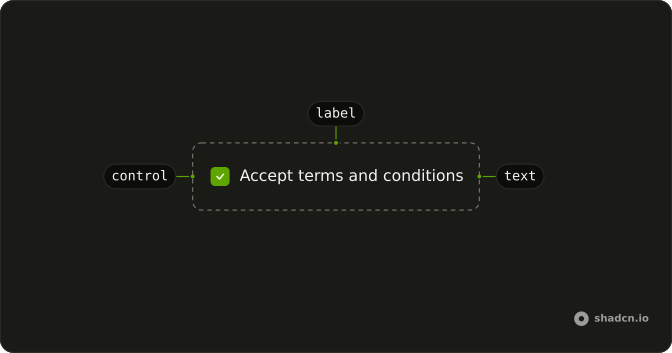
Anatomy
Usage
<Label>
    Email <span class="text-destructive">*</span>
  </Label>
FAQ
How is the asterisk marked up?
A span with className="text-destructive" and the character *, after the word Email, inside the Label. There is a space between Email and the span.
Where does the asterisk sit?
On the same line, after the caption. Label is a flex row with gap-2, so the span follows Email.
Where does the red come from?
text-destructive on the span only. The word Email keeps the label's text color. The label itself has no color class.
Does the asterisk mark a field required?
No. The file has no input. The asterisk is visual. Put required on the input as well, or the field is not required to the browser.
API Reference
Label
No extra props in this demo. The rest is on the Label page.