shadcn.io is an independent project built on shadcn/ui
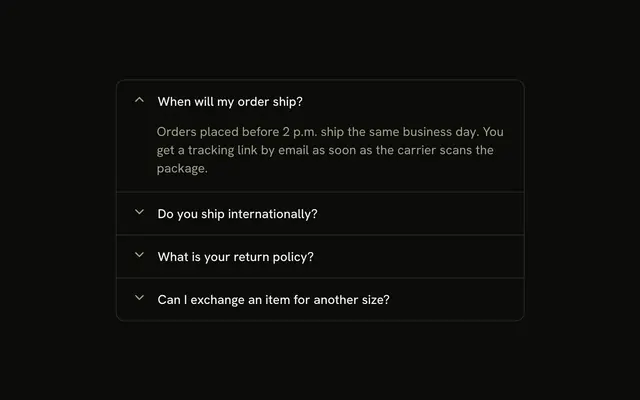
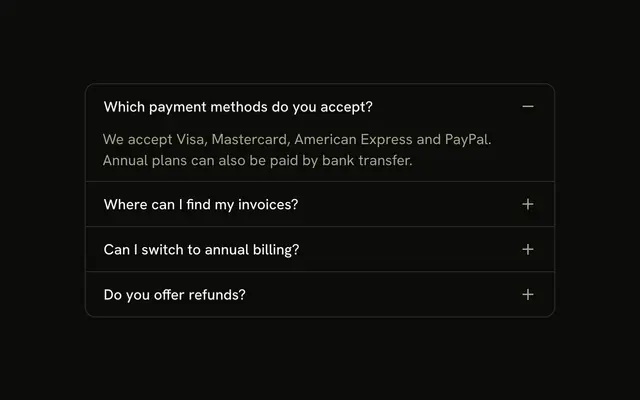
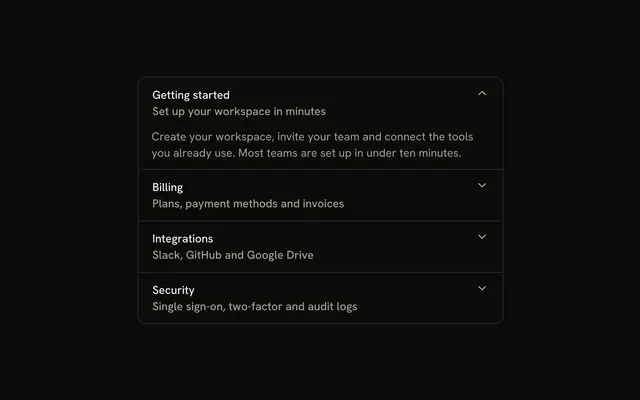
Three questions in one bordered stack, with the chevron on the right. How does the free trial work? starts open. Opening another question closes this one.
Use it for a short FAQ where one answer at a time is enough. A single question can be a Collapsible. In Solid, Ark UI does not remember which answer was open.
Installation
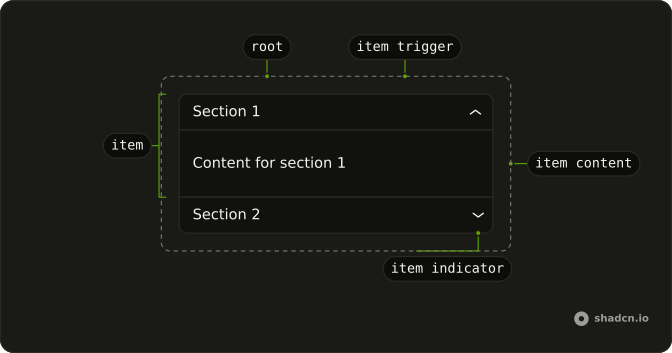
Anatomy
Usage
<Accordion class="w-full max-w-md -space-y-px" defaultValue={["trial"]}>
    {items.map(item => <AccordionItem class="overflow-hidden border bg-background px-4 first:rounded-t-lg last:rounded-b-lg" value={item.value}>
        <AccordionTrigger>{item.title}</AccordionTrigger>
        <AccordionContent>
          <p class="text-muted-foreground">{item.content}</p>
        </AccordionContent>
      </AccordionItem>)}
  </Accordion>
FAQ
When should I use a standard accordion vs other variants?
Use it when the headings explain themselves and the content is a paragraph or two: an FAQ, a settings group, a help section. Reach for icons or subtitles when people need more to go on before they open an item, and for a nested layout when sections hold sub-topics.
How do I let several items stay open at once?
One open item is the default. Add multiple to Accordion to let several stay open, and pass every item to open first in the defaultValue array.
How do I customize the border and spacing?
Each AccordionItem gets a full border, and -space-y-px on Accordion pulls the items up by one pixel so neighboring borders overlap into a single line. first:rounded-t-lg and last:rounded-b-lg round the outer corners. Change px-4 on the items for more room, or drop the borders for a flat list.
Can I change the chevron icon?
AccordionTrigger draws its own chevron, a down arrow that turns into an up arrow when the item opens. Both icons have data-slot="accordion-trigger-icon", so **:data-[slot=accordion-trigger-icon]:hidden on a trigger hides them and you can put your own icon in the trigger. To change the icon everywhere, edit it in components/ui/accordion.
API Reference
Accordion
Sets defaultValue={["trial"]} and value={item.value}. The rest is on the Accordion page.