shadcn.io is an independent project built on shadcn/ui
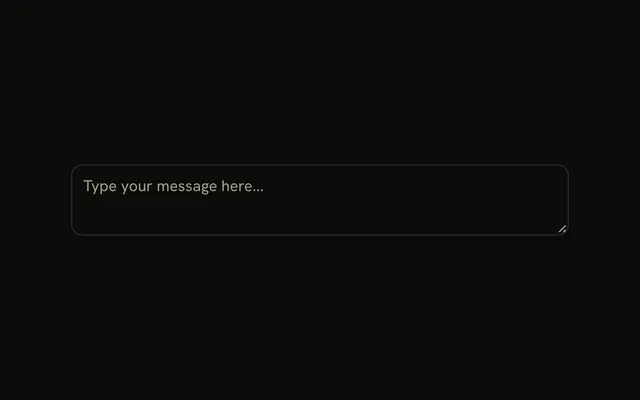
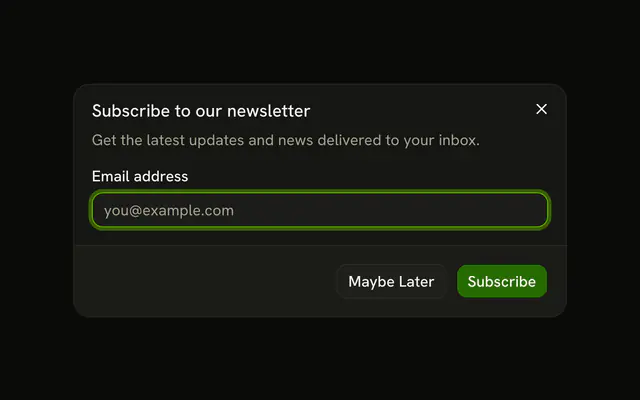
Send Feedback opens Share your feedback. The only field is Your feedback, with the placeholder Tell us what you think. Cancel and Submit Feedback sit under it. Submit stays on even when the field is empty.
Use it for one comment from anywhere in the app. Disable submit yourself when blank notes are useless. A shorter note can sit in a Popover. In Svelte, Ark UI does not send the comment.
Installation
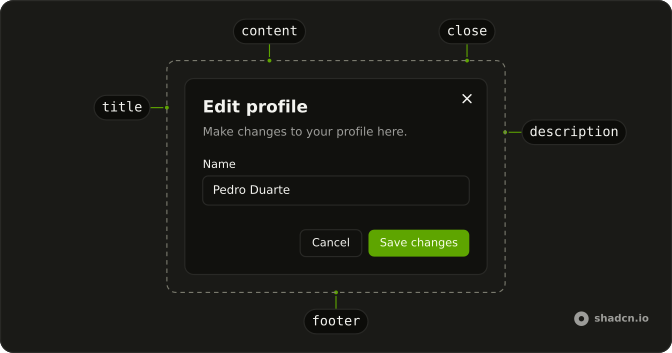
Anatomy
Usage
<Dialog><DialogTrigger>{#snippet asChild(props)}<Button {...props()} variant="outline">Send Feedback</Button>{/snippet}</DialogTrigger><DialogContent class="sm:max-w-lg"><DialogHeader><DialogTitle>Share your feedback</DialogTitle><DialogDescription>We'd love to hear your thoughts on how we can improve.</DialogDescription></DialogHeader><Field><FieldLabel>Your feedback</FieldLabel><Textarea class="min-h-30" name="feedback" placeholder="Tell us what you think..." /></Field><DialogFooter><DialogClose>{#snippet asChild(props)}<Button {...props()} variant="outline">Cancel</Button>{/snippet}</DialogClose><Button>Submit Feedback</Button></DialogFooter></DialogContent></Dialog>FAQ
Should I limit the length?
A maxLength of one or two thousand characters keeps submissions reasonable; show the count in a FieldDescription if you set one.
Should the text be required?
Disable Submit Feedback while the textarea is empty, so people don't send blank feedback by accident.
Should I add categories or a rating?
For routing, a select for Bug, Feature request or Other helps. Keep the form short; the point is that it's quick.
Can people attach screenshots?
Yes, with a file input or the File Upload component. Limit the size and show a preview.
API Reference
Dialog
No extra props in this demo. The rest is on the Dialog page.
Button
Sets props and variant="outline". The rest is on the Button page.
Field
No extra props in this demo. The rest is on the Field page.
Textarea
Sets name="feedback" and placeholder="Tell us what you think...". The rest is on the Textarea page.