Add a watermark to an image.
Put your name or logo on one photo or a whole batch, in a corner or tiled across the picture, at the same share of every image's width. It runs in your browser, so the photos stay on your device.
Add a watermark to an image.
Need the UI around it? With Pro, your AI agent builds the form, the result card and the rest of the page from a prompt.
Get ProHow it works
4 steps, no account. It runs in your browser and nothing is uploaded.
Add images
Drop one photo or a batch: JPG, PNG, WebP, GIF or AVIF.
Make the mark
Type the text and pick its font, weight and color, or choose a PNG, SVG or WebP logo.
Place it
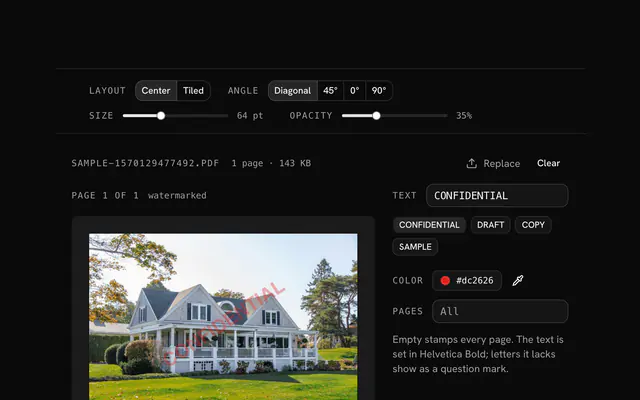
Pick one of nine positions and a margin, or tile it; then set the size, opacity and rotation.
Download
Save the photo shown, or every photo with the same mark in one ZIP.
Related tools
More image tools. Every one free, in the browser.
Pricing
Build it with Pro
The tool is free. Pro adds 6,000+ blocks, premium templates and the MCP server, so your AI editor builds the product around it.
4.9/5 out of 5 · 150+ reviewsfrom 150+ founders and developers.
- Secure checkout via Stripe
- Code lives in your repo
- Keep what you've shipped if you cancel
- License terms
Questions and answers
Before you trust the result: what to know about the format, the limits, your data and the tools next to it.
A corner mark is discreet and easy to crop away. A mark over the subject, or a tiled pattern across the whole picture, is much harder to remove, at the cost of covering more of the photo. For proofs and previews, tile it; for work you share openly, a corner is usually enough.
Leave Shadow on: a light text mark gets a dark shadow and a dark one a light shadow, so it stays legible over sky and shade alike. Lowering the opacity keeps the mark visible without hiding the photo; it starts at 80%.
The mark spans a share of each picture's width, 30% to start, and the margin is a share of it too, so photos of different sizes all get the mark at the same proportion. A fixed pixel size would be tiny on a 6000-pixel photo and huge on a 1080-pixel one.
Tiled repeats the mark in rows across the whole picture, turned with the rotation so the rows run along the text. Spacing sets the gap as a share of the mark's longer side, 60% to start, and Stagger shifts every other row by half a step, like bricks.
No. The mark is drawn on a canvas in your browser and the photo is encoded there; the page makes no request with your photos or your logo.
PNG, SVG or WebP, so the logo can keep a transparent background. It's scaled to the size you set, keeping its own proportions, and the same logo goes on every photo of the batch.
Sans, Serif or Mono, in regular or bold, in any color. They are your system's own typefaces, so the mark draws without fetching a font.
Same keeps a JPEG, PNG or WebP in its own format and writes a GIF as PNG; JPEG, WebP and PNG are there too, with a quality slider for the lossy two. The file is named after yours with -watermarked added.
No. The "Add a watermark to an image" tool is free and opens without a sign-in, an account or an install.
The text © Your Name in bold white sans serif with a shadow, at the bottom right, 3% of the width from the edges, 30% of the width wide and 80% opaque. The photo keeps its own format at quality 90.
Size from 2 to 100% of the picture's width, opacity from 5 to 100%, rotation from -90° to 90°, margin from 0 to 15% and tile spacing from 10 to 200% of the mark.
Your file's name with -watermarked added, such as photo-watermarked.jpg. A batch comes back as watermarked-images.zip.
Yes. Drop several files at once or add more with Add images; the strip under the preview picks which one is shown, and Download all as ZIP watermarks every file with the same settings, one after another.
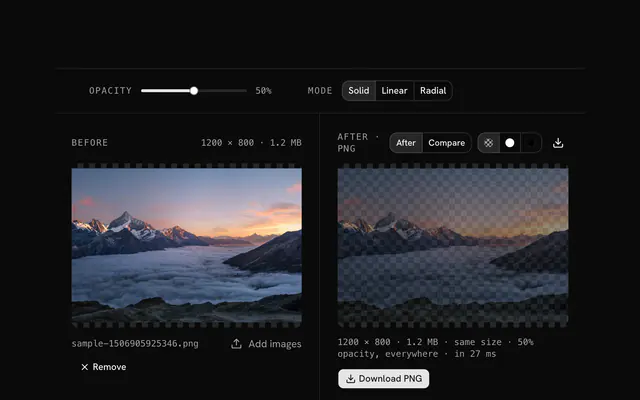
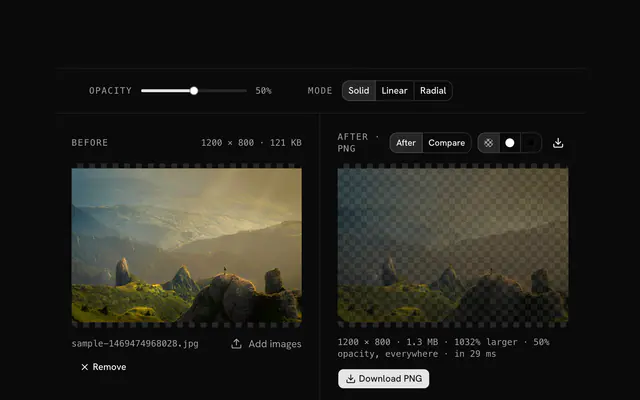
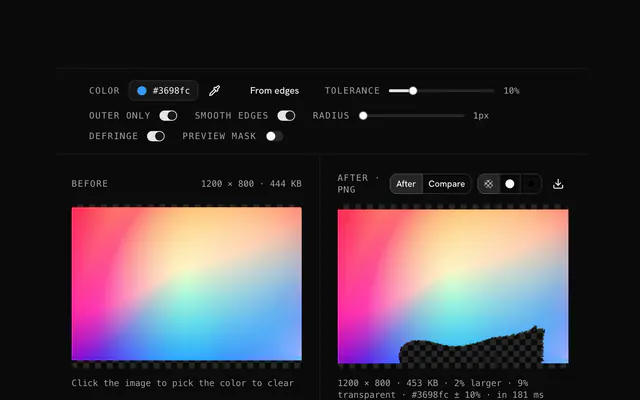
Closest to the "Add a watermark to an image" tool: Watermark a PDF, Watermark opacity tool, Logo watermark from SVG, Transparent logo maker. Each opens on its own page, free and in the browser.
The "Add a watermark to an image" tool is one of 18 in its group. The group's page, /tools/image, lists them all.
The tool is free. Its interface is built from shadcn.io's own components (Button, Input, Slider and the rest of the registry under /ui), which come in React, Vue, Svelte and Solid. Pro adds the blocks and templates for the product around it.
4.9 out of 5 from 150+ developers


Build the product around it
Every block, template and icon, installed by your AI agent in your theme. The tools stay free.
Get Pro