Watermark a PDF.
Stamp a text watermark on a PDF's pages: one line through the middle or a tiled field, at the angle, size, color and opacity you choose. Each page shows it as it will be saved.
Watermark a PDF.
Need the UI around it? With Pro, your AI agent builds the form, the result card and the rest of the page from a prompt.
Get ProHow it works
4 steps, no account. It runs in your browser and nothing is uploaded.
Drop the PDF
One file up to 500 MB, read on your device.
Write the text
Type it, or pick CONFIDENTIAL, DRAFT, COPY or SAMPLE.
Set the look
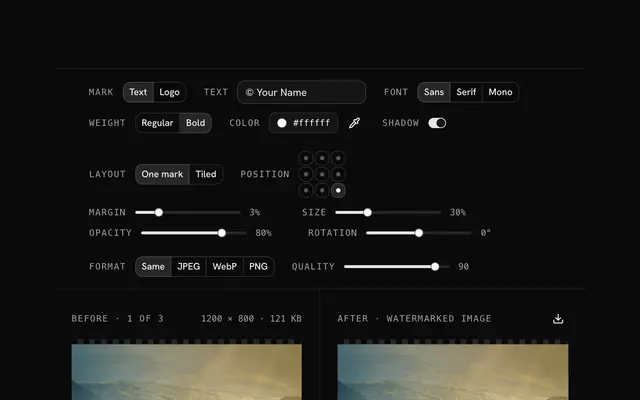
Choose center or tiled, the angle, the size, the opacity and the color.
Stamp and download
Press Add watermark and save the stamped copy.
Related tools
More file tools. Every one free, in the browser.
Pricing
Build it with Pro
The tool is free. Pro adds 6,000+ blocks, premium templates and the MCP server, so your AI editor builds the product around it.
4.9/5 out of 5 · 150+ reviewsfrom 150+ founders and developers.
- Secure checkout via Stripe
- Code lives in your repo
- Keep what you've shipped if you cancel
- License terms
Questions and answers
Before you trust the result: what to know about the format, the limits, your data and the tools next to it.
It's drawn into each page's content, not added as a comment, so it prints and can't be switched off in a reader. Someone with a PDF editor can still delete it, as with any text watermark. For a mark that can't be lifted, redraw the stamped pages as images with Compress PDF's Rasterize mode.
Diagonal follows each page's own diagonal, corner to corner, so the line suits portrait and landscape pages alike. 45° and 90° turn it by that much, and 0° keeps it level. Tiled repeats the line at the same angle over the whole page.
Yes. The watermark is drawn over the page at the opacity you set, and the page's own text, links and form fields are untouched. The watermark is text as well, so it stays sharp at any zoom.
It's set in Helvetica Bold, a font built into every PDF reader, which covers Western European letters. Others, such as Greek, Cyrillic or Chinese, show as a question mark, in the preview as in the file.
No. The PDF is read into your browser's memory and stamped there with pdf-lib, an open-source library. The page makes no request with it, and files up to 500 MB work.
Yes. Write them in Pages, such as 1, 3-5 or 2-; empty means every page. Pages left out are dimmed in the strip, and the label over the preview says whether its page gets the watermark.
Between 15% and 30% keeps the page easy to read while the mark stays plain to see; a tiled field reads better lighter. The preview shows the result as it will be saved, so adjust until it looks right.
Not while it's protected. A file with a password or restrictions can't be rewritten here, and the tool says so; save an unprotected copy from a reader that has the password and stamp that.
No. The "Watermark a PDF" tool is free and opens without a sign-in, an account or an install.
Nothing. The "Watermark a PDF" tool holds your input in the page's memory, so closing or reloading the tab clears it, and it saves nothing in this browser.
Files are read into your browser's memory and the "Watermark a PDF" tool works on them there; nothing is sent to a server.
The "Watermark a PDF" tool is free and needs no account.
Work in memory means the limit is what your device can hold: up to 500 MB per PDF and 2 GB for a ZIP.
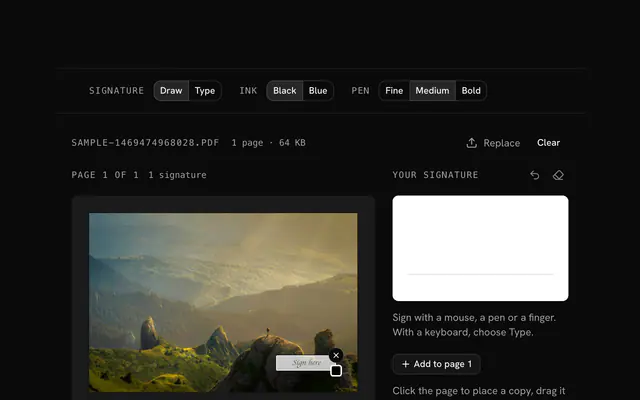
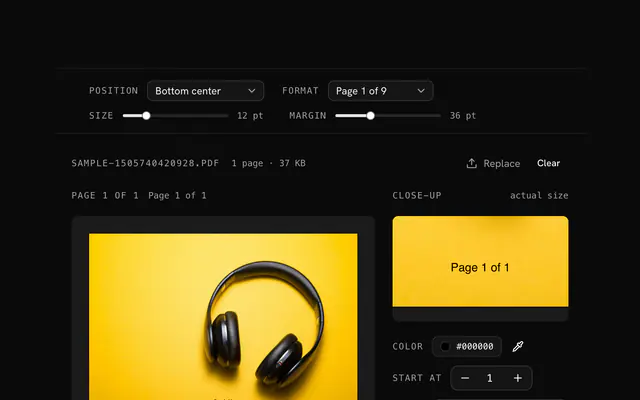
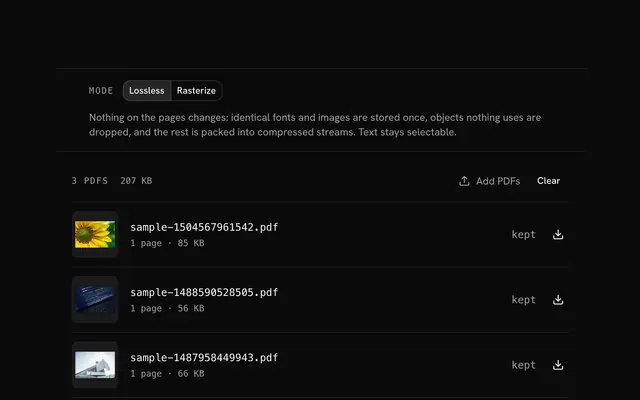
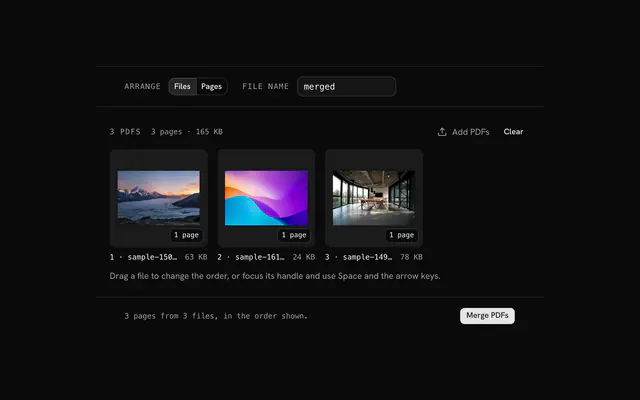
Closest to the "Watermark a PDF" tool: Sign a PDF, Add page numbers to a PDF, Compress PDF, Merge PDF. Each opens on its own page, free and in the browser.
The "Watermark a PDF" tool is one of 15 in its group. The group's page, /tools/file, lists them all.
The tool is free. Its interface is built from shadcn.io's own components (Button, Input, Slider and the rest of the registry under /ui), which come in React, Vue, Svelte and Solid. Pro adds the blocks and templates for the product around it.
4.9 out of 5 from 150+ developers


Build the product around it
Every block, template and icon, installed by your AI agent in your theme. The tools stay free.
Get Pro