Image resizer.
Drop one image or fifty, then resize by percent, to exact pixels or to a social or screen preset. Lanczos-3 resampling runs in your browser, so nothing is uploaded.
Image resizer.
Need the UI around it? With Pro, your AI agent builds the form, the result card and the rest of the page from a prompt.
Get ProHow it works
4 steps, no account. It runs in your browser and nothing is uploaded.
Add images
Drop one or more JPG, PNG, WebP, GIF, AVIF or SVG files; the first one is previewed.
Pick the size
Scale by a percentage, type a width and a height with the ratio kept or not, or choose a preset.
Choose the fit
For an exact box, choose cover, contain or stretch; then the resampling, the format and the quality.
Download
Save the image shown, or every file resized the same way in one ZIP.
Which resampling to pick
The filter decides the detail. Every resize recomputes pixels from their neighbours, and the resampling filter decides how sharp the result is and whether fine patterns shimmer.
Lanczos-3
The sharpest way down: every source pixel counts, weighted along a windowed sinc, so text and fine patterns survive without moiré. Our default.
Smooth
The browser's own smoothing in halving steps. A touch softer than Lanczos and quicker on very large photos; good for thumbnails.
Pixel
Nearest neighbour: each new pixel copies one old one. Hard edges for pixel art, icons and QR codes, best at whole multiples like 200% or 400%.
Clean edges on transparency
Transparent pixels are weighed by their alpha, so a logo on transparency gets no dark fringe around its edges after resizing.
Related tools
More image tools. Every one free, in the browser.

Pricing
Build it with Pro
The tool is free. Pro adds 6,000+ blocks, premium templates and the MCP server, so your AI editor builds the product around it.
4.9/5 out of 5 · 150+ reviewsfrom 150+ founders and developers.
- Secure checkout via Stripe
- Code lives in your repo
- Keep what you've shipped if you cancel
- License terms
Questions and answers
Before you trust the result: what to know about the format, the limits, your data and the tools next to it.
Lanczos-3 computes each new pixel from its neighbours up to three pixels away on every side (a wider span when shrinking), weighted along a windowed sinc curve, which keeps edges crisp and stops fine patterns (fabric, roof tiles, screen text) from turning into moiré. Smooth halves the picture with the browser's own filter until it's close, then scales once: softer, and quicker on huge files. Pixel copies the nearest pixel, the right choice for pixel art, QR codes and icons scaled up by whole numbers.
Making a picture smaller throws pixels away but loses nothing you could see at the new size, as long as the filter averages properly, which Lanczos does. Making it bigger can't add detail that was never captured: every method only guesses the in-between pixels, so a 400-pixel logo blown up to 2000 will look soft. Start from the largest original you have.
They apply when the box has another shape than the picture. Cover fills the box and trims what overflows, keeping the centre. Contain fits the whole picture inside and fills the bands with a blurred copy of itself, a color, or transparency. Stretch fills the box by distorting the picture, which is rarely what you want for photos.
Twice the size it's displayed at, so it stays sharp on high-density screens: a photo shown 800 pixels wide on a page wants 1600. Full-width hero images rarely need more than 2400 pixels across. Past that, the extra pixels cost bandwidth and add nothing anyone sees.
No. Each file is decoded, resized and encoded again by your browser, and the page makes no request with it.
Yes. Drop as many as you like; the preview shows the one selected in the strip, and Download all as ZIP writes every file with the same settings, one after another, so only one picture is held in memory at a time.
With the ratio kept, the side you typed last sets the size: type a width of 1080 and every picture comes out 1080 pixels wide, each with the height its own proportions give, so a portrait and a landscape both stay undistorted. Unlock it and every file comes out at exactly the width and height shown, using the fit you choose.
Up to 16,384 pixels on a side and 100 megapixels in all, about what a browser canvas holds (phones hold less). A bigger request is declined with a message instead of failing silently.
No. The "Image resizer" tool is free and opens without a sign-in, an account or an install.
Percent at 50%, Lanczos resampling, the photo's own format at quality 90. Switch to Pixels and the width and height start from the current result, so you can type over them.
Instagram square, portrait and story, X post and header, LinkedIn post and banner, Facebook post and cover, YouTube thumbnail and banner, a Pinterest pin and the Open Graph image, plus HD, Full HD, QHD and 4K screens, phone and tablet wallpapers and a 512-pixel app icon.
Your file's name with the new size and the format's extension: photo.jpg resized to 1080 wide becomes photo-1080x720.jpg. In a ZIP every file carries its own size, since kept ratios differ from picture to picture.
Up to 16,384 pixels on a side and 100 megapixels in all. Each source file can be up to 100 MB.
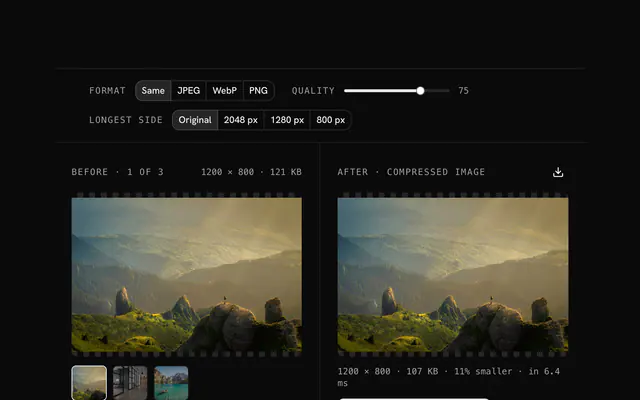
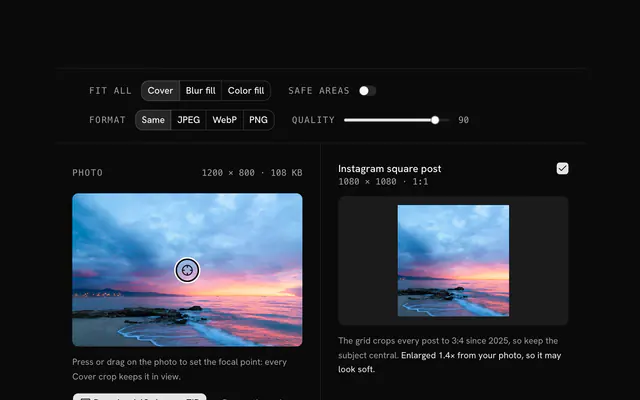
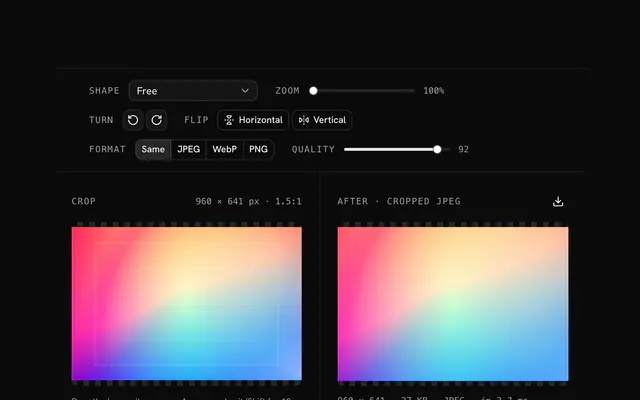
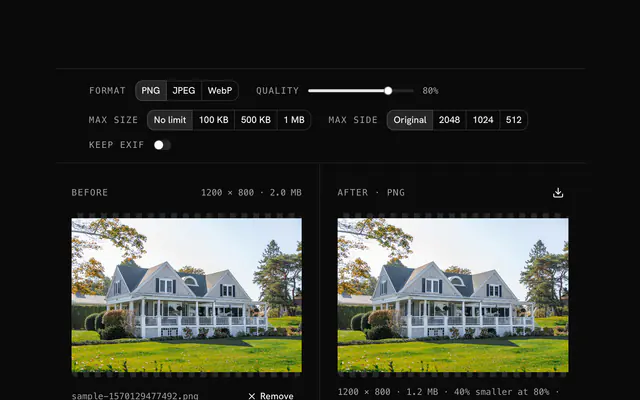
Closest to the "Image resizer" tool: Image compressor, Social media image resizer, Image cropper, Image converter. Each opens on its own page, free and in the browser.
The "Image resizer" tool is one of 18 in its group. The group's page, /tools/image, lists them all.
The tool is free. Its interface is built from shadcn.io's own components (Button, Input, Slider and the rest of the registry under /ui), which come in React, Vue, Svelte and Solid. Pro adds the blocks and templates for the product around it.
4.9 out of 5 from 150+ developers


Build the product around it
Every block, template and icon, installed by your AI agent in your theme. The tools stay free.
Get Pro