Currency converter.
Convert an amount between 14 common currencies with a dated table of reference rates you can edit. No API and no request: the arithmetic runs in your browser.
Currency converter.
Need the UI around it? With Pro, your AI agent builds the form, the result card and the rest of the page from a prompt.
Get ProHow it works
3 steps, no account. It runs in your browser and nothing is uploaded.
Enter the amount
Type an amount and pick the two currencies; the result updates as you type.
Read the rate
The cross rate and the table's date are under the result; the rates are for reference, not for trading.
Correct the table when you need to
Change any rate in the table to today's and the converter uses it at once.
Related tools
More math and finance. Every one free, in the browser.
Pricing
Build it with Pro
The tool is free. Pro adds 6,000+ blocks, premium templates and the MCP server, so your AI editor builds the product around it.
4.9/5 out of 5 · 150+ reviewsfrom 150+ founders and developers.
- Secure checkout via Stripe
- Code lives in your repo
- Keep what you've shipped if you cancel
- License terms
Questions and answers
Before you trust the result: what to know about the format, the limits, your data and the tools next to it.
A fixed table of reference rates against the US dollar for 14 common currencies, dated in the status line under the result. They are for a sense of scale, not for trading, and the page never fetches newer ones. Edit any rate to match today's and the converter uses yours at once.
Because fetching rates would mean a request to a rate service with your amounts in it, and this section's rule is that nothing leaves your browser. A dated table you can correct is honest about what it is; a live feed from a third party would not be.
Every amount is converted through the dollar: divided by the source currency's rate, multiplied by the target's. The cross rate shown under the result is that ratio for one unit.
In the currency's own style with the Intl API built into the browser: the symbol, the grouping and the usual number of decimals (two for most, none for the yen). Amounts under one keep up to six decimals so a small rate is not rounded away.
Type the amount, choose the currencies, and the result updates as you type. Swap exchanges the two currencies; the rate line under the result says how many of one a unit of the other buys.
Change the number in the rate table under the converter: each is units of that currency per one US dollar. The status line marks the table as edited; Reset brings back the shipped rates.
No. There is no request at all: the table is part of the page, the arithmetic runs on your device, and the converter works offline.
No. The Currency converter is free and opens without a sign-in, an account or an install.
The Currency converter keeps nothing on a server; only the invoice generator saves its draft, in this browser's localStorage on your device. Nothing else is saved, and nothing is sent to shadcn.io.
30 common currencies, listed against the US dollar in a fixed table dated 2026-10-23.
Edit the number for a currency in the rate table under the converter, in units of that currency per US dollar. The status marks the table as edited, and Reset restores the shipped rates.
No. Your edits to the rates are kept only while the page is open, and nothing is saved or sent.
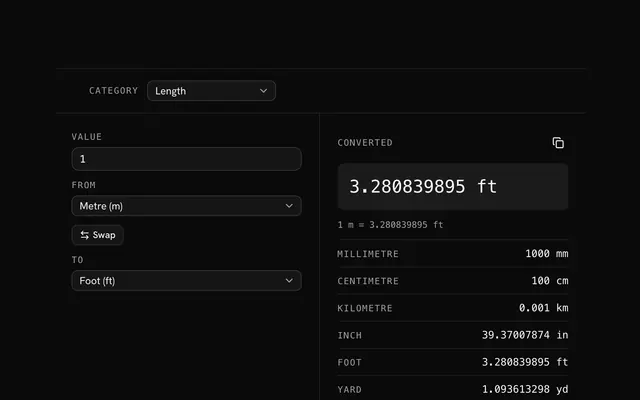
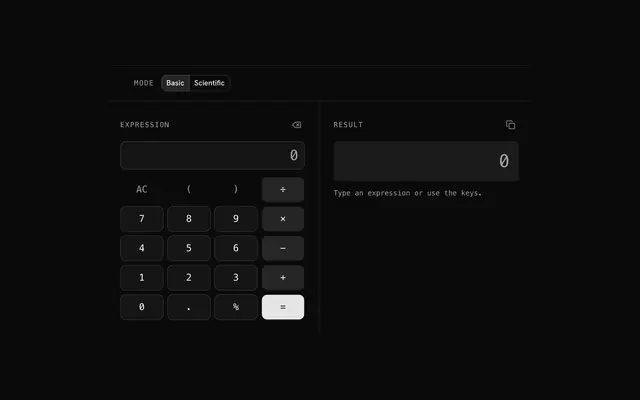
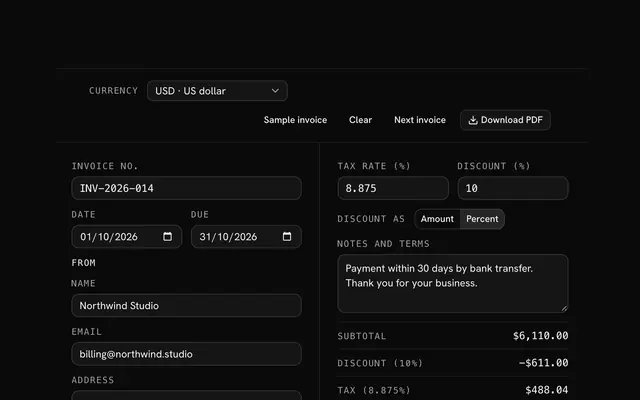
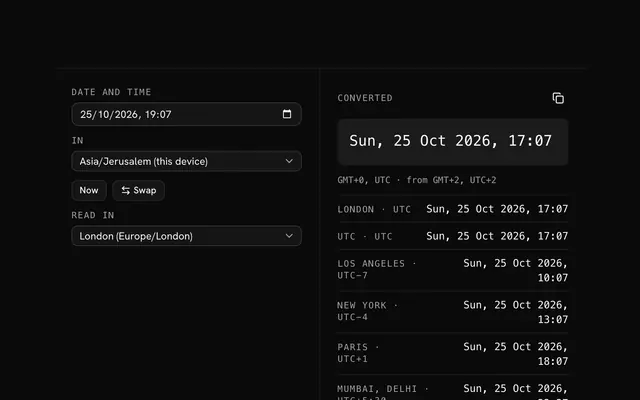
Closest to the Currency converter: Unit converter, Calculator, Invoice generator, Time zone converter. Each opens on its own page, free and in the browser.
The Currency converter is one of 20 in its group. The group's page, /tools/math, lists them all.
The tool is free. Its interface is built from shadcn.io's own components (Button, Input, Slider and the rest of the registry under /ui), which come in React, Vue, Svelte and Solid. Pro adds the blocks and templates for the product around it.
4.9 out of 5 from 150+ developers


Build the product around it
Every block, template and icon, installed by your AI agent in your theme. The tools stay free.
Get Pro