Change an SVG logo's color.
Need the logo in white, or in a client's color? Drop the SVG, pick the color to change and its replacement, and download the PNG. Nothing is uploaded.
Change an SVG logo's color.
Need the UI around it? With Pro, your AI agent builds the form, the result card and the rest of the page from a prompt.
Get ProHow it works
4 steps, no account. It runs in your browser and nothing is uploaded.
Drop an SVG
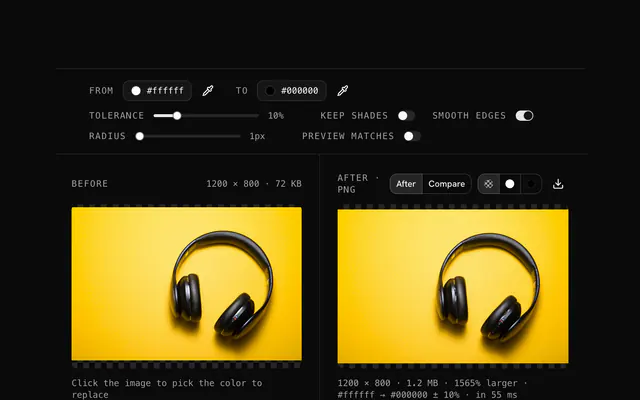
Drop an SVG; the browser draws it at the size it declares and shows the pixels.
Pick the color to change
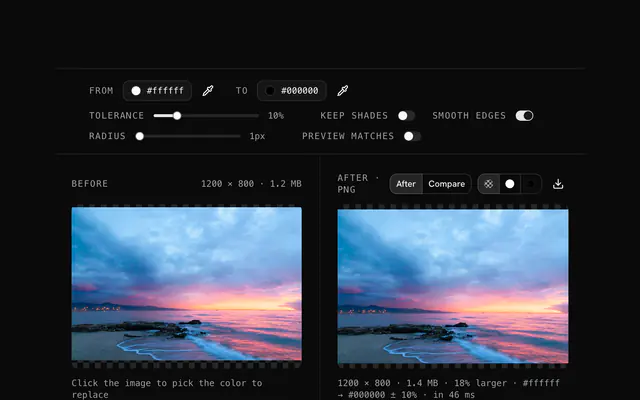
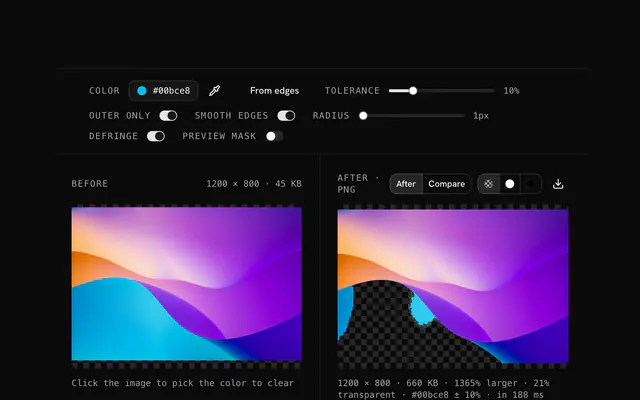
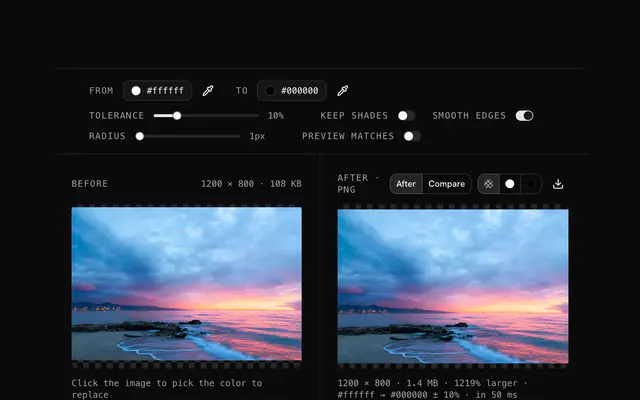
Click the picture to sample the color to change, or type its hex; widen the tolerance to catch anti-aliased edges and near shades.
Pick the new color
Choose the new color; every pixel within the tolerance of the old one takes it, the rest stay as they were.
Download the PNG
The result is a PNG with the transparency kept; run it again for a second color.
Related tools
More SVG tools. Every one free, in the browser.
Pricing
Build it with Pro
The tool is free. Pro adds 6,000+ blocks, premium templates and the MCP server, so your AI editor builds the product around it.
4.9/5 out of 5 · 150+ reviewsfrom 150+ founders and developers.
- Secure checkout via Stripe
- Code lives in your repo
- Keep what you've shipped if you cancel
- License terms
Questions and answers
Before you trust the result: what to know about the format, the limits, your data and the tools next to it.
Drop the logo, click its current color (often black), set the new color to #ffffff, download. The white version suits dark backgrounds, footers and overlays.
Yes. Run the original through once per variant with a different new color: one for light backgrounds, one for dark, one per brand color.
Yes. Pick only the color to change; the others stay exactly as they are. Run the result again for the next color.
The browser draws the SVG to pixels at the size it declares (its width and height, or its viewBox), and the tool works on those pixels. The result is a PNG, not an SVG: for a larger output, set a larger width and height on the SVG first, with the SVG editor.
Convert the Pantone or brand color to hex first (the color converter does it), then type that hex as the new color.
It works best on flat color. On a gradient, only the pixels within the tolerance change, which can leave a band; check the preview, or widen the tolerance.
Yes. Drop the SVG, change a color or leave it, and download the PNG: the conversion and the recolor in one step.
No. The file is read and drawn by your browser, and the page makes no request with it. You can load the page, go offline and keep working; nothing is stored either, so reload and it is gone.
No. The "Change an SVG logo's color" tool is free and opens without a sign-in, an account or an install.
Nothing. The "Change an SVG logo's color" tool holds your input in the page's memory, so closing or reloading the tab clears it, and it saves nothing in this browser.
The edit is written as a PNG because PNG stores every pixel exactly, with a full alpha channel, so the result can be edited again without a second round of loss.
No. The browser decodes the image and the tool writes a new file from its pixels, so camera EXIF, GPS position and text chunks in the original are not copied into the result. Keep the original file if you need them.
No. The result has the same width and height in pixels as the source.
Closest to the "Change an SVG logo's color" tool: SVG color replacer, Recolor a logo, SVG to transparent PNG converter, SVG theme color changer. Each opens on its own page, free and in the browser.
The "Change an SVG logo's color" tool is one of 45 in its group. The group's page, /tools/svg, lists them all.
The tool is free. Its interface is built from shadcn.io's own components (Button, Input, Slider and the rest of the registry under /ui), which come in React, Vue, Svelte and Solid. Pro adds the blocks and templates for the product around it.
4.9 out of 5 from 150+ developers


Build the product around it
Every block, template and icon, installed by your AI agent in your theme. The tools stay free.
Get Pro